

Haoban AI is a health assistant app by Hangzhou Zhizhen Technology. Photograph a lab sheet or examination report to get each indicator explained, analyse multiple reports together, ask health questions at any hour, and keep a running record with medication reminders. It supports understanding and daily management, not diagnosis.
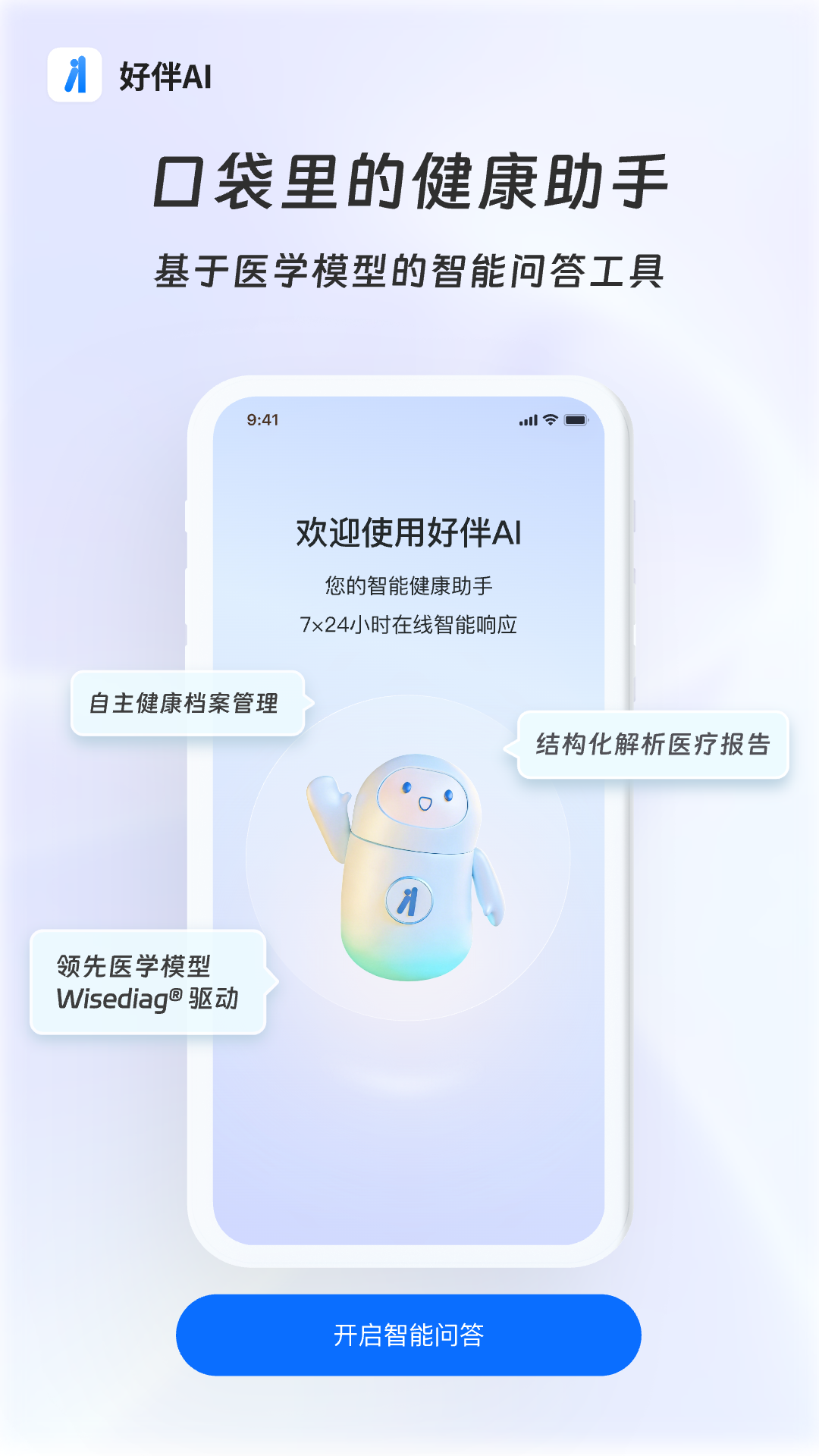
Haoban AI: a health assistant that reads your lab reports from a photo
Haoban AI is a health assistant app from Hangzhou Zhizhen Technology. Its entry point is narrow and practical: take a photo of a lab sheet, a scan result or an annual check-up report, upload it, and get a plain-language walkthrough of what each number means. It can also analyse several reports together so trends and relationships between indicators become visible. On top of that it offers round-the-clock medical Q&A built on a general-practice language model, and keeps a record of health history and past conversations so later questions can build on earlier context. It is designed for understanding health information and managing day-to-day care, not for replacing a doctor's examination.
Key features
Lab report reading: photograph a lab sheet or examination report and get each indicator explained, including what an out-of-range value may point to.
Multi-report analysis: place reports from different dates or different tests side by side to follow trends and connections.
Check-up report walkthrough: a structured explanation of an annual physical report, highlighting the parts worth attention.
Medical Q&A: general-practice oriented answers available at any hour of the day.
Expert personas: knowledge and experience distilled from senior clinicians into a conversational form, so answers read closer to a professional consultation.
Long-term memory: health history and previous conversations are retained so follow-up questions start from where you left off.
Alerts and reminders: prompts based on your condition and history, including medication reminders, to keep a routine on track.
How to use it
Install the app: search for Haoban AI in your app store and sign up.
Fill in basic details: age, sex and relevant history, so the interpretation fits your situation.
Upload a report: photograph the sheet or pick an image from the album.
Read the explanation: go through the item-by-item notes and notice the difference between a value being outside the reference range and a finding that needs medical attention.
Ask follow-ups: raise questions about specific indicators or add symptoms and medication details to steer the conversation.
Keep the record: reports and conversations stay in the app, which helps when you see another doctor or change hospitals.
Follow reminders: use the medication and re-test prompts as a schedule, while the prescription itself remains your doctor's decision.
Where it helps
New parents: when a child has a fever or a rash, get a first sense of what is common and what needs prompt care.
Chronic condition tracking: store blood sugar, lipid and liver or kidney results over time and review the trend before an appointment.
Working adults: make sense of a check-up report before deciding which specialist to book.
Changing hospitals: keep prior reports together so you do not have to retell the whole history.
Daily routine: let reminders carry the medication and follow-up schedule.
Limitations to keep in mind
The app provides health information and consultation support. It is not a diagnosis or a prescription and does not replace an in-person examination or treatment.
Emergency symptoms, steadily worsening conditions, pregnancy complications or high fever in a child need immediate medical care rather than an online answer.
Report reading depends on how clear and complete the photo is; blurry images, missing pages or non-standard formats can distort the result.
Reference ranges and testing methods differ between hospitals, so compare values with the units and ranges printed on that specific report.
Model output can be incomplete or wrong. Decisions about medication changes, surgery or cancer screening must come from a qualified specialist.
Health data is sensitive personal information. Check the privacy policy and storage terms before uploading, and do not upload someone else's records without consent.
FAQ
What is Haoban AI?
A health assistant app from Hangzhou Zhizhen Technology. Its core capability is reading lab and examination reports from a photo, alongside round-the-clock health Q&A and record keeping.
Can it replace a doctor?
No. It helps you understand reports and organise health information, while diagnosis, prescriptions and treatment plans must come from a licensed clinician.
Can it read several reports at once?
Yes. Multiple reports can be analysed together, which makes relationships between indicators and changes over time easier to see.
Is uploaded health data safe?
Reports and conversations are sensitive. Read the privacy notice and confirm how data is stored and authorised before uploading.
Frequently asked questions
What is Haoban AI?
A health assistant app from Hangzhou Zhizhen Technology. Its core capability is reading lab and examination reports from a photo, alongside round-the-clock health Q&A and record keeping.
Can it replace a doctor?
No. It helps you understand reports and organise health information, while diagnosis, prescriptions and treatment plans must come from a licensed clinician.
Can it read several reports at once?
Yes. Multiple reports can be analysed together, which makes relationships between indicators and changes over time easier to see.
Is uploaded health data safe?
Reports and conversations are sensitive. Read the privacy notice and confirm how data is stored and authorised before uploading.



