

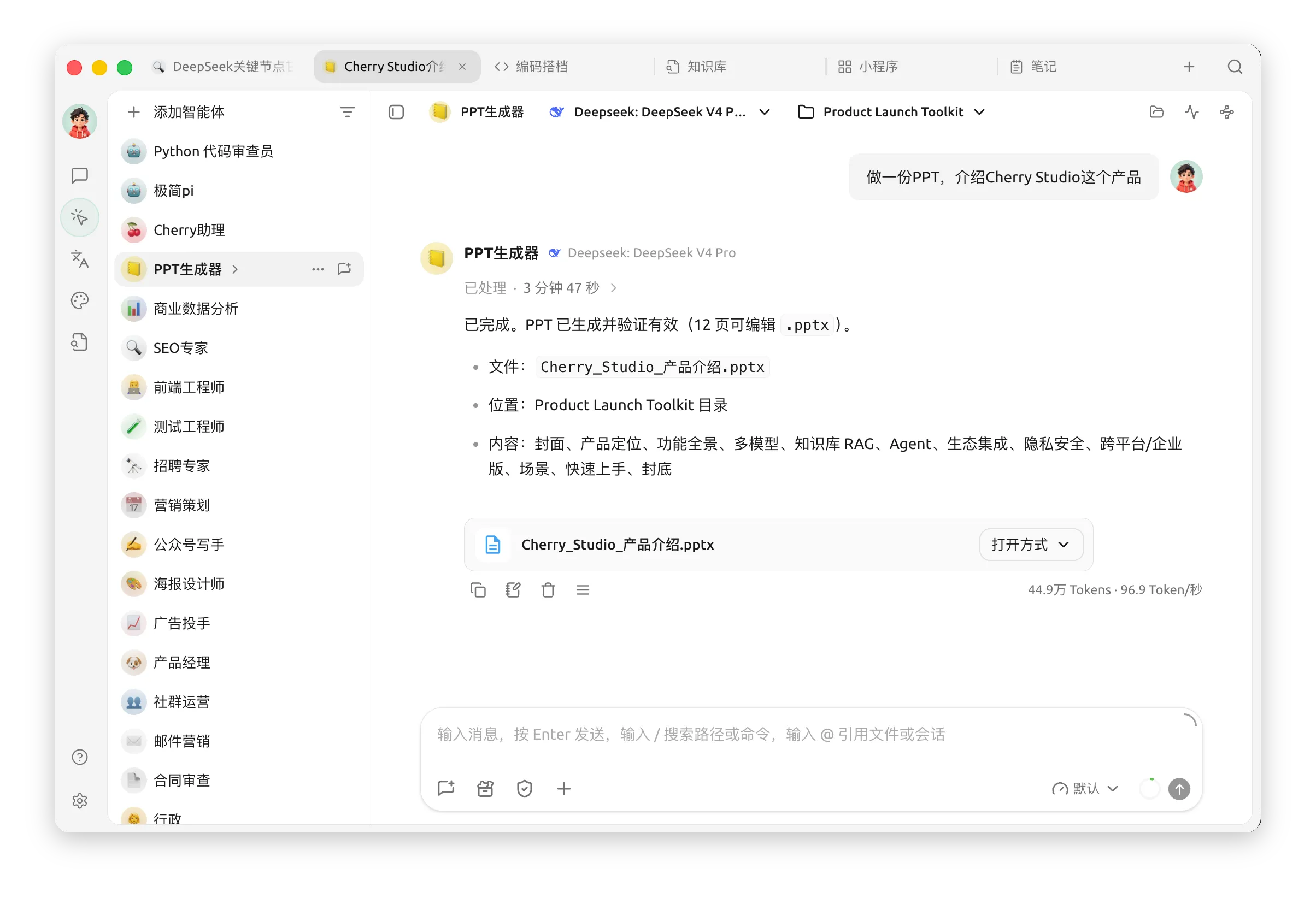
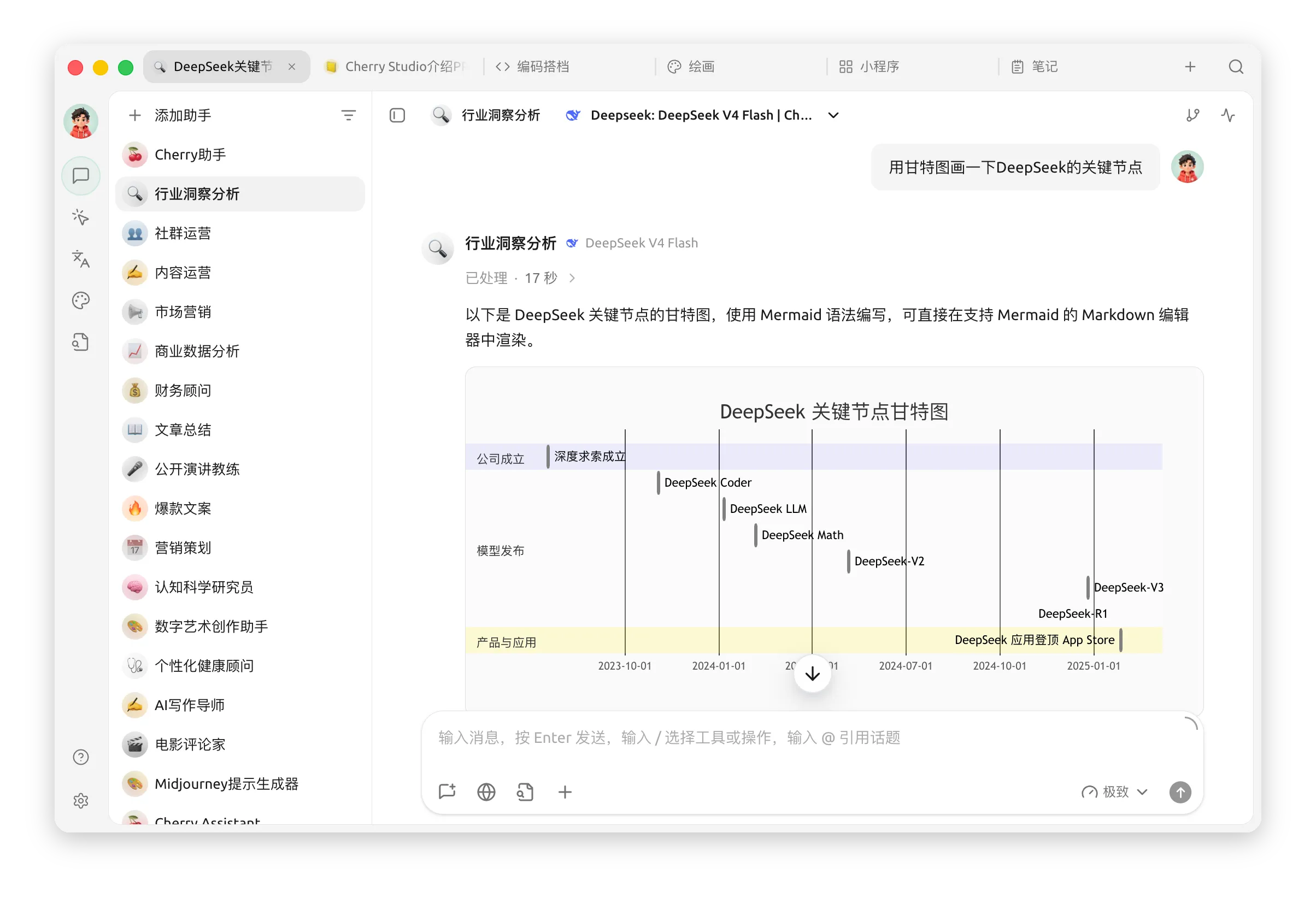
Cherry Studio is a desktop AI workbench combining multi-model chat, agents, knowledge bases, image generation and translation to organize AI work in one client.

Cherry Studio: multi-model chat and knowledge workbench
Cherry Studio is a desktop AI workbench combining multi-model chat, agents, knowledge bases, image generation and translation to organize AI work in one client.
Overview
Users can configure model providers, compare responses, import files or webpages into searchable knowledge bases and use agents, skills and tools for multistep tasks. Supported models, features and platforms depend on the version and official documentation.
Features
Download the client for your system from the official site and configure a model service or local model according to the documentation. Create a chat or knowledge base, import authorized material and test retrieval before asking questions. Check permissions and results when agents use files or tools.
How to use
Cloud model calls may incur provider charges and send selected content to that service; local operation and privacy depend on actual configuration. Protect API keys, do not share sensitive material without authorization and review model answers and agent actions before use.
Costs and precautions
Who is it for?
Individuals and teams managing multiple AI models, organizing material or exploring agent workflows.
Must a cloud model be used?
Depending on supported options and configuration, a model service or local model can be used; consult the documentation.
Does it cost money?
Client and model-service costs differ; third-party API and other service fees follow their providers’ terms.
Frequently asked questions
Who is it for?
Individuals and teams managing multiple AI models, organizing material or exploring agent workflows.
Must a cloud model be used?
Depending on supported options and configuration, a model service or local model can be used; consult the documentation.
Does it cost money?
Client and model-service costs differ; third-party API and other service fees follow their providers’ terms.



