

Yuelu suits anyone who needs to turn recordings into searchable text, including online course study, interview transcripts, meeting minutes, quick idea capture, and importing and transcribing podcast RSS feeds to organize an audio library.
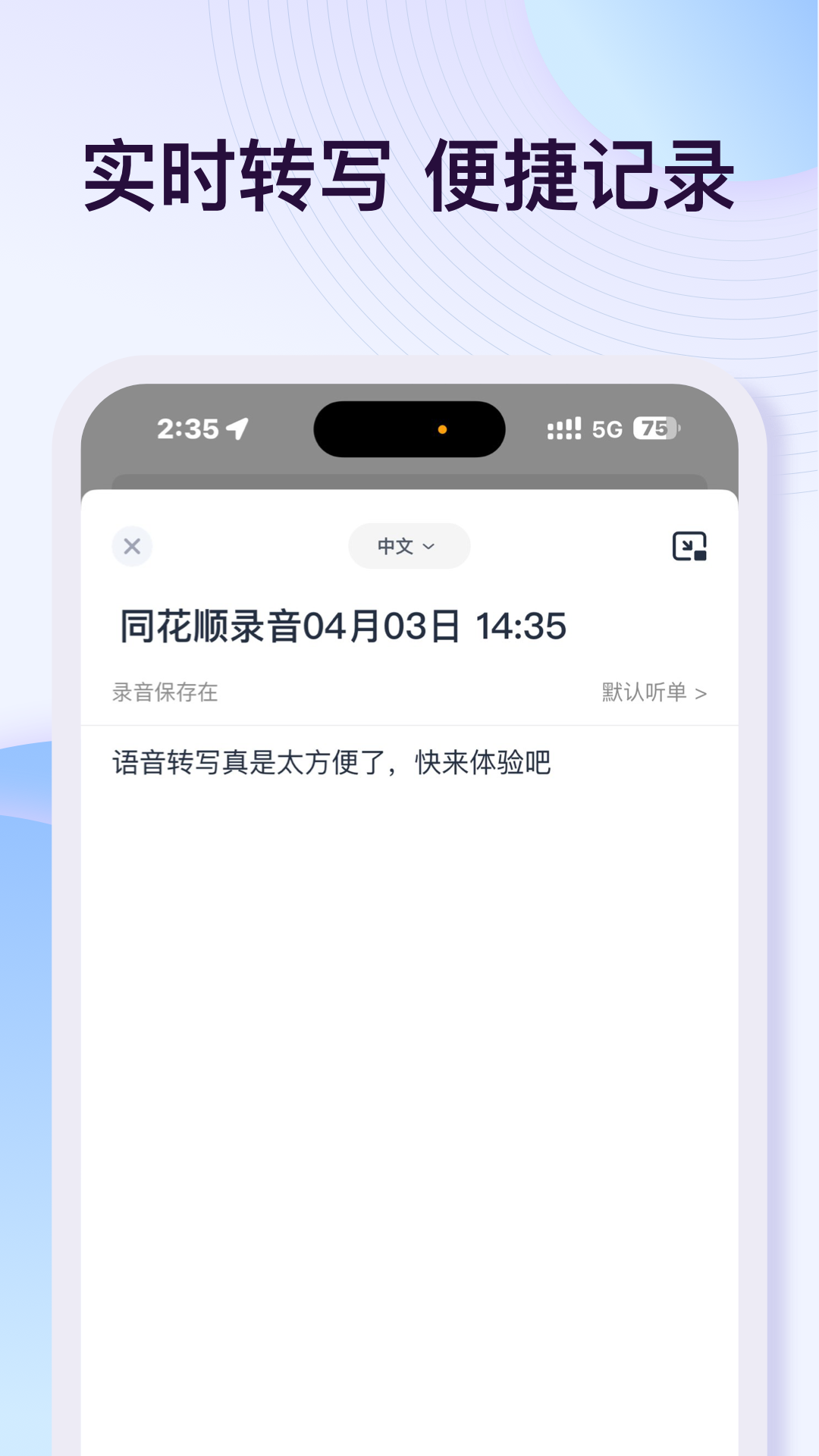
Yuelu: An AI Speech-to-Text Tool for Recording, Podcast and Meeting Scenarios
Yuelu is an AI speech-to-text tool whose core capability is turning recorded audio into usable text. The scenarios it targets are quite concrete: online courses need post-class notes, interviews need to be turned into a clean transcript, office meetings need minutes that are kept on record, and sudden ideas need to be captured in text right away. Instead of typing while you listen, it splits "recording" and "turning audio into text" into two steps you can advance separately; combined with audio/video link parsing and podcast import, it also works as an audio management and listening tool. Data is kept in encrypted cloud storage with multi-device sync, so audio files stay consistent across phone, tablet, web and desktop.
Main Features
Recording to text Converting recordings into text is the core of the whole tool. Text is generated directly once a recording finishes, removing the time cost of replaying and transcribing by hand.
One-click export Export and share a transcribed document in one click, so you can keep working in other software or platforms instead of being stuck inside a recording app.
Custom playlists Build playlists on demand and store different types of audio by category. This step solves the problem of audio that is "saved but impossible to find again" — grouping by project, course or source is far more usable than sorting by time.
Feature-rich playback Supports speed playback, list playback and more to meet listening needs in different scenarios. Re-listening for proofreading and catching up on a backlog are two different modes of use, and variable speed plus list playback map onto them respectively.
Podcast import and transcription Enter a podcast RSS link to import and transcribe in one step, and extract an outline for easier note-taking. Subscription-based audio content can therefore be pulled into the same text management system.
Multi-device sync Supports sync across phone, tablet, web and desktop, making it convenient to manage audio files whenever and wherever you are.
Multi-format support Supports importing and exporting multiple file formats, making it easy to connect with other software or platforms.
Steps to Use
- Identify the recording source: local recording, an external audio file, or an audio/video link or podcast RSS. The source determines how the later steps differ.
- Start recording or import: record directly for scenarios such as online courses, interviews and meetings; use import for audio files you already have; use an RSS link for podcasts.
- Wait for transcription to finish: text is generated after recording ends, and long audio requires extra processing time.
- Proofread the text: transcription results are generated by AI, so proper nouns, numbers and filler words may still be inaccurate, and key content needs manual checking.
- Organize and archive: place content into custom playlists or the matching category according to its purpose, so it stays searchable later.
- Export and share: when the content needs to go into another tool or be sent to a colleague, use one-click export to hand it off.
Suitable Scenarios
- Online course learning: convert course recordings after class into searchable text for review and gap-checking
- Interview recording: organize interview audio into a transcript for quoting and further editing
- Office meetings: keep meeting minutes on record and reduce the time spent recalling and organizing after the meeting
- Idea capture: record fleeting thoughts first, then convert them into text in one batch later
- Podcast listening: import and transcribe through RSS, and use the outline to grasp an episode quickly
- Audio library management: organize playlists by category, and use speed playback and list playback to improve re-listening efficiency
Limitations and Notes
- Transcription results are generated by AI, and proper nouns, numbers and technical terms may be misrecognized, so important content needs manual proofreading.
- Recording length, noisy environments and overlapping speakers all affect transcription quality; for important occasions, using equipment with better recording quality is recommended.
- Audio and transcribed text are uploaded to cloud storage, so if the content is sensitive or confidential, evaluate data security requirements beforehand.
- Podcast import depends on the RSS link, and an expired link or a changed source will cause the import to fail.
- The availability scope of free services depends on actual account entitlements, and large batches or long recordings may come with limits.
Frequently asked questions
Which recording scenarios is Yuelu suitable for?
Yuelu covers a range of scenarios: online course study that needs post-class organization and gap-checking, interview recordings that need to become a transcript, office meetings that need minutes kept on record, and idea capture that needs to land in text immediately. It also supports importing and transcribing podcast RSS links, and the extracted outline helps you grasp an episode quickly.
Can I use Yuelu's transcription results directly?
Transcription results are generated by AI, so proper nouns, numbers and technical terms may be misrecognized, and important content needs manual proofreading. Recording length, noisy environments and overlapping speakers also affect quality, so better recording equipment is recommended for important occasions.
Where do Yuelu's audio and text files go?
Yuelu uses encrypted cloud storage and supports sync across phone, tablet, web and desktop. If the content is sensitive or confidential, evaluate data security requirements in advance before deciding whether to upload it.



