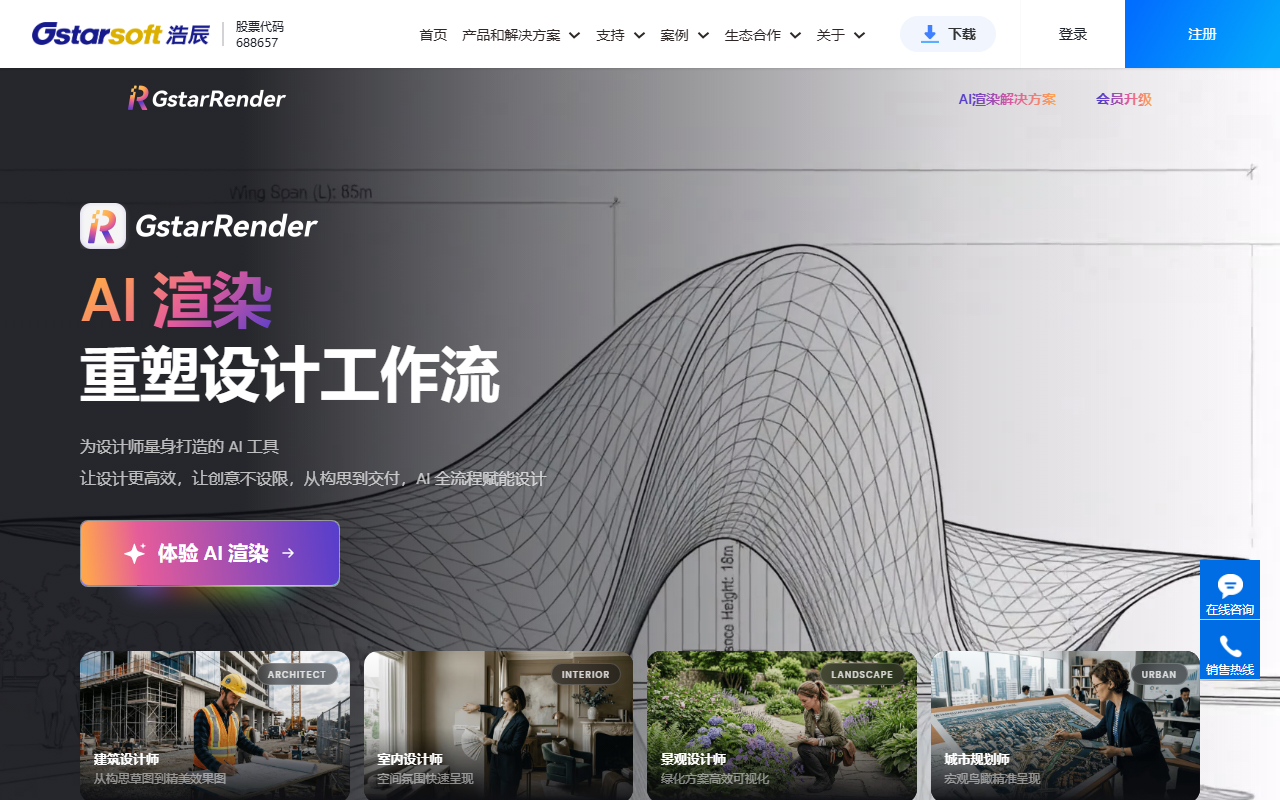
GstarRender AI turns descriptions, design sketches or reference images into concepts and rendered visuals for architecture, interiors, landscape and urban planning. It helps communicate and compare designs; generated images still need professional review.
What is GstarRender AI?
GstarRender is Gstarsoft's AI generation and rendering tool for designers. Its workflow connects idea exploration, proposal refinement, detailed rendering and video presentation. Text descriptions, sketches and reference images help explore spatial styles, materials and visual effects across architecture, interiors, landscape and urban planning. It supports faster communication and comparison of ideas; detailed design still requires professional tools and judgment.
Main capabilities
- Idea generation: explore design directions from text or references and compare mood, style and visual combinations.
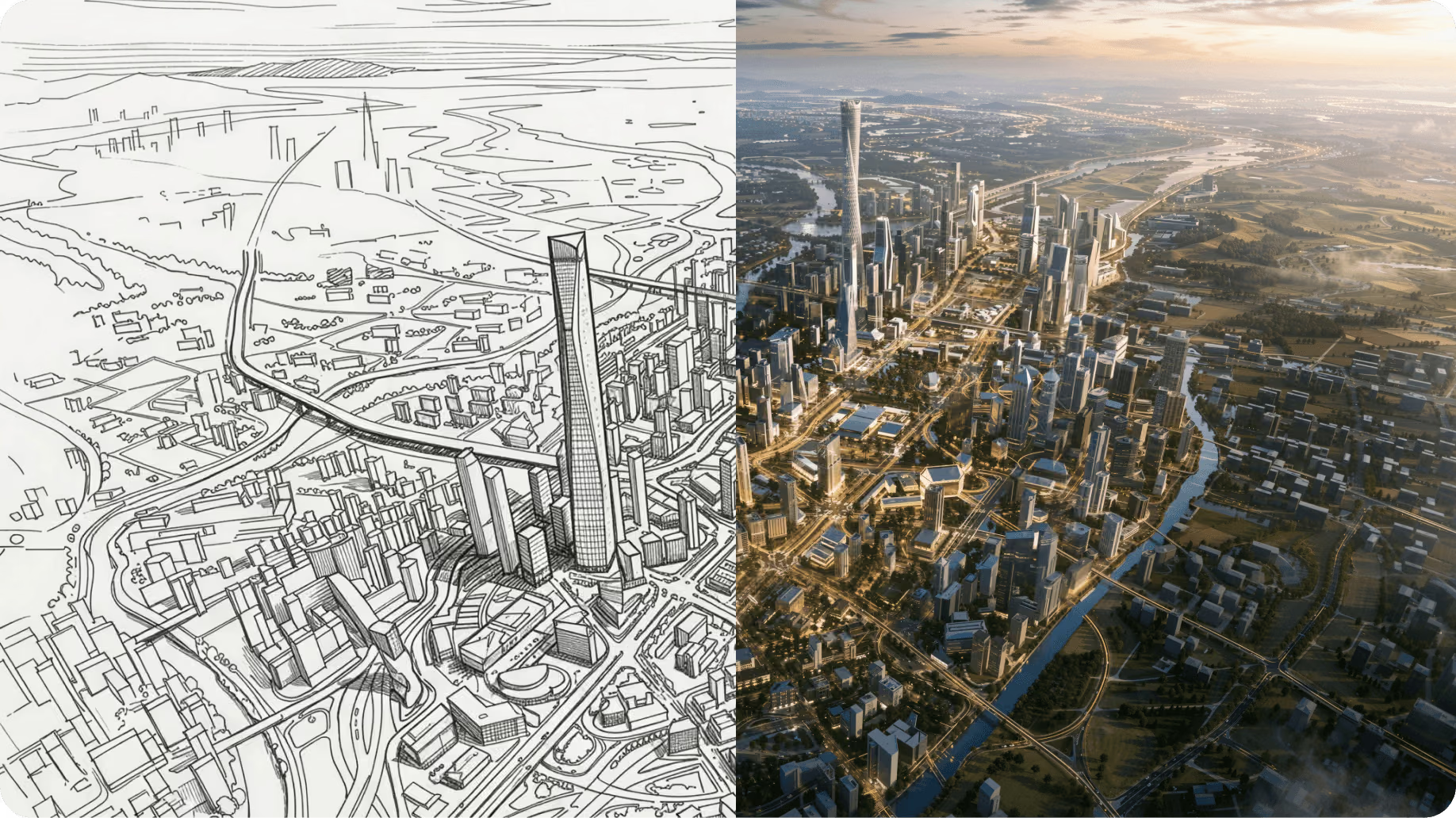
- Proposal refinement: start from sketches or existing proposals to try alternative colors, massing, forms and materials.
- Detailed rendering: develop sketches or rough models into expressive visuals, adjusting lighting, detail and atmosphere.
- Local editing and finishing: use the relevant tools to revise selected areas, materials or objects, extend images or improve clarity. Available tools depend on the account interface.
- Video presentation: use static proposals for walkthrough animations and scene transitions to explain a project or space.
Five steps from input to output
- Open the official GstarRender page, register or sign in, and check your plan and available credits.
- Choose idea generation, proposal refinement, rendering or video, and identify what you want to change.
- Prepare descriptions, line drawings, rough-model screenshots or references you have permission to use. Specify the layout, main forms and viewpoint to retain.
- Select styles and parameters suited to the project. Compare outputs side by side, then refine materials, colors or light.
- Review structural relationships, proportions and detail before exporting for discussion or presentation. For engineering deliverables, compare the result with professional drawings.
Give each iteration a clear goal and keep the original and selected versions. Even local edits require checking nearby elements for unintended changes.
Suitable design tasks
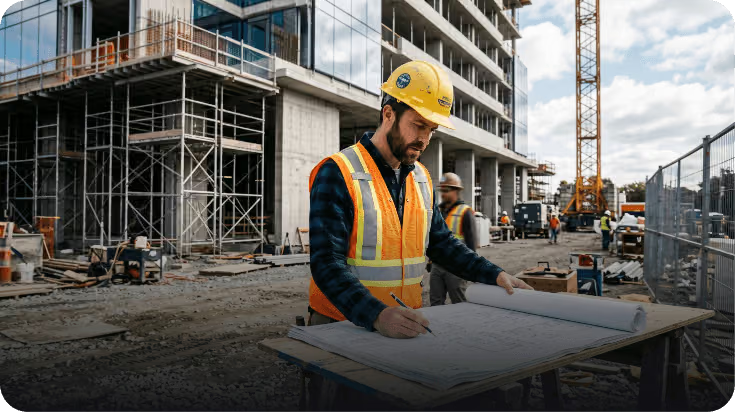
Architects can compare façade concepts, materials and site atmosphere. Interior designers can explore furniture, décor, palettes and spatial styles, while landscape designers can illustrate planting, water, paving and light. Visual proposals can explain neighborhood changes in urban planning and renewal; industrial designers can also explore appearance. These images support concept communication rather than reliable measurement or structural assessment.
Checks before use and delivery
Confirm current trials, prices, templates, output specifications and generation times in your account and official information. Use materials with appropriate rights and avoid uploading confidential project information that is unsuitable for external processing. Review repeated elements, doors and windows, perspective and proportions. Buildable deliverables still require developed drawings and professional review.
Frequently asked questions
Do I need a complete 3D model first?
Concept exploration can begin with text, sketches, line drawings or reference images. Input requirements depend on the feature. Dimensions, structure and engineering feasibility still need professional verification.
Is it free, and how long does generation take?
Check the current account and official rules for trials, plans and credits. Generation time varies with the feature, input complexity, resolution and service load; promotional examples are not a fixed guarantee.
Can the generated images be used as construction documents?
They are useful for concept discussions, comparisons and presentations. Construction requires professional drawings and checks of dimensions and structure; generated visual detail is not verified engineering evidence.