

Spokenly is a speech-to-text app that helps users enter text by speaking for documents, chats and capturing ideas.
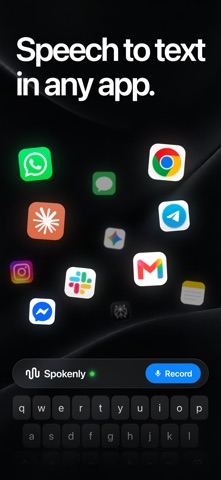
Spokenly: voice dictation and transcription
Spokenly is a speech-to-text app that helps users enter text by speaking for documents, chats and capturing ideas.
Features
The product describes voice dictation in text-entry contexts, along with shortcuts, a custom dictionary and history. Some features and settings vary by operating system, version or selected recognition model; consult the current official documentation.
How to use
Install the version for your device from the official site or an app store, grant necessary permissions such as microphone access and select recognition settings. After dictating, check the transcript, especially names and numbers, before using the text in your chosen app.
Things to consider
Speech recognition can make mistakes, and how audio and text are processed depends on the selected model and settings. Review the privacy policy before handling sensitive content. Free and paid plans are offered; check current limits and prices.
Frequently asked questions
Which devices are supported?
The official site lists macOS, Windows, Linux and iPhone; check current features and system requirements.
Can it recognize specialist terms?
The product offers settings such as a custom dictionary, but specialist terms should still be checked.
Is every transcript accurate?
No. Review numbers, names and important information.
Frequently asked questions
Which devices are supported?
The official site lists macOS, Windows, Linux and iPhone; check current features and system requirements.
Can it recognize specialist terms?
The product offers settings such as a custom dictionary, but specialist terms should still be checked.
Is every transcript accurate?
No. Review numbers, names and important information.



