

OfoxAI provides a unified gateway for calling multiple AI models through supported protocols, with tools for API-key, model, and usage management. Capabilities depend on the model and endpoint.
What is OfoxAI?
OfoxAI is a developer-facing API gateway for accessing multiple AI models. It provides protocol endpoints and a console for managing API keys, model choices, and usage. Its documentation lists OpenAI, Anthropic, and Gemini interfaces, along with setup guides for coding tools and development environments. The official site also presents image and video APIs. Supported models, endpoints, parameters, and tool integrations can change, so check the current catalog and documentation before building an integration.
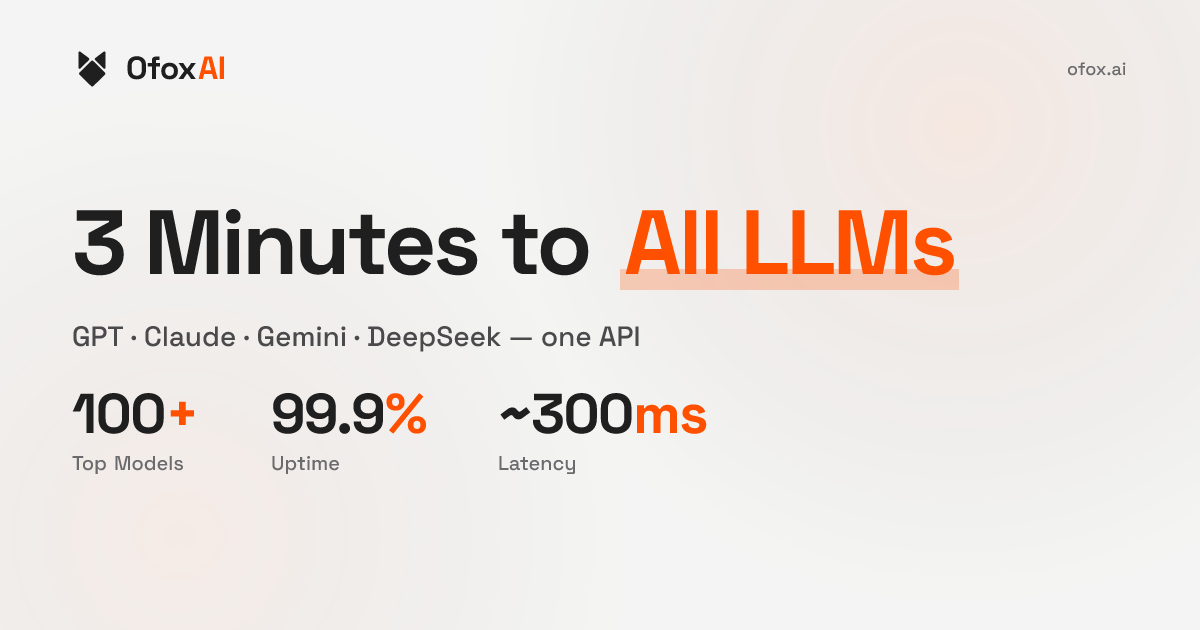
Main capabilities
A unified gateway can help applications switch among models through a shared account and management surface. Developers can review the model catalog, configure requests with a model identifier and protocol, and manage keys and usage in the console. The official documentation covers quick starts, API references, model details, tool integrations, streaming, function calling, structured output, fallback, and error handling. The site also lists image and video endpoints; support for a specific input, output format, or parameter depends on the selected model.
Multiple protocols do not mean every model supports every endpoint or parameter. Before moving an existing application, confirm the target model’s supported protocol, identifier, context limits, tool-calling behavior, and response format. Test with a small workload instead of assuming that a compatibility label guarantees a drop-in migration.
A typical setup
Read the official quick-start and security guidance, create an account, and generate an API key through the console. Choose the endpoint that matches the selected model and configure the base URL, model identifier, and key. Keep the key out of source control and public logs. Use non-sensitive sample requests to check ordinary responses, streaming, and the features your application needs; then review usage records and billing. For tools such as Claude Code, Codex, or Cline, follow the current setup guide for that specific client.
Billing, privacy, and limitations
OfoxAI’s terms describe usage-based charges. Prices can vary by model and change over time; promotional credits or free tiers may also be modified. Check live model prices, measurement units, top-up options, and billing rules before running a real workload. Treat marketing statements about free use or platform fees as time-sensitive, not as a fixed cost guarantee.
Prompts and responses are routed to the upstream provider selected by the requested model and active route. Processing locations and provider terms can differ. Before sending personal, business, or confidential information, review the privacy policy and provider list for the route you intend to use, and confirm your organization’s requirements. Model availability, compatibility, rate limits, prices, and routing can change.
Frequently asked questions
Can one endpoint call every model?
The gateway offers multiple protocol entry points, but individual models may support different endpoints and parameters. Check the current catalog and documentation.
Can I point my existing SDK at OfoxAI?
Some integrations can use a configured endpoint, API key, and model identifier. Verify protocol details, request parameters, and response formats, then test with a small workload.
How is usage billed?
The terms describe charges based on actual usage, with prices varying by model and subject to change. Review current prices and billing rules before use.
Before you integrate
Review the OfoxAI website, developer documentation, and service terms. Confirm the target model, protocol, price, and data route. Validate the integration with non-sensitive requests before considering a production workload.

Frequently asked questions
Who is OfoxAI for?
It is aimed at developers and teams that want to call multiple models through a gateway, manage credentials, or configure model endpoints in development tools.
Is OfoxAI free to use?
Its terms describe charges based on actual API usage, with prices that vary by model and may change. Promotional credits or free tiers may also change. Check current prices and billing rules before use.
Where does data sent to a model go?
The official service information says prompts and responses are routed to the upstream provider selected by the requested model and active route. Processing locations and terms can differ; review the route and privacy information before sending sensitive data.



