AStudio is iFlytek's desktop AI productivity workbench for users who need automated planning and execution of office, programming, and data analysis tasks.
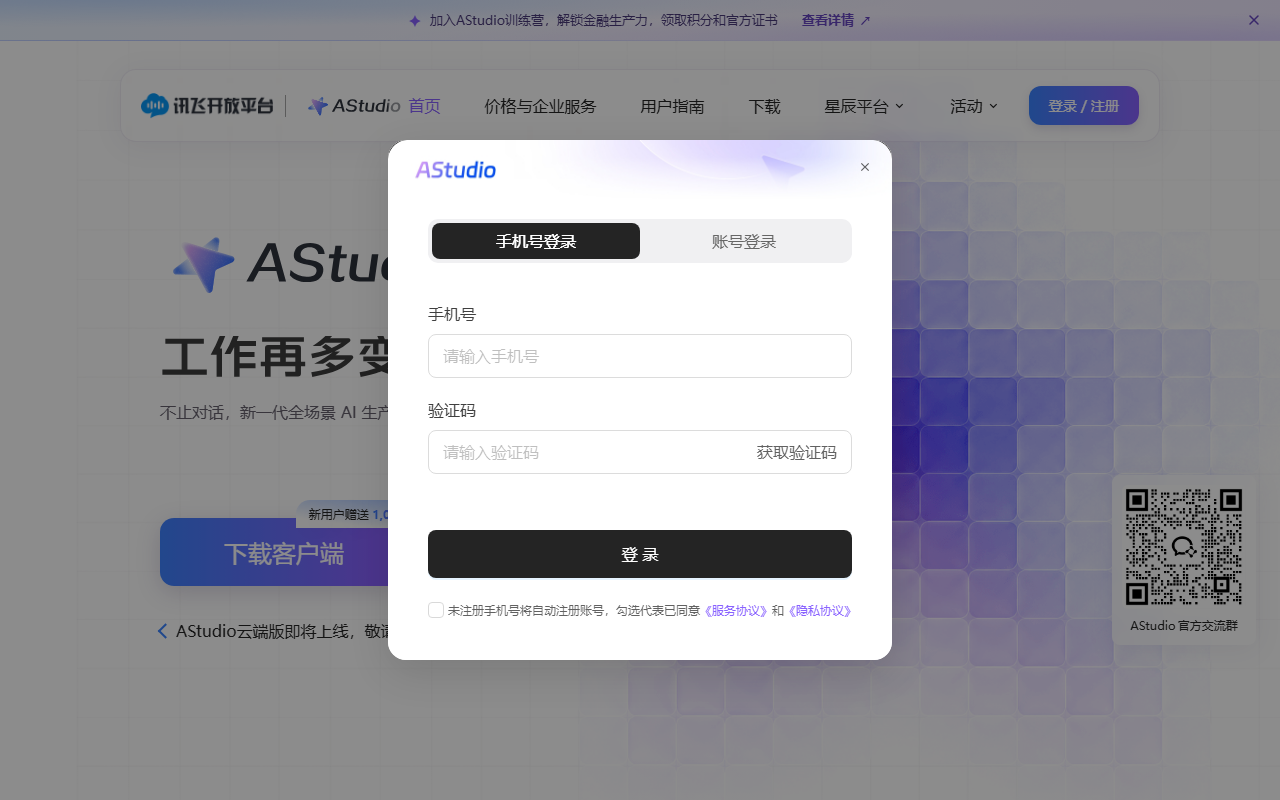
AStudio: iFlytek's New-Generation All-Scenario AI Productivity Workbench
Product Introduction
AStudio is a new-generation all-scenario AI productivity workbench launched by iFlytek. Built around the Spark X2.5 large model with the ACode Harness as its execution kernel, it supports seamless switching between multiple models. The product offers two spaces: a Daily Space for office tasks and a Project Space that connects to local folders and real projects, reading and writing code and running commands directly. AStudio can automatically plan tasks, invoke tools, modify files, and verify results, covering office work, coding, and data analysis with a transparent, controllable process and locally secure data.

Key Capabilities
- Dual-space workflow: The Daily Space handles office tasks, while the Project Space connects to local folders to read and write code and run commands directly.
- Multi-model switching: Powered by the Spark X2.5 core, with free switching to open-source models such as DeepSeek, matching the best approach to each task.
- Three execution modes: Simple tasks run directly; complex tasks can use Planning Mode (confirm the plan first) or Goal Mode (continuous autonomous progress).
- Fully automated task loop: Automatically plans, invokes tools, modifies files, and verifies results, delivering documents, web pages, code, and more.
- Transparent and controllable process: Task progress is fully visible, file changes can be reviewed as diffs, and key operations require user approval.
- Rich tool ecosystem: Built-in iFlytek capabilities such as translation, OCR, and PPT; the plugin marketplace integrates Alipay, Amap, and Feishu, with support for MCP and Skills extensions.
- Deep search and research: A built-in web-search plugin retrieves papers and patents and generates visual research reports.
- Mobile collaboration: The iFlytek Spark app upgrades to a dual "chat + work" mode for handling urgent tasks anytime, anywhere.
How to Use
- Download and install: Visit the official AStudio website https://agent.xfyun.cn/ to download and install the desktop client.
- Register and sign in: Sign in to your account; new users automatically receive 1,000 credits.
- Choose a space: Use the Daily Space for everyday tasks, or enter the Project Space for code projects and connect a local folder.
- Describe the task: Enter your needs via text or voice; simple tasks run directly, while complex tasks can use Planning or Goal Mode.
- Confirm execution: In Planning Mode, review the AI-generated plan first and approve key operations as needed.
- Verify results: Check progress and diffs in real time and inspect the delivered documents, web pages, or code.
Use Cases
- Global marketing websites: Generate multilingual marketing workbenches from a single prompt, with terminology proofreading and currency conversion, producing editable dedicated web pages.
- Operations data analysis: Read local operations spreadsheets to automatically compute metrics such as PV, DAU, and retention, generating interactive data dashboards.
- Academic research: Retrieve papers and patents, filter highly relevant literature, read through PDF papers with guided explanations, and output visual research maps.
- Coding project development: Connect local project folders to understand code structure, modify files, and run commands, completing development tasks according to plan.
- Mobile office rescue: Via the Spark app's work mode, photograph whiteboard content and instantly generate meeting-minutes Word documents and to-do tracking Excel files.
Limitations and Notes
- A desktop client download and account sign-in are required, and the Project Space needs a local folder to be connected manually.
- In Planning Mode, plans must be reviewed first and key operations require user approval; scenarios demanding fully unattended operation should evaluate the process cost.
- Mobile collaboration depends on the iFlytek Spark app's dual "chat + work" mode.
- New users receive 1,000 credits; check the credit rules before heavy use.
Frequently asked questions
Which large model does AStudio use?
AStudio is built around iFlytek's Spark X2.5 large model and also supports free switching to open-source models such as DeepSeek, matching the best approach to each task.
What is the difference between the Daily Space and the Project Space?
The Daily Space handles office tasks; the Project Space connects to local folders to read and write code and run commands directly, making it suitable for coding and data analysis projects.
How does AStudio keep the task process controllable?
Task progress is fully visible, file changes can be reviewed as diffs, key operations require user approval, and core data stays on the local machine.