

Lovable is an AI development platform that generates full-stack websites and web applications from natural-language prompts. It fits rapid prototype validation, small business websites, personal projects and internal tools, taking you from a requirement description to deployment without heavy programming skills.
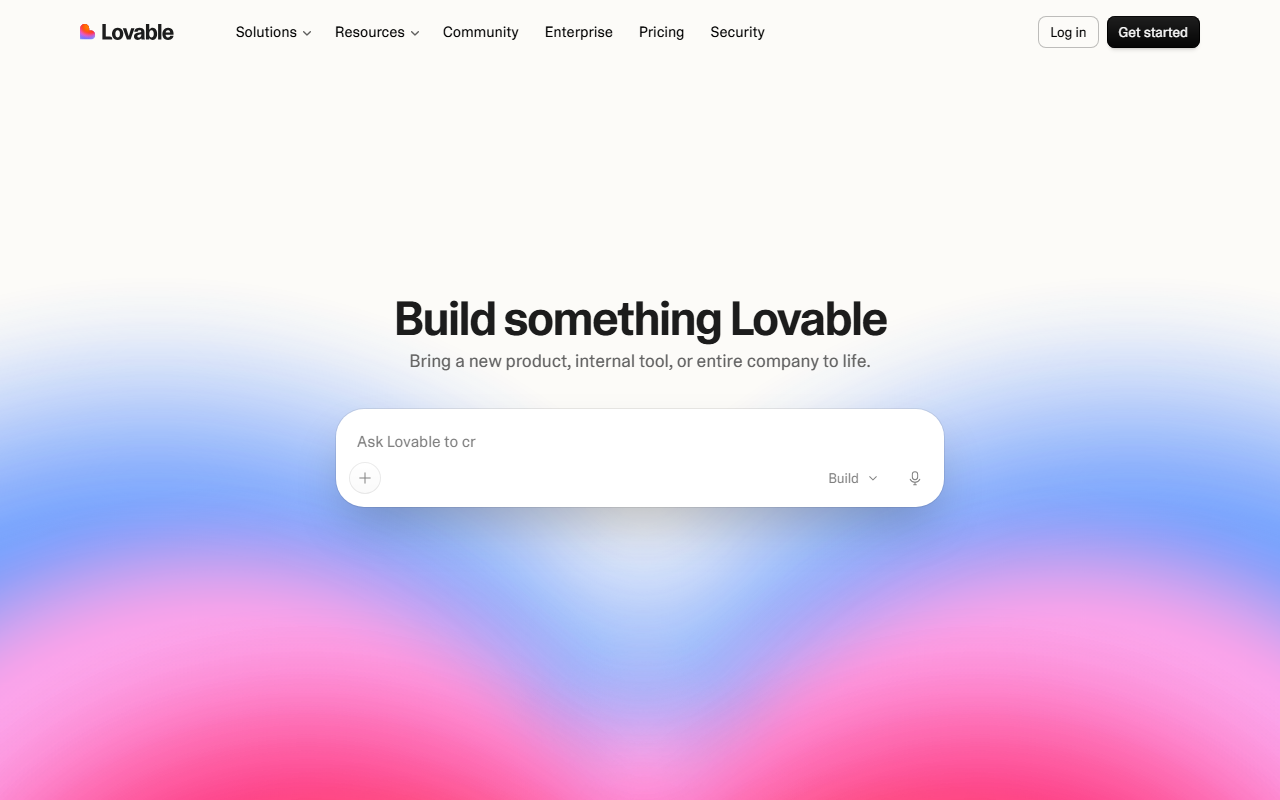
Lovable: The AI Tool That Builds Full-Stack Websites and Web Apps From Plain Language
What is Lovable
Lovable is an AI development tool built for full-stack work. You do not need advanced programming skills: describe what you want in plain language and the platform assembles a complete website or web application, including front-end pages, back-end logic and data handling. Beginners and experienced developers alike can turn an idea into a project that runs, can be tested and can be published.
Unlike helpers that only produce code snippets, Lovable aims to deliver a complete project you can preview, test and deploy. Several working modes, visual editing, integrations and team collaboration cover the whole path from the first prompt to going live.
Main capabilities
Natural-language building. You describe the requirement in a sentence or a short paragraph and Lovable generates the matching full-stack structure and code, producing an interactive prototype fast. It suits validating an idea before committing heavy development resources.
Three working modes
- Agent mode: the tool thinks, plans and acts on its own. It interprets requests, explores the codebase, fixes and refactors code, debugs proactively, inspects logs and network activity to locate errors automatically, and can search the web for documentation and resources.
- Chat mode: a development and debugging partner that helps you think through problems and plan the product. It is a good fit for efficient debugging, planning database structures and relationships, optimising the implementation path for a new feature, getting improvement suggestions and assessing the impact of a change.
- Legacy mode: the earlier mode, supporting basic message exchange and code edits.
Extending through integrations. Native integrations connect seamlessly with platforms such as GitHub and Supabase for code management and back-end deployment. Verified integrations offer tested connection options that are safe to rely on, keeping compatibility with other tools and services. Custom API integrations support any callable interface, which works for internal systems or third-party services.
Project templates and live preview. The platform ships a range of project templates you can customise to your needs, and you can preview results live during development so you can adjust and refine the design in time.
Visual editing and custom knowledge. Page elements can be edited directly without writing code, which suits designers and non-technical users making quick adjustments. Custom knowledge lets you add background such as goals, constraints and preferences so later edits are smarter and closer to what the project actually needs.
Multi-language support and teamwork. The platform supports multiple languages, making it usable for people with different language backgrounds, and it lets several team members edit the same project in real time for collaborative development.
How to use Lovable
- Create an account: visit the official site at https://lovable.dev/ and register or sign in.
- Create a new project: enter your initial prompt describing the product you want and Lovable generates the project skeleton.
- Connect external tools: in Integrations, connect GitHub, Supabase or similar services for code management and back-end functionality.
- Preview and test: click Preview to see the live result and test features, then keep refining your prompt or switch to visual editing.
- Version control: check project history in Version Control and compare or roll back versions.
- Publish: click Deploy to release the project to production, with support for custom domains and SSL certificates.
Use cases
- Rapid prototyping: founders and product managers describe requirements in plain language and get an interactive prototype to validate an idea.
- Small business websites: build and customise a professional site with templates and visual editing, without a dedicated development team.
- Personal projects and blogs: individual developers or creators set up a personalised site or blog.
- E-commerce sites: create a storefront with product pages, a shopping cart and payment, with modest upfront development effort.
- Internal tools and dashboards: companies build custom internal management tools and data dashboards to work more efficiently.
Limits and things to check
- Output quality depends on how clearly you write the prompt; the more specific the requirement, the closer the result. Complex business logic still needs human review of code and logic.
- For core parts such as database structure, payments and permissions, test thoroughly and check security before going live.
- Team collaboration and some advanced integrations may depend on your account plan; check the official site for what is actually included.
- This article does not promise any specific generation speed, success rate or business return; real results vary with project complexity.
Frequently asked questions
Is Lovable usable without programming experience?
Yes. Plain-language prompts and visual editing let non-technical users build a site, though complex business logic should still be reviewed by a developer.
How do Agent mode and Chat mode differ?
Agent mode leans toward autonomous execution: it plans, explores the codebase and fixes issues on its own. Chat mode leans toward collaboration, suiting debugging, planning database structures and assessing the impact of changes where human decisions matter.
Can I export the code and deploy it myself?
Yes. GitHub integration handles code management and version control, and you can either use the platform's Deploy function or deploy the exported code yourself.
Does it support multiple collaborators?
Yes. Lovable offers team collaboration so several members can edit the same project in real time; check the official plans for any seat limits.
Frequently asked questions
Is Lovable usable without programming experience?
Yes. Plain-language prompts and visual editing let non-technical users build a site, though complex business logic should still be reviewed by a developer.
How do Agent mode and Chat mode differ?
Agent mode leans toward autonomous execution: it plans, explores the codebase and fixes issues on its own. Chat mode leans toward collaboration, suiting debugging, planning database structures and assessing the impact of changes where human decisions matter.
Can I export the code and deploy it myself?
Yes. GitHub integration handles code management and version control, and you can either use the platform's Deploy function or deploy the exported code yourself.
Does it support multiple collaborators?
Yes. Lovable offers team collaboration so several members can edit the same project in real time; check the official plans for any seat limits.



