

Hailuo AI suits creators who need fast short-video output: use text-to-video when the concept is clear, image-to-video when you have photo material, and subject reference when one character must carry across several pieces; camera movement can be set through preset combinations or written directly in the prompt.
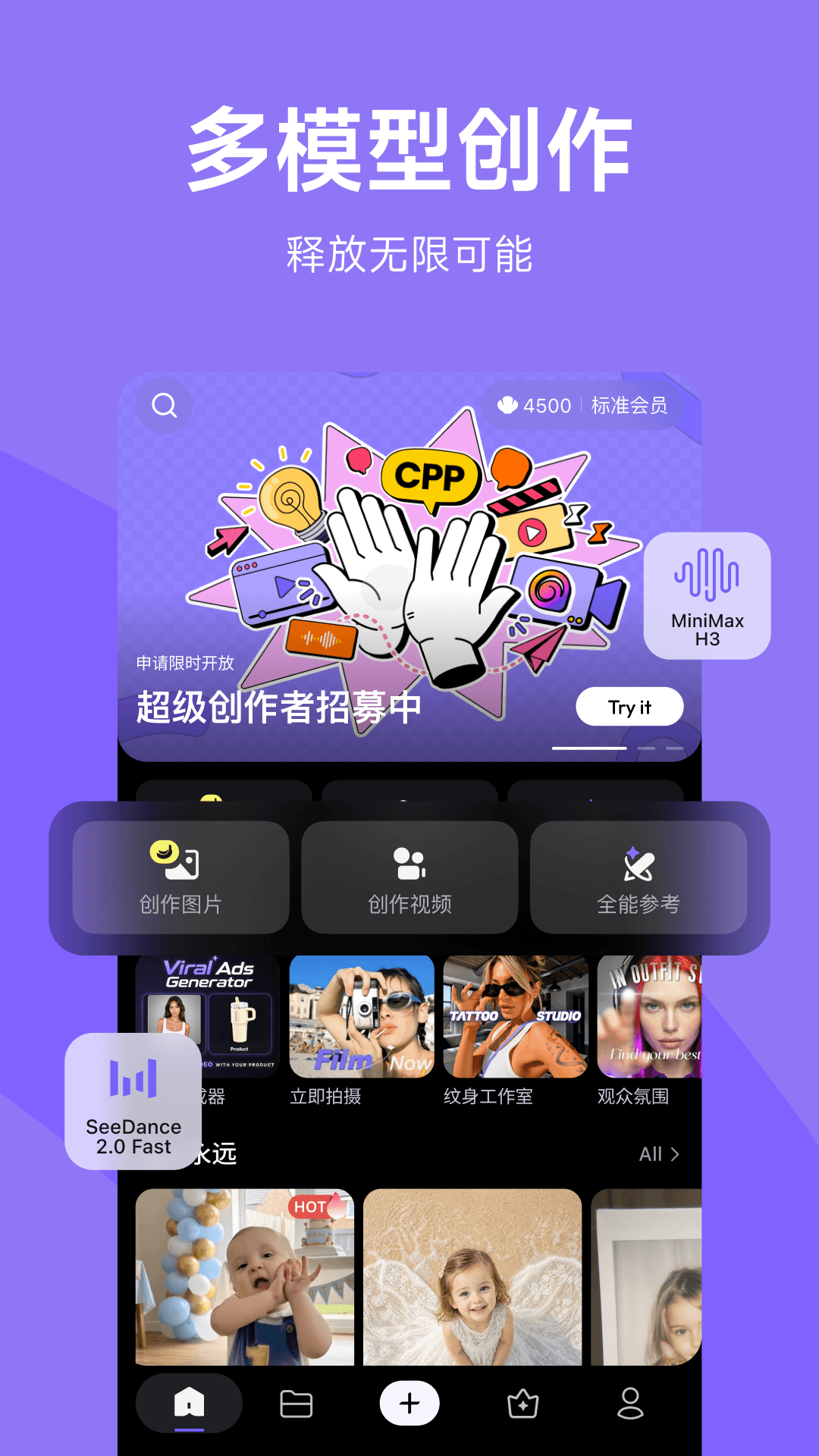
Hailuo AI: An AI Video Creation Tool That Turns Ideas Straight into Video
Hailuo AI is an AI video creation tool built to turn an idea into a publishable video. It offers three generation paths: text-to-video builds a scene from a written description, image-to-video turns a still photo into a moving shot with camera movement added, and subject reference keeps a character's appearance consistent across several videos. For creators working on continuous narratives, subject reference is the feature that decides whether the same character can stay recognizable across multiple pieces. Camera control is the adjustment tool: 15 single camera-movement methods can be combined freely into more than a hundred effects, and camera instructions can also be inserted directly into the prompt. Overall it suits short-video creators, social media operators, brand marketing teams and anyone writing story-driven content.
Main Features
Text-to-video Enter a text description and generate the corresponding video based on what you wrote.
Image-to-video Upload an image and it is automatically turned into a dynamic video with camera movement added. Converting an existing photo into a moving clip is the fastest route to visible results.
Subject reference Keeps the appearance of a person in the video consistent, making the story flow better. When multiple pieces need the same character, this is the feature you must rely on.
Realistic emotional expression AI-driven emotional performance by characters, which makes the video content more engaging. Treat it as a bonus rather than a necessity; the actual result depends on the specific scene and how you describe it.
Camera control Offers 15 single camera-movement methods (push, pull, pan, track, follow and more), supports more than a hundred free combinations, and presets classic shots such as orbit, track-follow, focus, tilt up and tilt down for quick use. It also supports controlling camera movement with natural language, so you can insert camera instructions directly into the prompt.
Create and share Complete video creation inside the app, and the finished work can be published to the platform and shared with other users. Mobile creation is supported, so you can produce content anywhere.
Multimodal creation support Supports multiple creation modes including text-to-video, image-to-video and subject reference, and provides creation templates and a material library to help you get started quickly.
How to Use
- Choose your creation path: use text-to-video when you have a clear visual idea, image-to-video when you already have a photo, and subject reference when one character must run through several pieces.
- Prepare the material or the description: for image-to-video, pick a photo whose subject is clear and whose composition is complete; for text-to-video, write the person, scene, action and atmosphere in specific terms.
- Write the camera instruction into the prompt: describe the camera movement in natural language, or call a preset combination of classic shots directly.
- Generate and view the result: check whether the visuals, action and camera movement match what you expected.
- Adjust the description and generate again: for an unsatisfactory clip, revise the prompt and regenerate; iterating many times is more common than getting it right in one pass.
- Finish and share inside the app: once editing is done, publish your work from within the app.
Suitable Scenarios
- Short-video content creation: produce short-video material quickly, covering the whole process from concept to finished cut
- Social media operations: keep feeding a channel with video and reduce the time cost of making a single piece
- Brand marketing: produce brand promotion and product showcase video material
- Story and narrative creation: create multi-part stories that require consistent character appearance
- Turning static material into video: turn existing photos into dynamic clips with camera movement
Limits and Cautions
- Character consistency and portrait rights: when subject reference uses a real person's photo, you must obtain that person's authorization first; using someone else's likeness without consent involves portrait rights and compliance risk.
- Generated content needs detail checking: hands, text, trademarks and product appearance are error-prone; check every item before a commercial use goes live, and product-related content in particular must not show distorted details.
- Camera instructions get misinterpreted: camera instructions written in natural language are not necessarily executed accurately, so try several times and verify that the interpretation matches your intent.
- Compliance of the content is the publisher's responsibility: AI-generated visuals and plot still have to follow platform rules and advertising regulations; be especially careful with political, medical and financial subjects.
- Confirm the licensing scope of templates and the material library: before using them in a commercial project, confirm the commercial authorization of the material you use.
- Limits on video duration, resolution, generation quota and whether a watermark is included follow the actual in-app description.
Frequently asked questions
How should I choose between text-to-video, image-to-video and subject reference?
Use text-to-video when you have a clear visual idea and write the person, scene, action and atmosphere in specific terms; use image-to-video when you already have photo material, where a photo with a clear subject and complete composition works better; and use subject reference when the same character must run through several pieces, because that is what determines whether the story stays coherent. Camera movement can be added by inserting instructions in the prompt or by calling a preset combination of classic shots directly.
Is there a compliance risk in using a real person's photo for subject reference?
Yes. When subject reference uses a real person's photo, you must obtain that person's authorization first; using someone else's likeness without consent involves portrait rights and compliance risk. In addition, AI-generated visuals often go wrong in details such as hands, text, trademarks and product appearance, so every item should be checked before commercial use goes live, and product-related content in particular must not show distorted details.
Are natural-language camera instructions accurate?
Not always. Camera instructions written in natural language are misinterpreted by the model and are not necessarily executed accurately, so you need to try several times and verify that the interpretation matches your intent; iterating many times is more common than getting it right in one pass. Limits on video duration, resolution, generation quota and whether a watermark is included follow the actual in-app description.



