

Gaoding AI is an online AI design and visual generation platform: an agent mode, image generation, video generation, an AI canvas, AI e-commerce tools, poster replication, product photography, brand assets and space design, aimed at e-commerce, brand marketing and content teams.
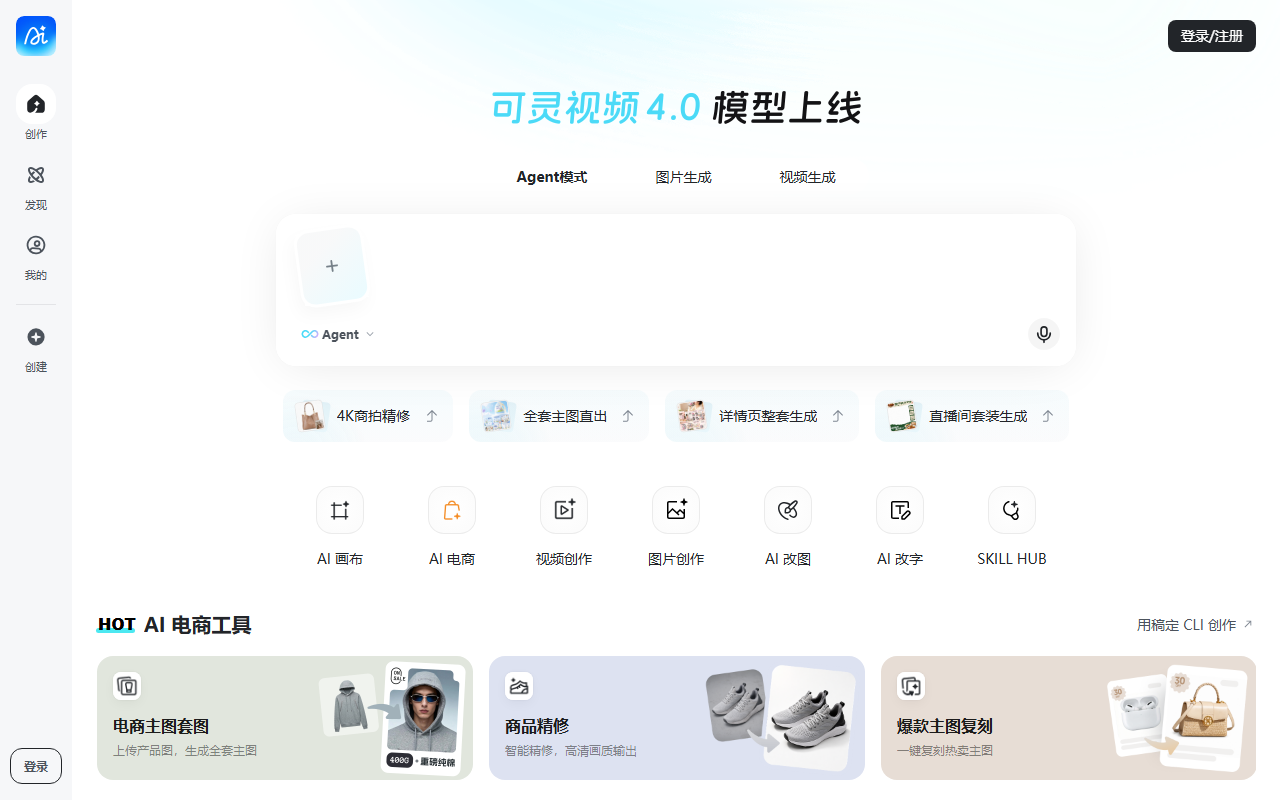
Gaoding AI: an online AI design desk from product retouching to video
Gaoding AI is an online multi-purpose AI design tool from Gaoding Design, aimed at e-commerce operators, brand marketers and content creators. It puts product retouching, poster replication, virtual try-on, multi-image fusion, video generation and space design in one workspace, and builds on diffusion and multimodal generation models so that people without a design background can still follow a templated workflow to a usable visual.

Main features
- Agent mode. Describe the idea in plain language and the AI breaks it into steps and executes a multi-step design task, which suits the rush of producing visuals for a major promotion.
- Image generation. Upload a product photo, describe the scene, and an image model produces a high-resolution result.
- Video generation. Upload a product photo with shot-level camera language and the Seedance 2.0 model produces a complete video.
- AI canvas. A smart canvas for free creation, with the AI assisting generation and editing in real time.
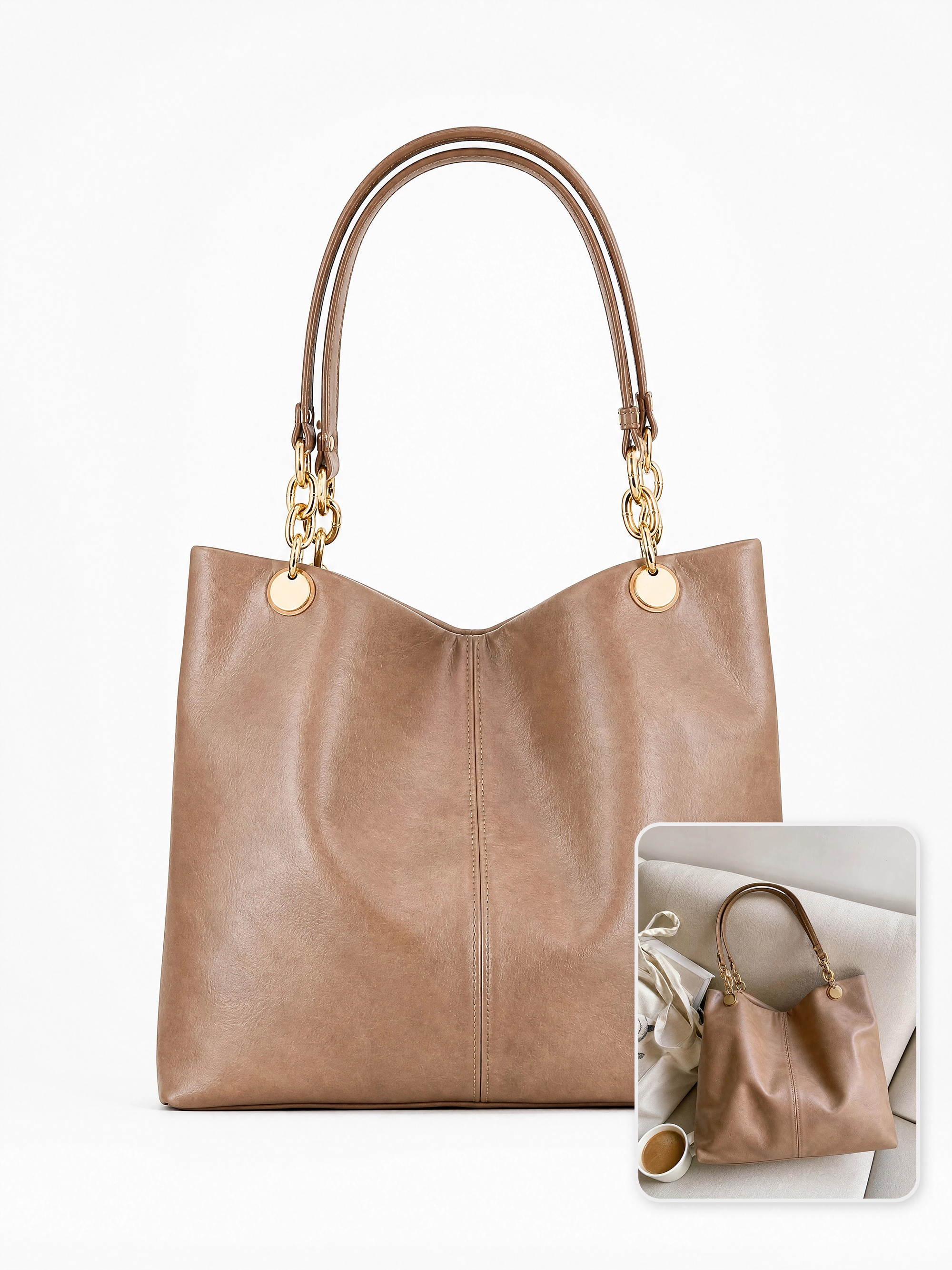
- AI e-commerce. Product retouching, scene replication, multi-image fusion, virtual try-on and main-image generation.
- Text rewriting and poster replication. Swap text and imagery in one step and edit text across several hierarchy levels to rebuild the look of a commercial poster.
- AI product photography. No physical shoot required: photoreal product scenes, multi-view renders and subject transfer.
- Brand identity. Logos, three-view IP sheets, merchandise, packaging, and conversion of hand-drawn sketches into an IP character.
- Trending effects. Line-art restyling, old photo restoration, nine-grid sticker sets, pet personification, famous-painting face swaps.
- Booth design and store decoration. From bare shell to showroom or wedding venue, generating interior concepts and decoration renders.
- SKILL HUB. Curated tutorials for popular effects such as Banana2, covering social cover images, order-showcase shots and Instagram-style visuals.
How to use it
- Open the Gaoding AI site at https://www.gaoding.art/ and register or sign in.
- Switch between agent mode, image generation and video generation at the top, or enter a dedicated tool such as AI e-commerce, AI image editing or text rewriting from the cards below.
- Describe the image in the input box; @ mentions call a specific tool, and the AI then breaks the request into steps.
- Choose the output specification for that tool and set parameters such as style or first and last frames.
- Generate, wait for the result, preview it and download. While signed in, work is saved to your personal page for further editing.
Where it fits
- E-commerce product pages. Product shots, scene images and promotional visuals for detail pages.
- Advertising. Posters, banners and social ad creatives.
- Social content. Covers and image-text posts for platforms such as Weibo, Xiaohongshu and Instagram.
- Brand marketing. A consistent visual style across logo, brochures and packaging.
- Spaces and events. Concept renders for showrooms, stores and event venues.
- Personal blog imagery, art style exploration and publication covers also fit the same toolkit.
Strengths and caveats
What sets it apart is putting images, video, image editing and text rewriting into a single workflow, with 2K image output and Seedance 2.0 Fast video. Agent mode lets a complicated multi-step task start from one sentence, and SKILL HUB packages popular effects as follow-along tutorials, which lowers the entry barrier.
Points to keep in mind: an account is required before use, and output quality depends on how specific the description is and how clean the uploaded material is — the more precise the camera language and style requirements, the closer the result. The collected material does not state pricing, quotas or commercial licensing terms, so when real people's likenesses, brand marks or client assets are involved, confirm the scope of authorisation yourself and treat the official site as the reference.
FAQ
How is it different from a plain image generator? Its focus is e-commerce and marketing visuals: beyond text-to-image it offers tools for specific steps such as product retouching, virtual try-on, main-image generation and poster replication, rather than a single generic prompt box.
How is video produced? You upload a product image with shot-level camera language, and the Seedance 2.0 model builds a complete video, with style and first/last frame controls.
Can work be kept for later edits? Signed-in work is stored on your personal page and can be edited and regenerated later.

Frequently asked questions
What problem does it solve?
It gathers several steps of e-commerce visuals and marketing material into one online workspace, from product retouching and virtual try-on to main images, video and posters, so work does not bounce between separate applications.
Can I use it without design experience?
Yes. The platform leans on templated workflows and natural-language prompts; the agent mode breaks a task into steps and calls the right tools, and SKILL HUB offers tutorials you can follow to a finished image.
Is it paid?
The collected material does not include pricing or quota information, so check the official site for the current terms.



