

ArtarchStudio is an all-in-one AI content creation canvas platform that aggregates mainstream AI models like Happyhorse and Seedance through a unified interface, letting you complete image generation, video generation, and creative design in one place without switching between multiple tools.
ArtarchStudio in One Sentence
ArtarchStudio is an all-in-one AI content creation canvas platform that brings image generation, video generation, and creative design into the same interface, aggregating mainstream AI models like Happyhorse and Seedance so creators can go from concept to final product without having to switch back and forth between multiple tools.
Product Positioning
ArtarchStudio is positioned as a "content creation canvas" rather than a single-model tool. It is aimed at people who need to continuously produce visual content: it keeps image, video, and design workflows in one place, reducing account, subscription, and file transfer overhead. The official description emphasizes completing the full content production process from concept to final output at lower cost and higher efficiency.
What Problem Does It Solve?
- Multiple tool switching: image models, video models, and design tools are scattered across different platforms.
- Account and subscription management: subscribing to multiple AI tools separately increases cost and administrative burden.
- Workflow breaks: moving from static assets to motion content requires adapting to a different interface.
- Onboarding barriers: development environments and complex parameters are not friendly to non-technical creators.
Core Features
Multi-Model Image Generation
Accesses image models such as Happyhorse 1.0 and supports text-to-image generation of high-quality images. Static visual needs like posters, illustrations, and product images can be completed within the canvas.
AI Video Generation
Integrates the Seedance 2.0 video model and supports generating dynamic video content from text or images. Scenarios such as short videos and ad clips can reuse the same creative context.
Unified Creation Canvas
Image, video, and creative design work happens in a single interface. The benefit is reduced friction from switching between platforms, and it is easy to extend static assets into motion content while keeping a consistent visual style.
Cost-Effective Output
Model aggregation and resource optimization lower the cost per generation while maintaining professional-grade output quality. Compared with buying each model API separately or subscribing to multiple platforms, the integrated model helps reduce creative spending.
How to Use ArtarchStudio
- Visit the platform: Open the ArtarchStudio official website https://studio.artarch.ai/ , register and log in to your account. You can also refer to the official page entry at https://artarchstudio.cgaff.link/s/3mnz8v5no1 .
- Choose the creation type: In the canvas interface, select image generation or video generation to enter the corresponding model workspace.
- Enter creation instructions: Describe your needs with text prompts, or upload a reference image, then set style and parameters.
- Generate and download: Click the generate button, wait for the AI output, preview it, and download it locally once you are satisfied.
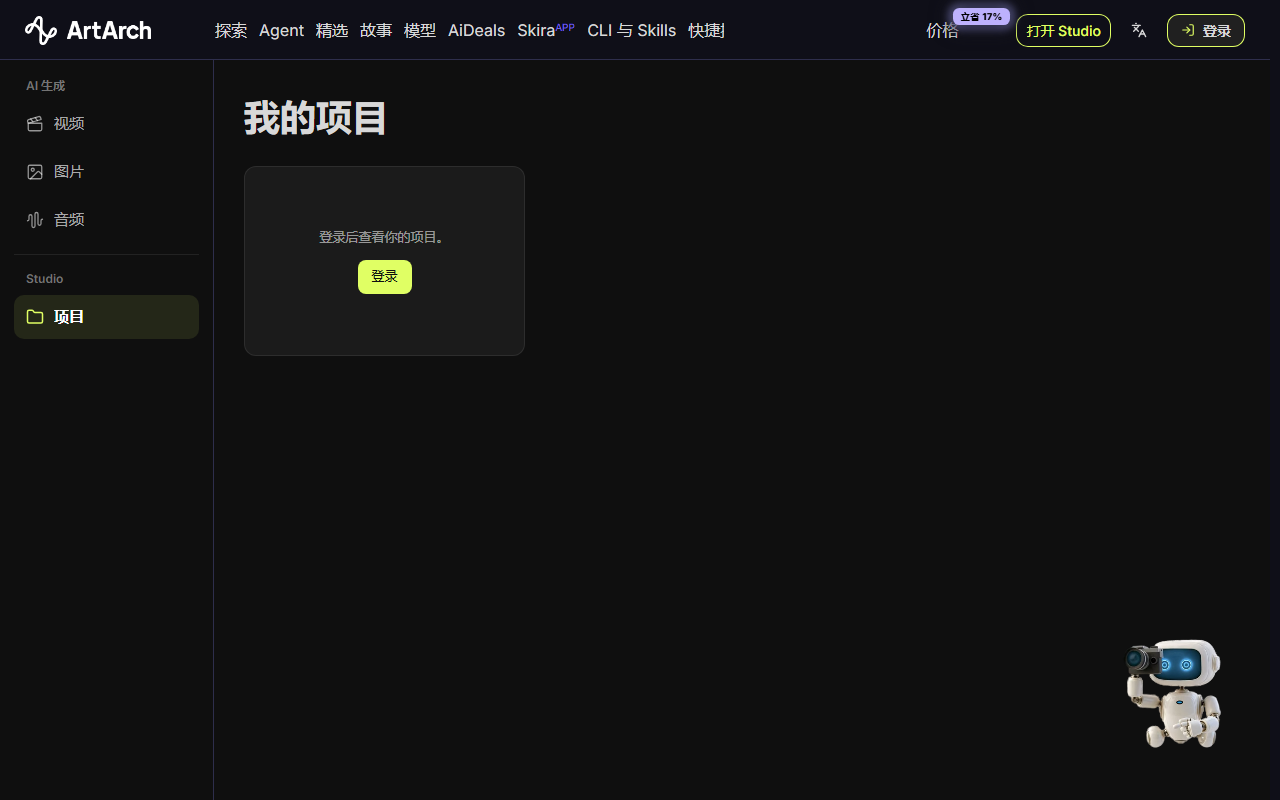
After logging in, you can view existing projects. The official page prompt is "Log in to view your projects."
Use Cases
- Social media content production: quickly generate short videos and image-text posters to support high-frequency updates on platforms such as Douyin (TikTok), Xiaohongshu, and Instagram.
- E-commerce visual design: batch-produce product main images, detail page assets, and dynamic showcase videos to reduce shooting and retouching costs.
- Advertising creative prototypes: quickly generate ad visual drafts for brand teams to use in internal pitches or A/B testing.
- Personal creation and side projects: independent designers and content creators can make professional-level visual content at lower cost to support content monetization.
Advantages
- One-stop model aggregation: no need to subscribe to multiple AI tools separately; you can call models such as Happyhorse and Seedance from one platform, saving account management overhead.
- Seamless workflow: image and video generation happen on the same canvas, making it easy to extend static assets into motion content while keeping a consistent visual style.
- Strong cost-performance: compared with buying each model API separately or subscribing to multiple platforms, Artarch's integrated model helps reduce creative spending.
- Low barrier to get started: no need to configure a development environment or understand complex parameters; you can generate business-grade content directly from the web interface.
Limitations
The fact sheet does not provide details on free quotas, concurrency limits, per-generation duration, export specifications, or commercial licensing scope—these are details that can change. The platform aggregates models such as Happyhorse and Seedance, but the specific versions, call quotas, and update cadence of each model should still be verified on the official website. If a project has strict requirements for copyright, data retention, or enterprise compliance, confirm these details with the vendor before integrating the platform into production workflows.
Pricing Verification Note
ArtarchStudio emphasizes cost-effective output, but the fact sheet does not list specific prices, plan tiers, or pay-as-you-go rules. Prices, free quotas, model call limits, and commercial terms may change at any time. Please check the official website https://studio.artarch.ai/ for the latest information before making a subscription or purchase decision.
FAQ
Is ArtarchStudio free?
The fact sheet does not list specific prices or free quotas. The platform emphasizes cost-effectiveness and lowers per-generation costs through model aggregation. Prices, plans, and quotas are changeable details; please refer to the official website https://studio.artarch.ai/ for current information.
Which models does ArtarchStudio support?
The fact sheet shows that it aggregates mainstream AI models such as Happyhorse and Seedance; on the image side it uses Happyhorse 1.0, and on the video side it integrates Seedance 2.0. More models and versions are subject to the official website.
How many steps does it take to generate content with ArtarchStudio?
Four steps: visit the official website and register/log in; choose the image or video workspace; enter a text prompt or upload a reference image and set parameters; click generate, preview the result, and download it. After logging in, you can view your projects.
Who is ArtarchStudio for?
It is suited to social media content producers, e-commerce visual designers, advertising creative teams, independent designers, content creators, and others who need to produce visual content frequently.
How is it different from subscribing to multiple AI tools separately?
One platform can call multiple models, reducing account management and platform-switching friction; image and video are connected on the same canvas, making it easier to keep a consistent visual style. Specific costs and results should be verified against the official website and your own usage.
Where is the official website entry?
The official entry is https://studio.artarch.ai/ , and there is also an official page at https://artarchstudio.cgaff.link/s/3mnz8v5no1 .
Alternatives
If you only need a single capability, you can use the official channels for Happyhorse or Seedance directly. If you already have a fixed image and video toolchain, you can also use ArtarchStudio as a supplementary canvas for rapid prototyping and cross-modal handoff. When evaluating alternatives, focus on model coverage, collaboration options, export specifications, commercial licensing, and total cost. Because these details change, refer to the latest information from each official channel.
Primary Sources
- ArtarchStudio official entry: https://studio.artarch.ai/
- Official page: https://artarchstudio.cgaff.link/s/3mnz8v5no1
Frequently asked questions
Is ArtarchStudio free?
The fact sheet does not list specific prices or free quotas. The platform emphasizes cost-effectiveness and lowers per-generation costs through model aggregation. Prices, plans, and quotas are changeable details; please refer to the official website https://studio.artarch.ai/ for current information.
Which models does ArtarchStudio support?
The fact sheet shows that it aggregates mainstream AI models such as Happyhorse and Seedance; on the image side it uses Happyhorse 1.0, and on the video side it integrates Seedance 2.0. More models and versions are subject to the official website.
How many steps does it take to generate content with ArtarchStudio?
Four steps: visit the official website and register/log in; choose the image or video workspace; enter a text prompt or upload a reference image and set parameters; click generate, preview the result, and download it. After logging in, you can view your projects.
Who is ArtarchStudio for?
It is suited to social media content producers, e-commerce visual designers, advertising creative teams, independent designers, content creators, and others who need to produce visual content frequently.
How is it different from subscribing to multiple AI tools separately?
One platform can call multiple models, reducing account management and platform-switching friction; image and video are connected on the same canvas, making it easier to keep a consistent visual style. Specific costs and results should be verified against the official website and your own usage.
Where is the official website entry?
The official entry is https://studio.artarch.ai/ , and there is also an official page at https://artarchstudio.cgaff.link/s/3mnz8v5no1 .



