

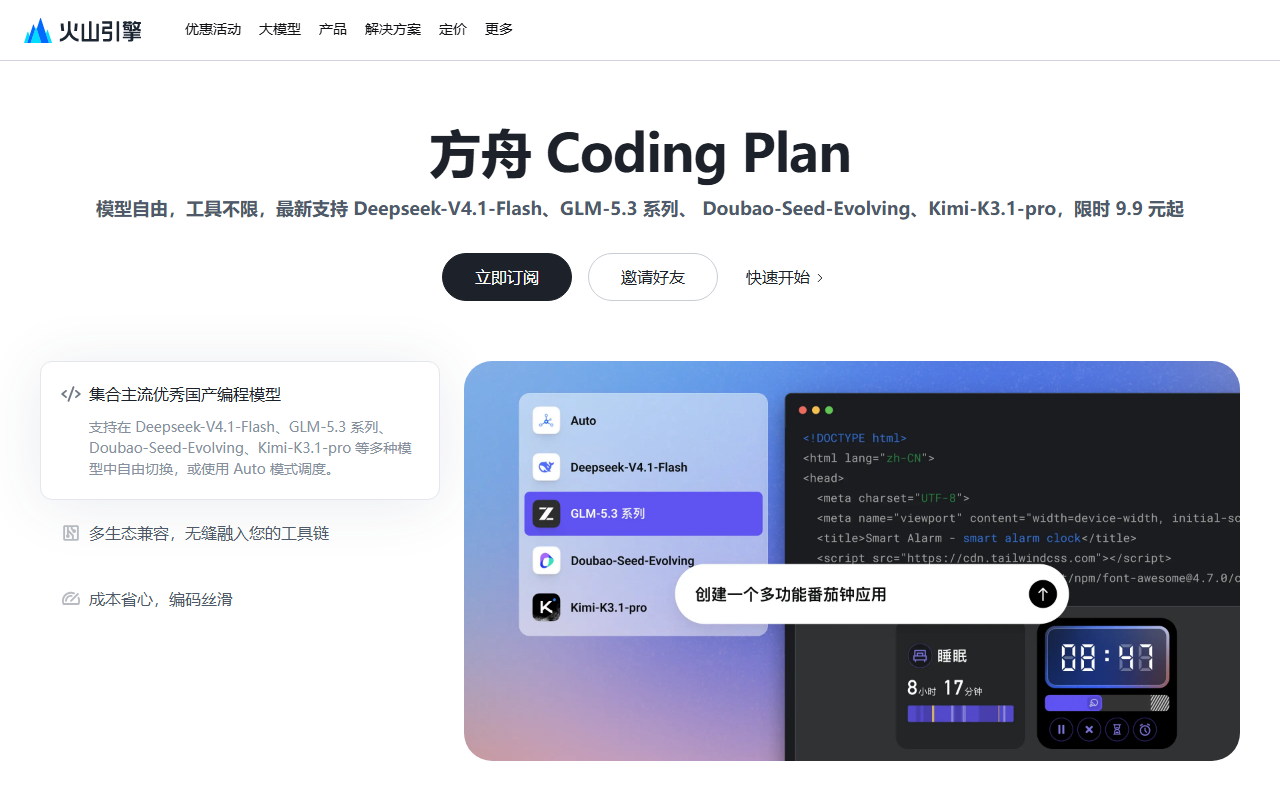
Ark Coding Plan is a monthly subscription to a bundle of coding models: one fee covers unlimited calls to several mainstream Chinese models from inside tools such as Claude Code and Cursor, aimed at individual developers building projects or learning to code.
What Ark Coding Plan is
Ark Coding Plan is a subscription-based large-model API plan from Volcengine. It bundles the models developers use most for coding behind a single monthly fee: during the subscription period you can call Doubao-Seed, DeepSeek, Kimi, GLM and other mainstream coding models without paying per token or hitting a cap on the number of calls. The plan is compatible with popular AI coding tools such as Claude Code, Cursor, Cline, Codex CLI and TRAE — in most cases you only point the Base URL at the Volcengine endpoint, paste the API key, and keep working in the editor you already use.
It targets individual developers who want AI help writing code without opening a separate account for every model or paying for each call.
Core capabilities
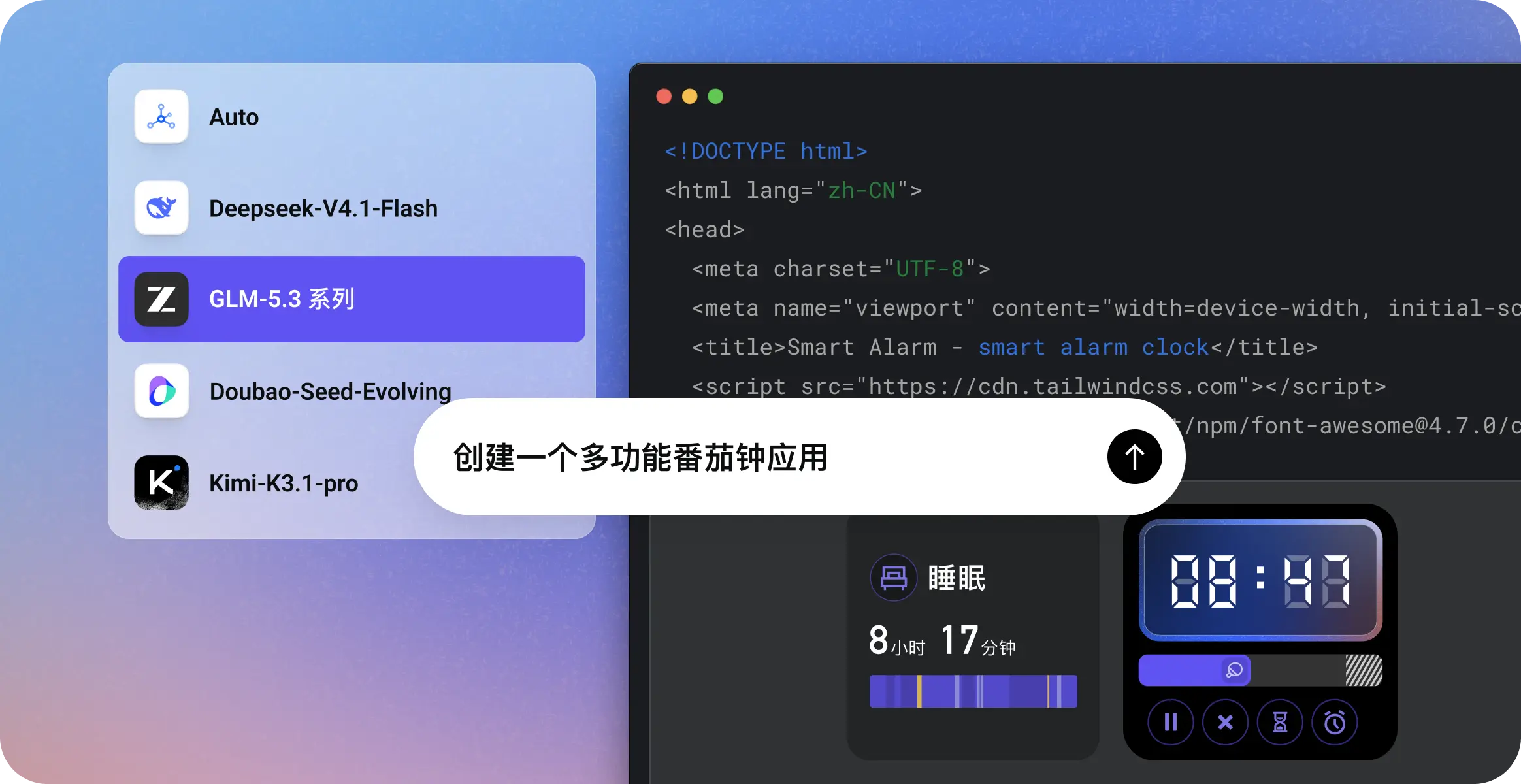
- Unlimited multi-model calls: switch freely between Doubao-Seed, DeepSeek-V3.2, Kimi-K2.5, GLM-4.7 and others, with no cap on the number of requests.
- Broad tool compatibility: works with Claude Code, Cursor, Cline, Codex CLI and TRAE, usually without changing existing configuration.
- Auto routing: the service matches the model to task difficulty — a lighter model for simple edits, a stronger one for complex work — balancing latency and cost.
- ArkClaw on upgrade: a higher tier unlocks ArkClaw, an always-on companion for deeper code understanding, project collaboration and coding support.
- Stable at peak hours: backed by Volcengine's resource pool, with no throttling or queuing during busy periods.
How to get started
- Subscribe: open the official Ark Coding Plan page at https://volcengine.cgref.cn/codingplan and pick the Lite or Pro tier.
- Create a key: sign in to the Volcengine Ark console, open the Coding Plan management page and generate a dedicated API key.
- Configure your tool: in Claude Code, Cursor or another supported tool, set the Base URL to the Volcengine endpoint, paste the key and choose a model.
- Start coding: send a prompt or a code request as usual; the model call is handled for you.
- Upgrade if needed: unlock ArkClaw from the console when you need deeper collaboration.
Where it fits
- Solo projects: independent developers building sites, mini programs or scripts who want AI assistance at low cost.
- Learning to code: beginners and career switchers using AI to explain code, answer questions and debug errors.
- Automation scripts: data processing, batch file operations and scheduled jobs.
- Prototypes and algorithm checks: generate a code skeleton quickly and compare implementation approaches.
Plans and quota
- Two tiers: Lite for moderate development workloads, Pro for intensive ones.
- Entry price starts at ¥8.9 for the first month; Pro is ¥49.9 per month. Current pricing and promotions are shown on the official page.
- One plan can be used in several tools at once, but the quota is shared — every tool draws from the same pool.
- When the quota for the billing period runs out, nothing else is charged: other resource packs and the account balance are untouched, and the quota resets next period.
- The plan is active on purchase; there is no separate step to enable models or create an endpoint.
Things to keep in mind
- "Unlimited" means no cap on request count, but platform rules on quota and concurrency still apply — check the official documentation before heavy use.
- Quota resets per period, so the plan is not a buffer for sudden traffic spikes.
- The first-month price is a limited-time offer; the renewal price is whatever the console shows. Enabling auto-renewal at checkout avoids interruptions.
- Referral and voucher terms change over time; read the current rules before joining a promotion.
FAQ
Can one plan be used in several tools at the same time?
Yes. A single plan works across all supported tools, but the quota is shared, so usage from every tool is counted against the same pool.
What happens when the quota runs out — will it charge my balance?
No. Once the quota for the current period is used up, you wait for the next period to reset. Other resource packs and account balance are not consumed.
Do I need to enable models separately after buying?
No. Coding Plan is active on purchase; follow the official integration guide, fill in the endpoint and key in your tool, and start using it.

Frequently asked questions
Can one plan be used in several tools at the same time?
Yes. A single plan works across all supported tools, but the quota is shared, so usage from every tool is counted against the same pool.
What happens when the quota runs out — will it charge my balance?
No. Once the quota for the current period is used up, you wait for the next period to reset. Other resource packs and account balance are not consumed.
Do I need to enable models separately after buying?
No. Coding Plan is active on purchase; follow the official integration guide, fill in the endpoint and key in your tool, and start using it.



