

YiDian PPT is an AI presentation tool for work summaries, business plans, courseware, graduation defenses, and product launches that need professional slides quickly.
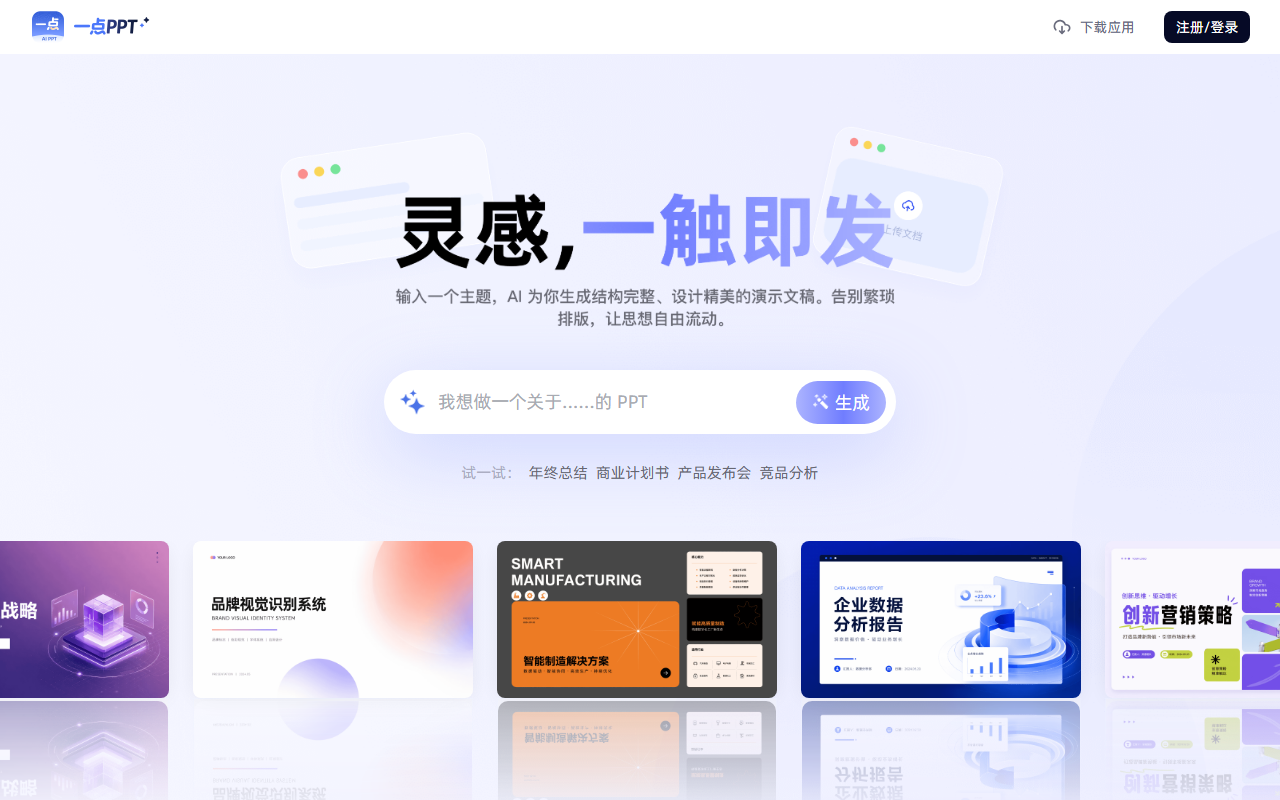
YiDian PPT: Turn a Topic Into a Professional Presentation
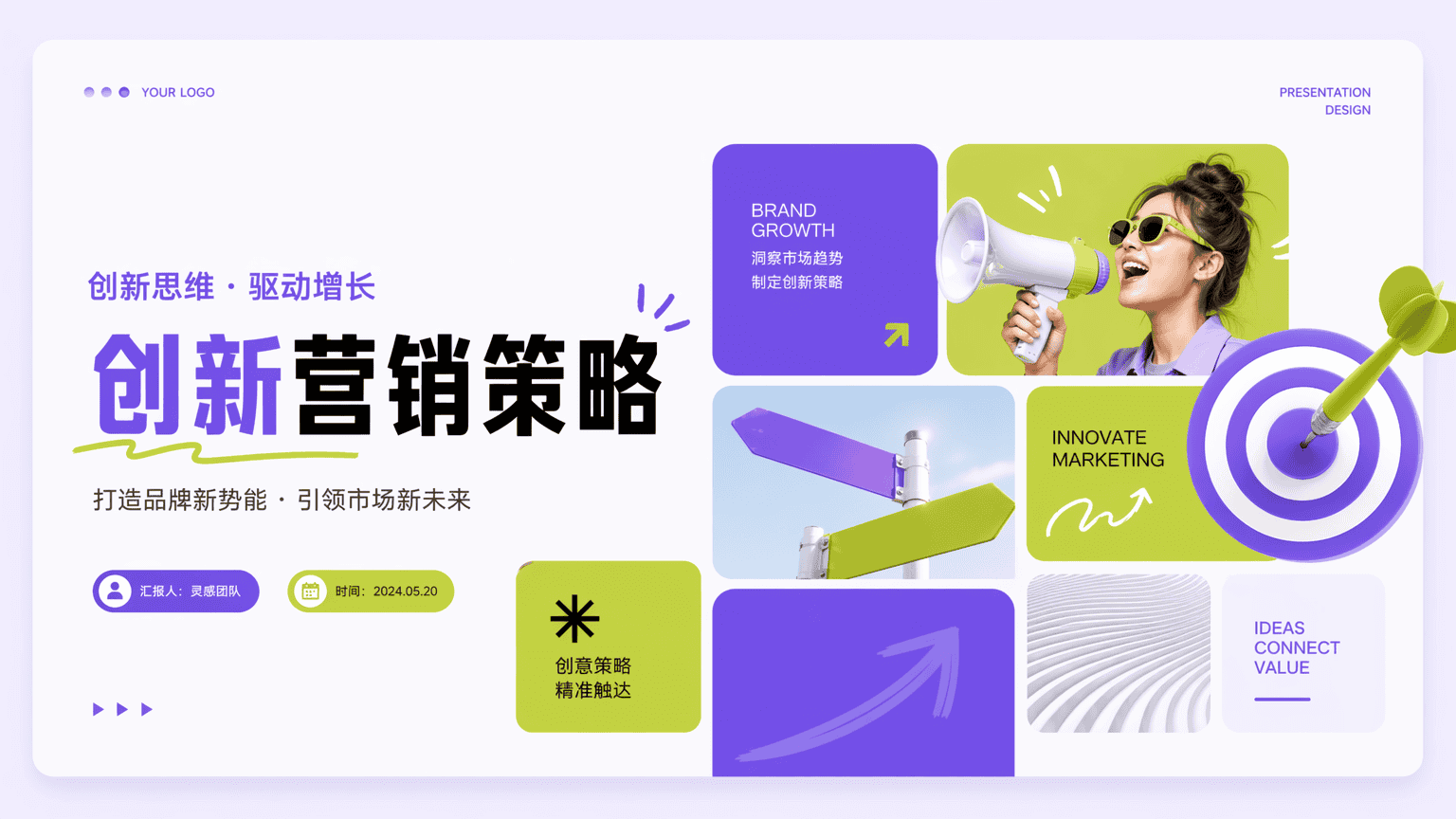
YiDian PPT is an AI presentation generator designed for workplace use. Describe a topic in a single sentence or upload a Word, PDF, TXT, or Markdown file, and the system builds a structured outline in about 10 seconds, then matches templates, layouts, and color schemes so a ready-to-use deck is available in roughly five minutes.
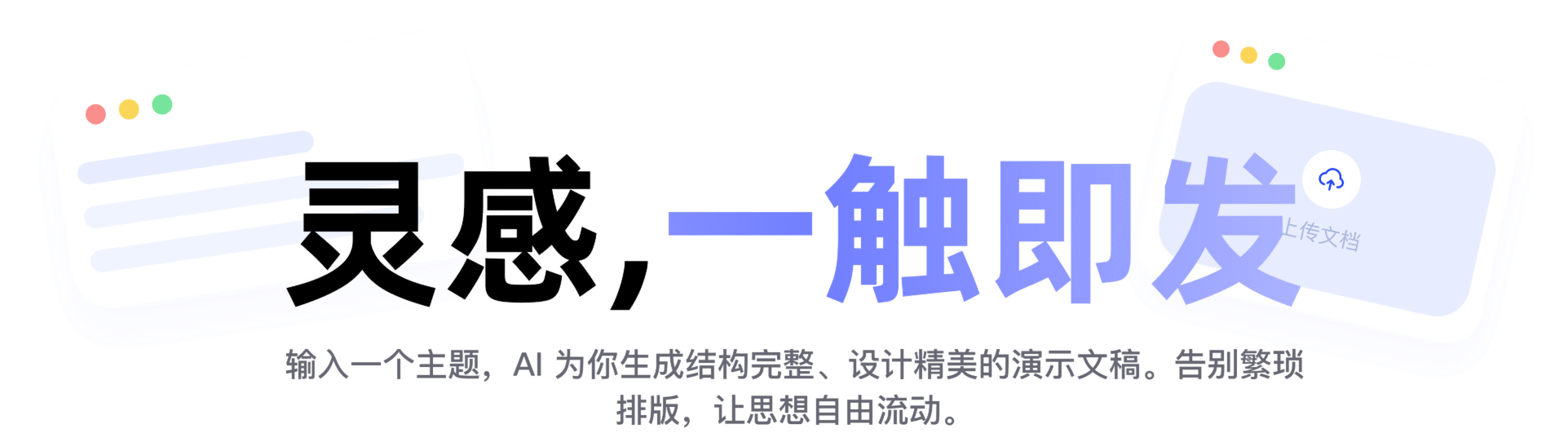
Key Capabilities of YiDian PPT
- AI one-click generation: Enter a topic and the system produces a complete content structure in about 10 seconds, matching presentation templates, layouts, and color schemes, with full online editing afterwards.
- Multi-format import: Word, PDF, TXT, and Markdown files can be imported in one click; long documents are condensed into key points and converted into slides.
- WYSIWYG online editing: AI assists with layout and composition, highlights key points with one click, and lets you freely adjust theme colors and typography.
- AI design assistant: It detects the complexity of chart data and suggests better visual forms, for example recommending a donut chart for proportions, and can rewrite and refine content.
- Language switching: Supports Chinese and English text generation and mutual translation for cross-border reporting and international materials.
- Media and formula support: Charts, audio, video, and formula operations can be inserted to meet professional presentation needs.
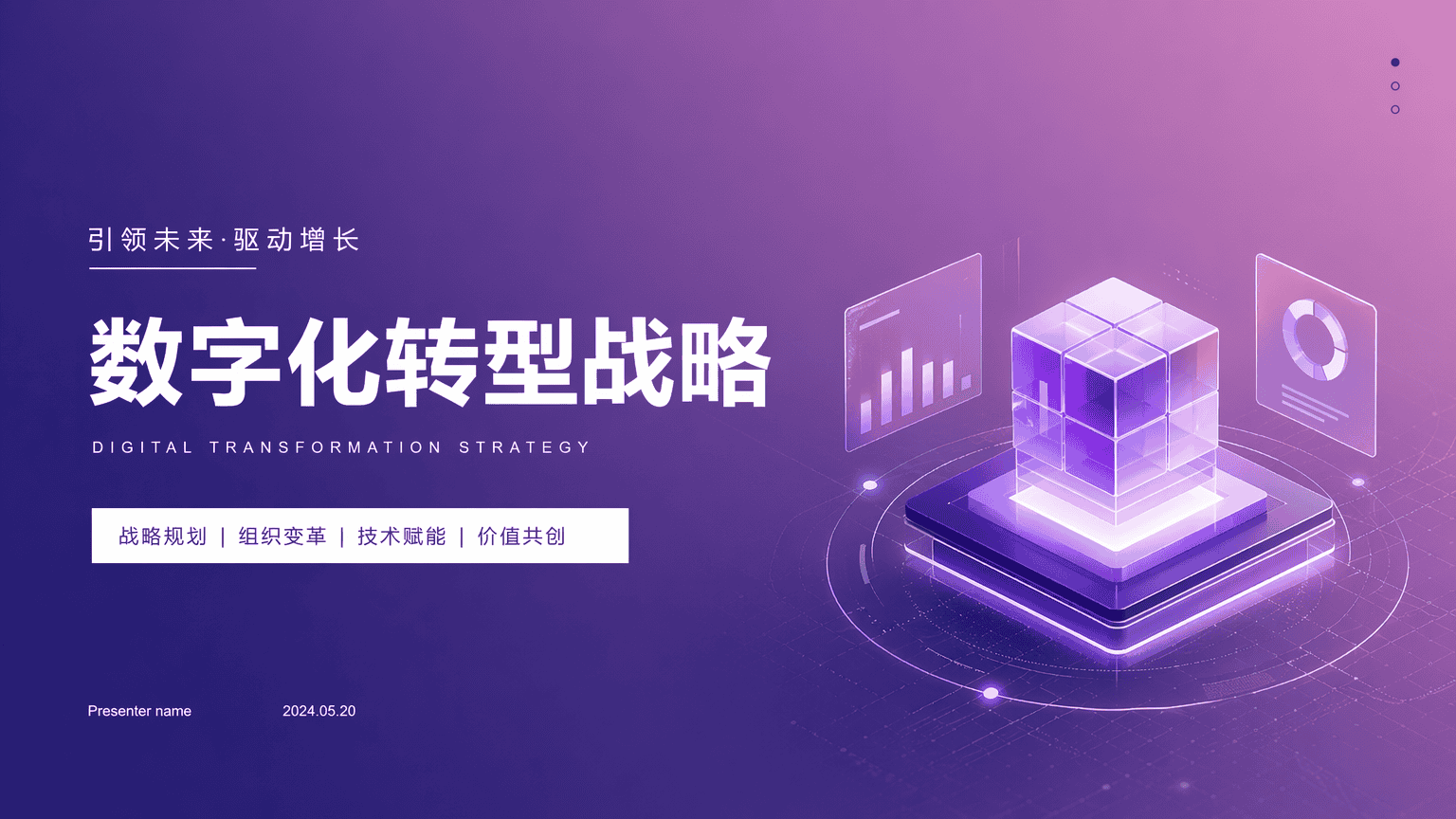
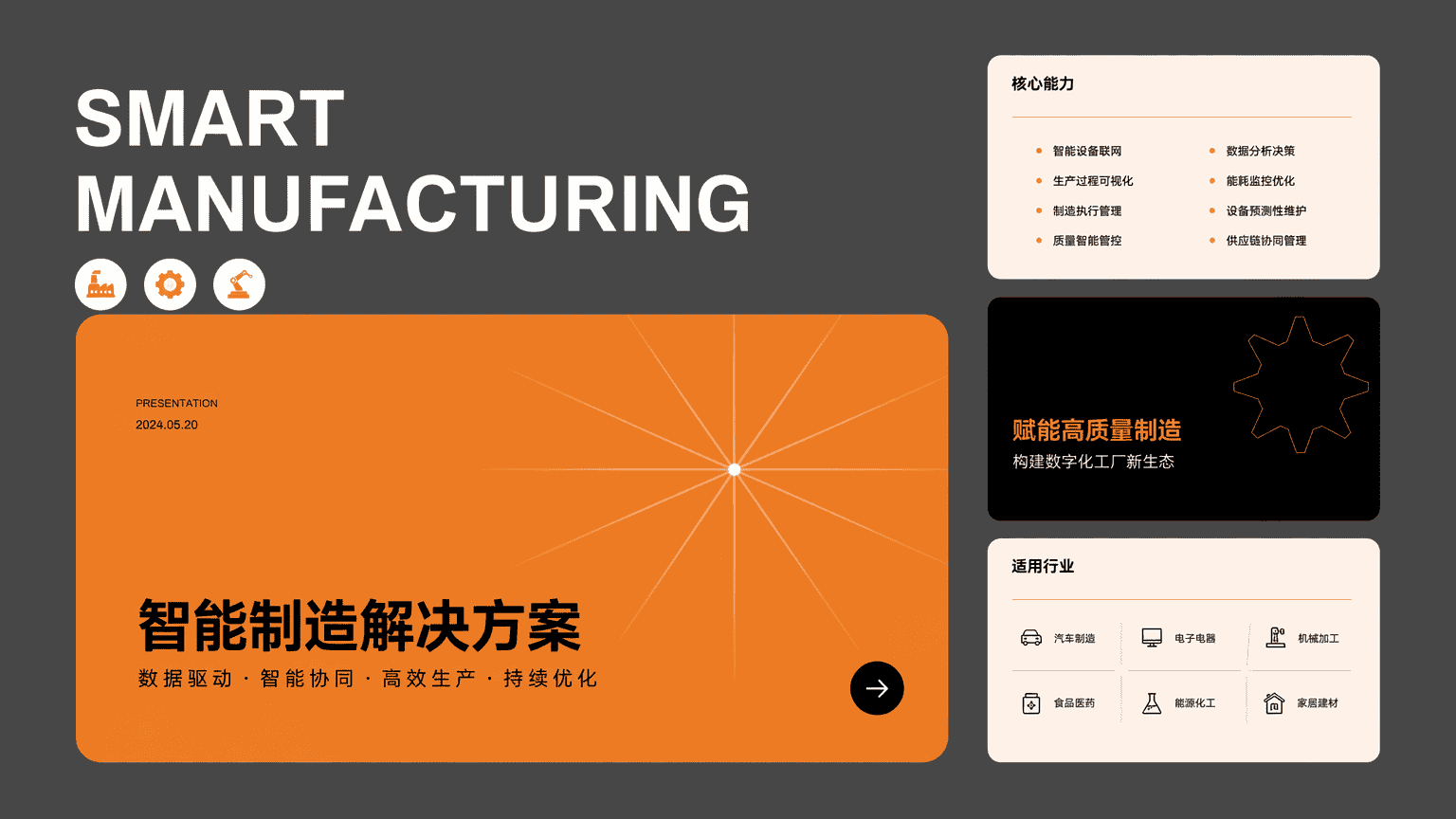
- Large template library: Business, minimal, technology, and formal styles are covered for year-end reviews, business plans, product launches, and graduation defenses.
- Cross-platform compatibility: Full-format import and export with syncing across desktop and mobile, so decks can be edited anywhere.
How to Use YiDian PPT
- Open the official site at https://www.1dppt.com/ and register or sign in.
- Describe your presentation topic in the input box, for example "year-end review" or "business plan", or upload a Word, PDF, TXT, or Markdown document.
- The system parses the content in about 10 seconds and produces a logical outline and complete deck framework.
- Pick a style from the template library, covering business, education, technology, and other scenarios.
- AI matches layouts and colors automatically and generates the complete presentation.
- Fine-tune text, colors, and typography in the editor, insert charts, audio, video, or formulas, or use the AI assistant to optimize content in one click.
- Export the file when finished; it syncs across devices for presenting or further editing anytime.
Who It Is For
- Professionals: Complete work summaries and project proposals quickly, with AI organizing the logic and professional templates raising presentation quality.
- Business and bidding scenarios: Produce corporate promotion and bid materials with consistent, polished layouts that reflect brand quality.
- Educators: Generate courseware and lesson materials and keep attention on teaching itself.
- Public sector organizations: Prepare reporting and briefing materials with formal, rigorous template styles.
- Students: Finish coursework, graduation defenses, and resume presentations with ease.
- Entrepreneurs: Build business plans and product launch decks for roadshows and pitching.
Limitations
- Generation speed and output quality depend on how clearly the topic is described, document length, and network conditions; complex content usually needs human review and further editing.
- Materials containing important data, compliance wording, or external publication should be checked page by page after export.
- Available features, template counts, export formats, and pricing follow the current information on the official site.
Frequently Asked Questions
Who should use YiDian PPT? It suits professionals, teachers, students, and entrepreneurs who produce presentations often, as well as organizations that need standardized reporting materials, especially anyone looking to cut drafting and formatting time.
Can existing documents be converted into slides? Yes. Word, PDF, TXT, and Markdown files can be imported; the system extracts key points and builds a presentation structure that remains editable.
Can the generated deck be exported and edited again? Yes. Drafts stay editable online and can be exported, with syncing across desktop and mobile for presenting or revising at any time.
Is bilingual output supported? Chinese and English text generation and mutual translation are supported, which suits cross-border reporting and international materials.
Frequently asked questions
Who should use YiDian PPT?
It suits professionals, teachers, students, and entrepreneurs who produce presentations often, as well as organizations that need standardized reporting materials, especially anyone looking to cut drafting and formatting time.
Can existing documents be converted into slides?
Yes. Word, PDF, TXT, and Markdown files can be imported; the system extracts key points and builds a presentation structure that remains editable.
Can the generated deck be exported and edited again?
Yes. Drafts stay editable online and can be exported, with syncing across desktop and mobile for presenting or revising at any time.
Is bilingual output supported?
Chinese and English text generation and mutual translation are supported, which suits cross-border reporting and international materials.



