
Wukong is an AI-native work platform built for companies: you describe the outcome, it breaks the task down, calls documents, spreadsheets and chat tools, and delivers reviewable output under your existing permission rules. It is currently in Beta by invitation.
What Wukong is
Wukong (WUKONG) is an enterprise AI-native work platform from Alibaba, built around a simple promise: every team gets a swarm of AI agents that keeps working around the clock. It exists in two forms, a standalone desktop application and a deeply embedded agent inside DingTalk, so you can assign work from a chat window or wake it remotely from a phone or laptop.
It is not a question-and-answer assistant in the usual sense. Wukong behaves more like a colleague who takes a brief: you describe the result you want in natural language, and it decomposes the job, picks the relevant skill, calls tools such as documents, spreadsheets and messaging, then hands back something you can inspect.
The enterprise part is the real differentiator. Every AI action runs inside a security sandbox, automatically inherits the permission rules already defined by the company, and keeps token consumption transparent, which gives administrators a way to set both a compliance boundary and a cost ceiling.
Key capabilities
- Enterprise AI work platform: an AI-native system designed for teams rather than individuals, able to absorb recurring operational work over time.
- Sandboxed execution: AI operations run under company permission rules inside a sandbox, reducing the risk of over-reach and data leakage.
- Long-term memory: the platform keeps accumulating context about you and your work, so its output fits your habits better the longer you use it.
- OPT one-person-team templates: ten industry playbooks covering e-commerce, cross-border commerce, finance and tax, legal, executive search and manufacturing, each switchable in one step.
- DingTalk as tools: more than a thousand native DingTalk capabilities are exposed so the AI can directly drive documents, spreadsheets and chat, turning a conversation into an execution.
- Skill marketplace: an open skill ecosystem where developers publish and distribute capabilities, gradually forming a business-facing skills market.
- Alibaba ecosystem access: Taobao, 1688, Alipay and Alibaba Cloud business capabilities are being connected step by step, linking sourcing, transactions and cloud resources into one loop.
- Cross-platform presence: WeChat, Slack and Telegram are supported, so the agent can be summoned remotely from whichever chat tool the team already uses.
How to get started
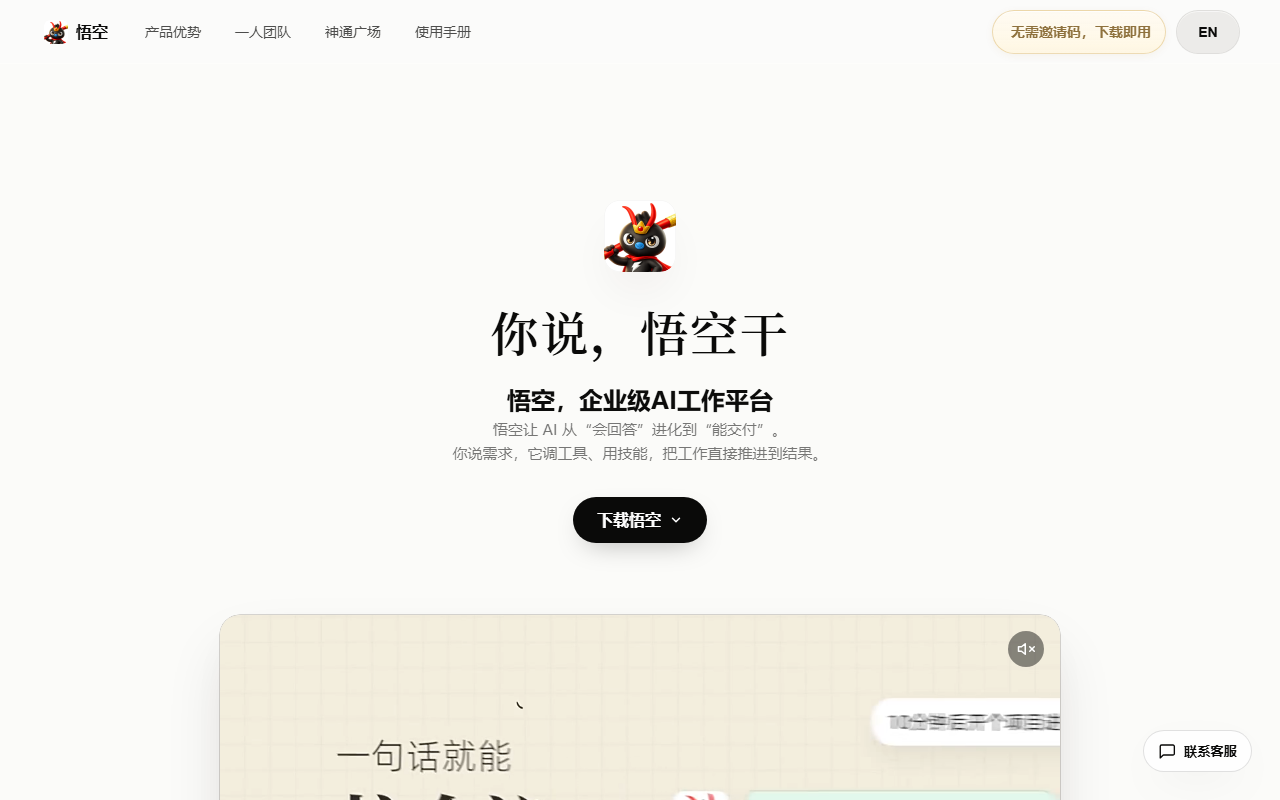
- Download: open the official site at https://www.dingtalk.com/wukong and pick the build for your operating system.
- Choose a mode: the cloud edition works without installation; the local edition can operate local files and a browser once installed.
- Sign in: log in with a DingTalk account so company permissions and security rules are inherited automatically.
- Summon it: call Wukong from a desktop or phone, or use the built-in agent in DingTalk AI 2.0 directly.
- Pick a playbook: open the AI capability center and enable one of the ten OPT industry templates, such as one-person e-commerce or one-person finance.
- Assign work: describe the requirement in natural language and the platform breaks it into steps and calls the matching skills.
- Review output: inspect the documents, spreadsheets, code or analyses it produced, then approve them or ask for changes.
- Let it learn: keep using it so long-term memory picks up your preferences and working style.
Where it fits
- One-person e-commerce: sourcing on 1688, supplier due diligence, cross-site price comparison and product listing handled as a single chain.
- One-person cross-border commerce: a selection radar, creative production and selling-point testing compress a week of operations into an afternoon.
- One-person finance and tax: invoices turned into books in seconds, reminders for tax handling, and business figures available on demand.
- One-person law practice: case intake notes and matter summaries generated from case information, plus targeted searches of relevant regulations.
- One-person executive search: company background analysis, job requirement extraction, candidate profiles and sourcing strategy in one pass.
- Manufacturing and design: the official examples also include one-person manufacturing and one-person design templates, suited to small-batch work with a fixed process.
Limits to keep in mind
- Beta by invitation: access currently requires an invitation code. Codes have a validity window and a quota, are published on the official homepage and in the DingTalk service window, and are redeemed in a dialog in the desktop app.
- Tied to DingTalk accounts: permission inheritance and security rules are built on an enterprise organization, so a personal account sees a narrower experience.
- Editions differ: the cloud edition is instant but cannot touch local files; only the local edition can operate local files and a browser.
- Ecosystem access is gradual: Taobao, 1688, Alipay and Alibaba Cloud integrations are still rolling out, so what is actually available should be checked inside the product.
- Human review still required: documents, books or legal drafts produced by the AI must be checked by a responsible person before they are treated as final.
- Token-based cost: usage is transparent, but sustained high-frequency work needs a budget line.
FAQ
Is it just another chatbot? No. The unit of work is a deliverable, not a reply: the platform plans steps, calls tools and returns files you can review.
Can I try it without an invitation code? Not at the moment, since the product is in Beta. Watch the official homepage and the DingTalk service window for released codes.
What about data boundaries? AI actions inherit your organization permission rules and run in a sandbox, and administrators should configure and periodically review that scope.
Frequently asked questions
How is Wukong different from a normal AI chatbot?
A chatbot mostly answers questions. Wukong is built around delivery: it splits a request into steps, calls tools such as documents, spreadsheets and chat, and returns files or code you can review.
Can I use it without an invitation code?
Wukong is in Beta and needs an invitation code to activate. Codes are published periodically on the official site and through the DingTalk service window, and both quota and validity are limited.
Will the AI see data it should not see?
AI actions inherit the permission rules already configured in your organization and run inside a sandbox, so visibility is bounded by your authorization model. Administrators should still review the configured scope regularly.
Should I pick the cloud edition or the local edition?
Choose the cloud edition to try it quickly without installing anything. Choose the local edition when the AI needs to work with files or browser sessions on your own machine.



