

WPS Office provides word processing, spreadsheets, presentations and PDF tools, with AI assistance in some versions.
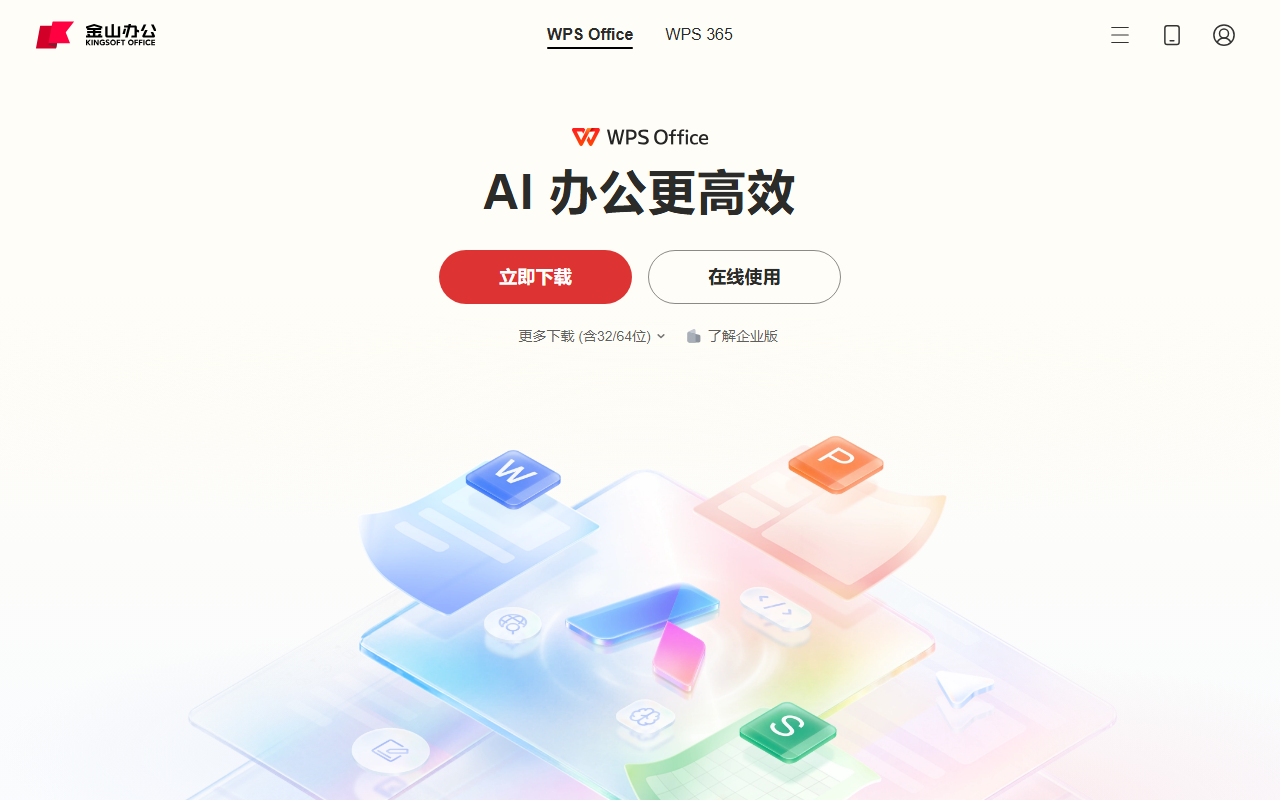
WPS Office: documents, spreadsheets and presentations
WPS Office provides word processing, spreadsheets, presentations and PDF tools, with AI assistance in some versions.
Features
Users can create documents, work with tables, make presentations and read PDFs. The product offers templates, cloud sync and collaboration; WPS AI can assist writing, reading, presentations or data analysis. Features and compatibility depend on version, device and file contents.
How to use it
Obtain the client from the official site or an official app store, open or create a file and select the relevant tool. Sign in and check sharing scope for collaboration or sync. Give AI clear instructions, review content, formulas and layout, then save or export.
Considerations
Complex files can show font, layout or feature differences across software; check before delivery. AI results can be wrong, so verify important facts and data. Review privacy and permissions before upload or sharing. Features, membership and prices depend on current offerings.
Frequently asked questions
What files can it handle?
It offers document, spreadsheet, presentation and PDF tools; formats and compatibility depend on the current version.
Are AI features identical on every device?
Not necessarily; they vary by platform, version and account entitlements.
Can AI output be used directly?
Review facts, formulas, layout and relevant rights before formal use.
Frequently asked questions
What files can it handle?
It offers document, spreadsheet, presentation and PDF tools; formats and compatibility depend on the current version.
Are AI features identical on every device?
Not necessarily; they vary by platform, version and account entitlements.
Can AI output be used directly?
Review facts, formulas, layout and relevant rights before formal use.



