

WonderCV is a resume creation and editing tool with templates and writing assistance; applicants remain responsible for accurate information and their own presentation choices.
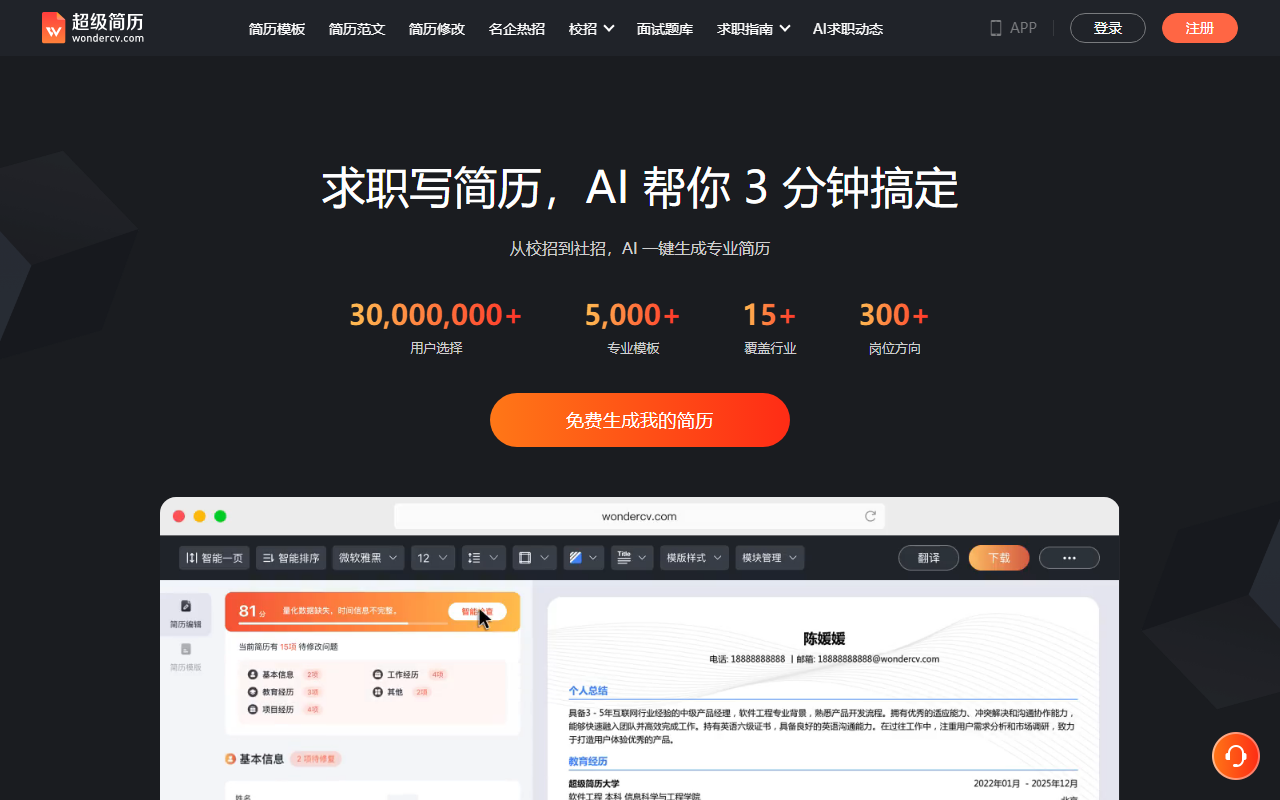
WonderCV: create and improve a bilingual resume
WonderCV is a resume creation and job-search preparation tool. It offers templates for different candidates and industries and can help organize resume content, review text, and adjust layout. Described features also include Chinese-English translation, cloud editing across phone and computer, and career guidance. Available functions and conditions may change; check the current app and the WonderCV website for details.
Start with a suitable template
Choose a template based on the target role, career stage, or experience, then add education, employment or project history, skills, and outcomes. A template helps organize information but cannot decide what a recruiter needs to see. Describe contributions with specific, verifiable facts. Do not exaggerate responsibilities, invent metrics, or list skills you do not have simply to fill a section.
Review AI suggestions carefully
Resume scoring, error checks, writing prompts, and optimization suggestions can serve as editing references. Decide whether each suggestion accurately reflects your experience and the role before adopting it. Generated text may overstate responsibilities, omit context, or introduce details that were not confirmed. Before applying, verify job titles, dates, project scope, numbers, and terminology. Check that translated versions remain consistent. A score does not represent an employer's decision and cannot guarantee that a resume will pass screening or lead to an interview.
Translation, layout, and editing across devices
The product description mentions Chinese-English translation and automatic formatting, which may help create language versions or continue editing across devices. After translation, review industry terms, names, date formats, and tone. Check pagination, typography, and visual emphasis after automatic layout. Keep your own backup of important versions and tailor each submission to the specific role.
Guidance and privacy
The platform also describes career planning, resume editing, and application simulation services; confirm their scope and terms before use. A resume contains personal details such as contact information, education, and employment history. Read the current privacy and data-handling policies before uploading and provide only what is needed. Protect account credentials when using cloud synchronization.
Frequently asked questions
Does a high resume score mean I will pass screening?
No. It is an editing reference, not a hiring assessment or a promise of an interview or offer.
Can I use AI-generated experience descriptions as written?
First verify that each responsibility and result is true, then edit it to reflect your own experience. Remove unverified or invented details.
Should I review a translated resume?
Yes. Check terminology, names, dates, context, and consistency between language versions.
Frequently asked questions
Who can use WonderCV?
The described templates support students, graduates, and other job seekers. Check the current site and app for available template categories and services.
Can an AI score guarantee an interview?
No. Scores and edits are drafting references, not hiring decisions or guarantees. Keep experience, metrics, and skills accurate.
What about resume privacy?
Resumes contain personal information. Review current privacy and data policies before uploading, and avoid unnecessary sensitive details.



