

V2Fun is a full-pipeline AI 3D content creation platform launched by Vertex Lab (极顶数创). Users can generate structurally sound, detail-rich, production-ready 3D assets in a browser within minutes from text descriptions, reference images, or multi-view images, with no professional modeling experience required. Output supports FBX, GLB, OBJ and other mainstream formats and connects to Unity, Unreal Engine, Blender, and 3D printing workflows.
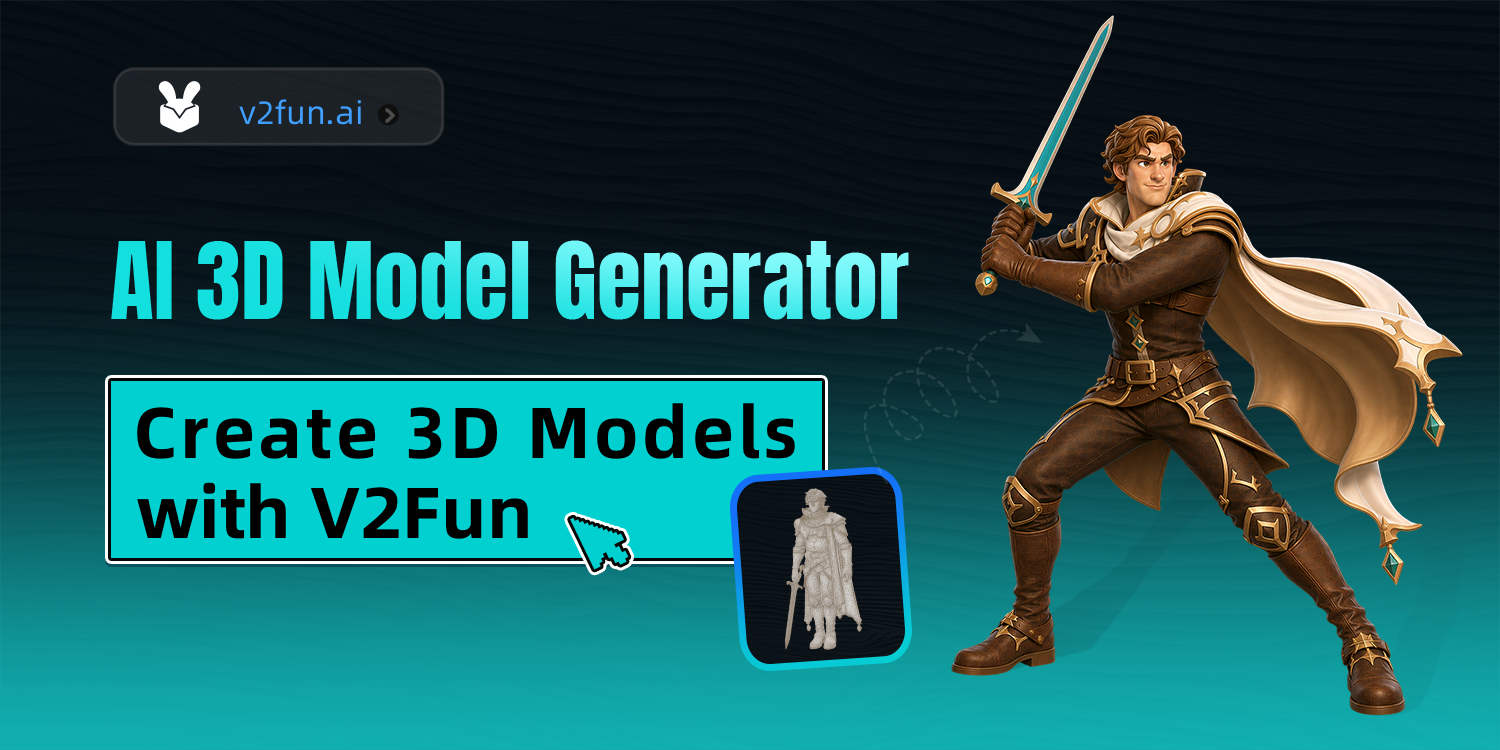
V2Fun: A Full-Pipeline AI 3D Content Creation Platform
Quick Answer
V2Fun is a full-pipeline AI 3D content creation platform launched by Vertex Lab (极顶数创). It integrates AI image generation, AI 3D modeling, AI auto-rigging, AI PBR texturing, and AI 3D animation into one continuous workflow, allowing users with no modeling experience to obtain production-ready 3D assets in the browser within minutes.
Product Positioning
V2Fun is designed for creators and teams who want to produce 3D content quickly but do not have professional modeling skills. It combines steps that were previously scattered across multiple software packages — concept art, modeling, rigging, texturing, and animation — into a single continuous browser-based workflow. Users need only provide text descriptions, reference images, or multi-view images to generate structurally sound, detail-rich 3D assets. The platform also supports AI video motion capture, intelligent retopology, and one-click PBR material generation. According to the official description, it can compress production cycles by 100x and reduce costs to 1% of traditional workflows.
Core Features
AI Image Generation
A reference image generation tool designed for 3D creation, with a built-in 3D semantic prompt optimizer that produces concept images with clear structure and accurate perspective to directly support downstream modeling.
AI 3D Modeling
Supports text and image input paths:
- Text-to-3D: generate high-precision, exportable 3D assets in minutes from a single sentence; ideal for rapidly iterating character, scene, and game-asset concept art.
- Multi-view to 3D: upload front, side, back, and other multi-angle reference images; spatial analysis algorithms generate structurally complete, accurately proportioned, industrial-grade 3D assets.
AI Auto-Rigging
A smart algorithm based on keypoint recognition converts a static T-Pose model into an animatable asset with full animation potential in one click, and supports manual calibration of bone joints.
AI 3D Animation and Video Motion Capture
You can call on an extensive motion library or upload private motion files; the AI animation engine completes high-precision motion transfer in minutes. AI video motion capture uses monocular video motion extraction to capture high-precision human poses from ordinary video in one click and drive custom 3D characters in real time — no professional motion-capture equipment is required.
AI Textures and PBR Material Generation
Automatically generates production-grade standard PBR material maps, reproducing detail, gloss, and roughness in minutes and supporting multi-style AI 3D texture generation. Without changing the model's mesh topology, you can replace surface textures and materials in one click and obtain a full set of PBR material maps with correct lighting and bump detail.
Intelligent Mesh Retopology
While preserving appearance details, AI automatically optimizes the mesh structure into clean, lightweight, editable quad-based models.
How to Use V2Fun
- Access the platform: open the official website https://v2fun.art/ in a browser, or download the HarmonyOS native app from Huawei AppGallery, then register and log in.
- Generate a reference image (optional): use the AI drawing feature with a prompt to create character or scene concept images with clear structure and accurate perspective.
- Create a 3D model: choose “Text to 3D” or “Image to 3D”, enter a description or upload a reference image, then click “Prompt Optimization” to let AI automatically add spatial perspective and PBR material parameters.
- Preview and adjust: preview the generated 3D model in 360° in the browser and check the structure and texture details.
- Auto-rig: use AI auto-rigging on a satisfactory humanoid character model to generate a skeleton system in one click.
- Apply animation: select preset motions from the motion library, or upload an ordinary video for AI motion capture, to drive the character and generate animation.
- Export assets: choose FBX, GLB, OBJ or other required formats, then import into Blender, Unity, Unreal, or 3D printing software for further refinement.
Use Cases
- Short-video creators and virtual idol operations teams: quickly produce animatable 3D characters and reduce heavy reliance on professional motion-capture equipment and dedicated spaces.
- Indie game developers and small creative teams: use it as a prototyping accelerator to quickly validate character concepts, structures, and motions, lowering early-stage iteration costs.
- OC (original character) designers and IP creators: turn text settings or 2D designs into movable 3D characters.
- 3D printing enthusiasts and designer toy designers: generate printable 3D models directly from images and export 3MF/OBJ and other formats, enabling fast transition from digital to physical.
- Educators and training institutions: create intuitive 3D teaching materials for classroom demonstrations, online courses, and interactive learning.
- XR/VR content developers: quickly build virtual characters and spatial relationships for immersive experience prototypes and testing.
Advantages
- All-in-one full pipeline: image generation, modeling, rigging, texturing, and animation are integrated into a continuous workflow, putting an end to fragmented creation processes.
- High-fidelity modeling: dual-path input accurately reproduces character identity, art style, and structural detail.
- Zero barrier to entry: no professional modeling skills are needed; text or images can quickly produce production-ready 3D assets.
- Extremely fast delivery: production cycles are compressed by 100x, reducing production time from hours or days to seconds or minutes.
- Batch production: supports industrialized, large-scale 3D content output, letting one person handle tasks that once required a full team.
- Costs reduced by up to 100x: the cost per asset is only 1% of traditional methods, and large-scale creation costs can be reduced by up to 100x.
- Accessible motion capture: ordinary video drives 3D character animation with cloud compute, with no professional motion-capture hardware required.
Limitations
- The platform relies on a browser and cloud compute, which means the network environment matters.
- AI auto-rigging is mainly designed for T-Pose humanoid characters; its fit for non-humanoid assets needs real testing.
- Models that need to enter a formal production pipeline will generally still require manual refinement and review in Blender, Unity, or Unreal.
- The final quality of text-to-3D and image-to-3D output depends closely on the input description and the clarity of the reference image; complex industrial-grade structures may require multiple iterations.
Pricing Verification Note
This article does not include V2Fun's specific pricing plans, subscription tiers, or free-credit information. Prices, packages, and availability are subject to change. Please refer to the latest information published on the official website https://v2fun.art/ and double-check billing methods, free trial policies, and export entitlements before use.
Frequently Asked Questions
Does V2Fun require modeling experience?
No. The platform focuses on zero-barrier creation: users can generate production-ready 3D assets from text descriptions, reference images, or multi-view images.
Can I export models created in V2Fun?
Yes. Results can be exported in FBX, GLB, OBJ, and other mainstream formats. For 3D printing, it also supports 3MF/OBJ and other formats. The output works seamlessly with Unity, Unreal Engine, Blender, and 3D printing workflows.
Can V2Fun be used on mobile?
Yes. In addition to accessing the official website through a browser, you can download the HarmonyOS native app from Huawei AppGallery, then register and log in.
Can I create character animations without motion-capture equipment?
Yes. V2Fun's AI video motion capture is based on monocular video motion extraction. It captures high-precision human poses from an ordinary video and drives a custom 3D character in real time. Because processing is powered by cloud compute, no professional motion-capture hardware is required.
Alternatives
According to publicly available materials, tools similar to V2Fun include the AI 3D content creation platform launched by Spline. When comparing options, we recommend reviewing each product's modeling paths, animation capabilities, export formats, and pricing, and relying on the latest official information.
Official Website and Primary Sources
- Product website: https://v2fun.art/ (AI 3D Model Generator, v2fun.art)
Pricing, features, and availability may change at any time; please refer to the official website.
Frequently asked questions
Does V2Fun require modeling experience?
No. V2Fun focuses on zero-barrier creation. Users can generate structurally sound, detail-rich, production-ready 3D assets in a browser within minutes from text descriptions, reference images, or multi-view images.
Which software can V2Fun models be exported to?
Results can be exported in FBX, GLB, OBJ and other mainstream formats, and work seamlessly with Unity, Unreal Engine, Blender, and 3D printing workflows. 3D printing scenarios also support 3MF/OBJ and other formats.
Can I make character animations without professional motion-capture equipment?
Yes. V2Fun's AI video motion capture is based on monocular video motion extraction. It captures high-precision human poses from ordinary video in one click and drives custom 3D characters in real time, powered by cloud compute, with no professional motion-capture hardware required.
Does V2Fun cost money?
This article does not include V2Fun's specific pricing details. Prices and plans are subject to change; please refer to the latest information published on the official website https://v2fun.art/ and check billing methods and free trial policies before use.
Does V2Fun support mobile use?
Yes. In addition to accessing the official website through a browser, you can download the HarmonyOS native app from Huawei AppGallery, register, and log in.



