

UXbot is an AI product design tool that helps turn text requirements or reference images into interface designs and interactive prototypes. It can support product managers, designers and teams exploring ideas and creating demonstrations. Website: https://www.uxbot.cn/
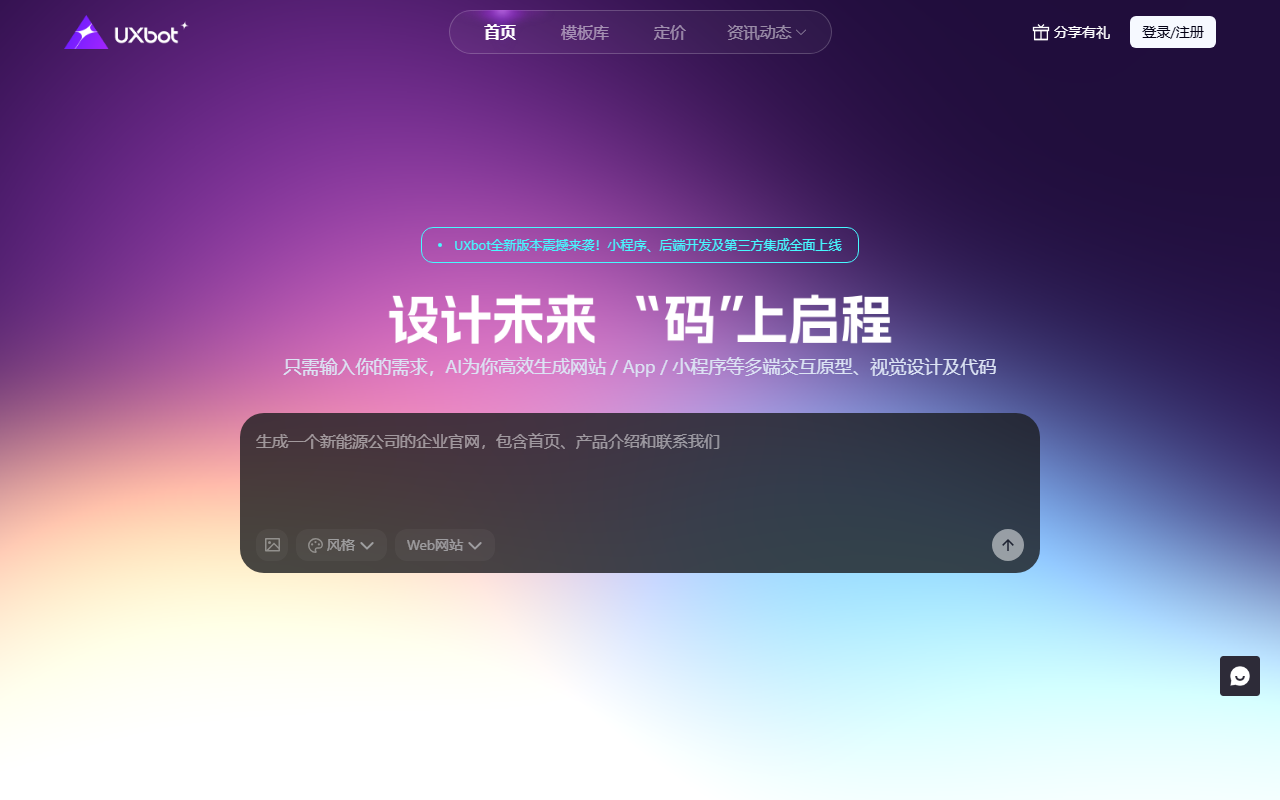
UXbot: AI interface design and interactive prototypes
UXbot is an AI product design tool that helps turn text requirements or reference images into interface designs and interactive prototypes. It can support product managers, designers and teams exploring ideas and creating demonstrations. Website: https://www.uxbot.cn/.
Features
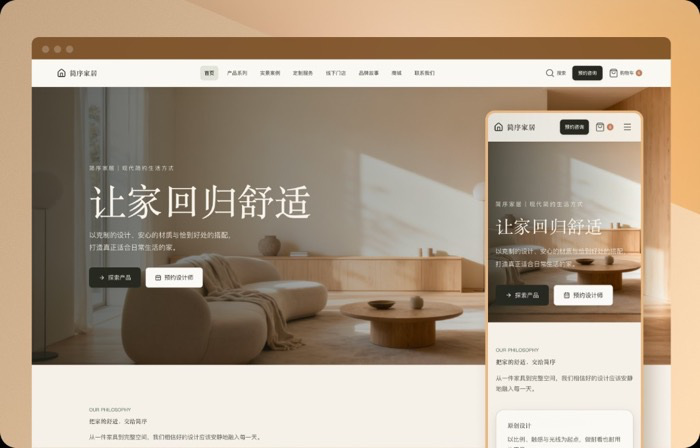
The product describes generating designs from requirements, editing workflows and page relationships, creating for multiple devices, previewing interactions and editing layouts and styles. Export options are described, but available formats and permissions depend on the current version and plan.
How to use
Visit the site and review current terms, then sign in as prompted. Choose text or image input, describe the target device, functions and style, and review the generated workflow and pages. Test key interactions, revise with team feedback and check available export or sharing options.
Considerations
Confirm rights before uploading reference images and avoid unauthorized or sensitive content. Generated designs and code need human review for business requirements, accessibility, responsive behavior and quality. Pricing, quotas and export rights may change.
Frequently asked questions
Can beginners use it?
Users can start from text or an image, but should check the result against user needs.
Can it design for multiple devices?
Product information describes multi-device design; verify actual support in the current version.
Is the output ready for development?
It can support handoff, but review design, interactions, export formats and code quality first.

Frequently asked questions
Can beginners use it?
Users can start from text or an image, but should check the result against user needs.
Can it design for multiple devices?
Product information describes multi-device design; verify actual support in the current version.
Is the output ready for development?
It can support handoff, but review design, interactions, export formats and code quality first.



