
TusiArt AI Ultra HD is a smart image upscaling and restoration tool by TusiArt that enlarges low-resolution images into high-definition pictures and repairs facial and hand details, suited to printing and commercial scenarios.
TusiArt AI Ultra HD: Smart Image Upscaling and Restoration Tool
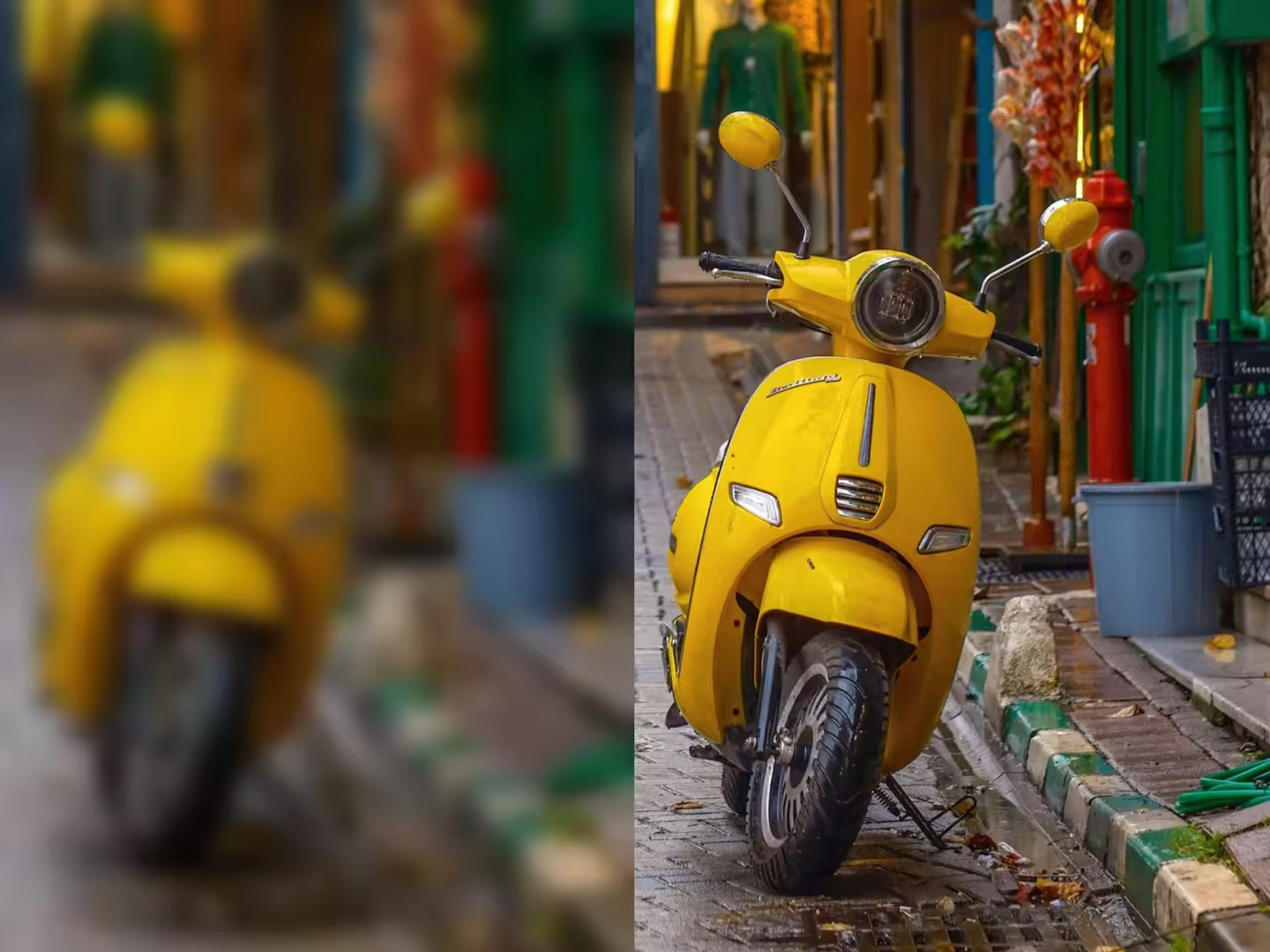
TusiArt AI Ultra HD is a smart image upscaling and restoration tool launched by TusiArt. Built on advanced models such as Stable Diffusion and FLUX, it turns low-resolution images into high-definition results. After uploading an image and choosing a suitable model, users can quickly generate high-resolution pictures for scenarios that demand image quality, such as printing and commercial use.
Key Features
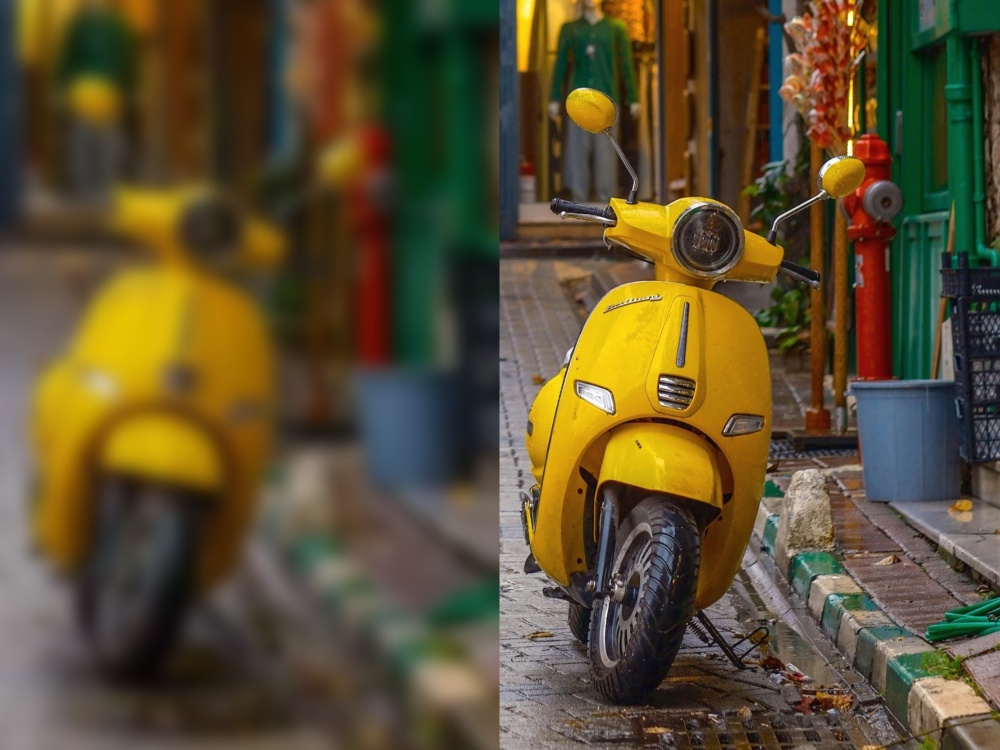
- High-resolution generation: Upload a low-resolution image, pick a suitable model to upscale it, and get a detailed, high-resolution picture suitable for printing and commercial purposes.
- Detail restoration and enhancement: Automatically repairs facial and hand details in images, improving naturalness and clarity.
- Multiple model support: The platform offers several base models, such as FLUX.1, and the Anime model for anime-style images, covering different styles and needs.
- Image-to-image: Provide a base image as a generation reference and, by adjusting parameters or applying different models, produce stylized high-quality images.
- Community sharing and collaboration: Share generated high-resolution images or models with the community, interact with other creators and spark new ideas.
How to Use
- Visit the TusiArt official website and complete registration and login.
- Open the workspace and select the Smart Ultra HD tool.
- Upload the image you want to upscale and choose a suitable AI model (FLUX.1 for photorealistic styles, Anime for anime styles).
- Adjust parameters as needed, including aspect ratio, resolution, sampling method and CFG scale.
- Click the "Generate" button and the platform will output a high-resolution image based on your input and settings.
Use Cases
- Old photo restoration: Bring blurred, low-resolution or damaged old photos back to life with clearer details.
- Image denoising: Remove noise introduced during shooting or scanning for cleaner, sharper pictures.
- Digital art creation: Turn sketches or low-resolution concepts into high-definition artworks with strong visual impact.
- Advertising assets: Upgrade low-resolution ad images to high definition for print or high-resolution displays.
- Game art: Quickly generate high-resolution characters, scenes or props to improve a game's visual quality.
Limitations
- Registration and login on the TusiArt website are required before use.
- Upscaling and restoration quality depends on the source image and the chosen model and parameters; severely damaged images may require several attempts.
- Review the generated results manually before using them for formal printing or commercial publishing.
FAQ
Who is TusiArt AI Ultra HD for? It is for anyone who needs to turn low-resolution pictures into high-definition ones, including designers, photographers, e-commerce sellers, game artists and general users, especially for printing and commercial scenarios.
Which models does TusiArt AI Ultra HD support? The platform provides several base models, such as FLUX.1 for photorealistic images and the Anime model for anime-style pictures, so you can choose flexibly by image style.
How can I get better upscaling results? Upload the sharpest original you have, choose a model that matches the image style, and fine-tune parameters such as resolution, sampling method and CFG scale. Generate several times and compare if necessary.
Frequently asked questions
Who is TusiArt AI Ultra HD for?
It is for anyone who needs to turn low-resolution pictures into high-definition ones, including designers, photographers, e-commerce sellers, game artists and general users, especially for printing and commercial scenarios.
Which models does TusiArt AI Ultra HD support?
The platform provides several base models, such as FLUX.1 for photorealistic images and the Anime model for anime-style pictures, so you can choose flexibly by image style.
How can I get better upscaling results?
Upload the sharpest original you have, choose a model that matches the image style, and fine-tune parameters such as resolution, sampling method and CFG scale. Generate several times and compare if necessary.



