

TusiArt AI Eraser is an image-editing tool for marking areas and attempting to remove objects.
TusiArt AI Eraser: mark and remove objects from an image
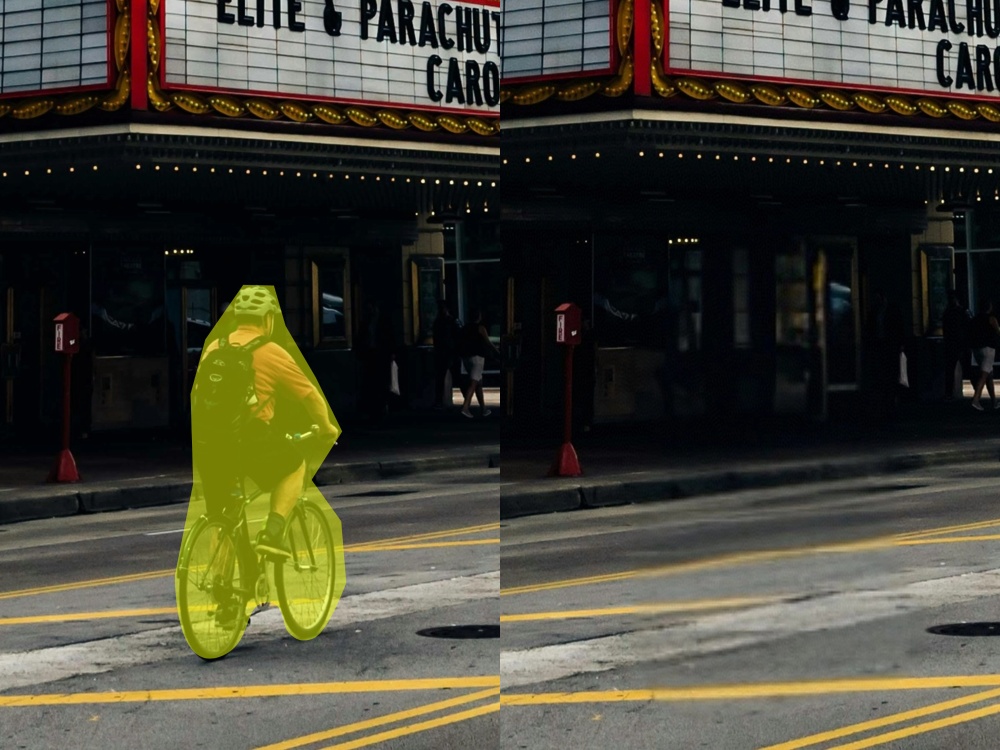
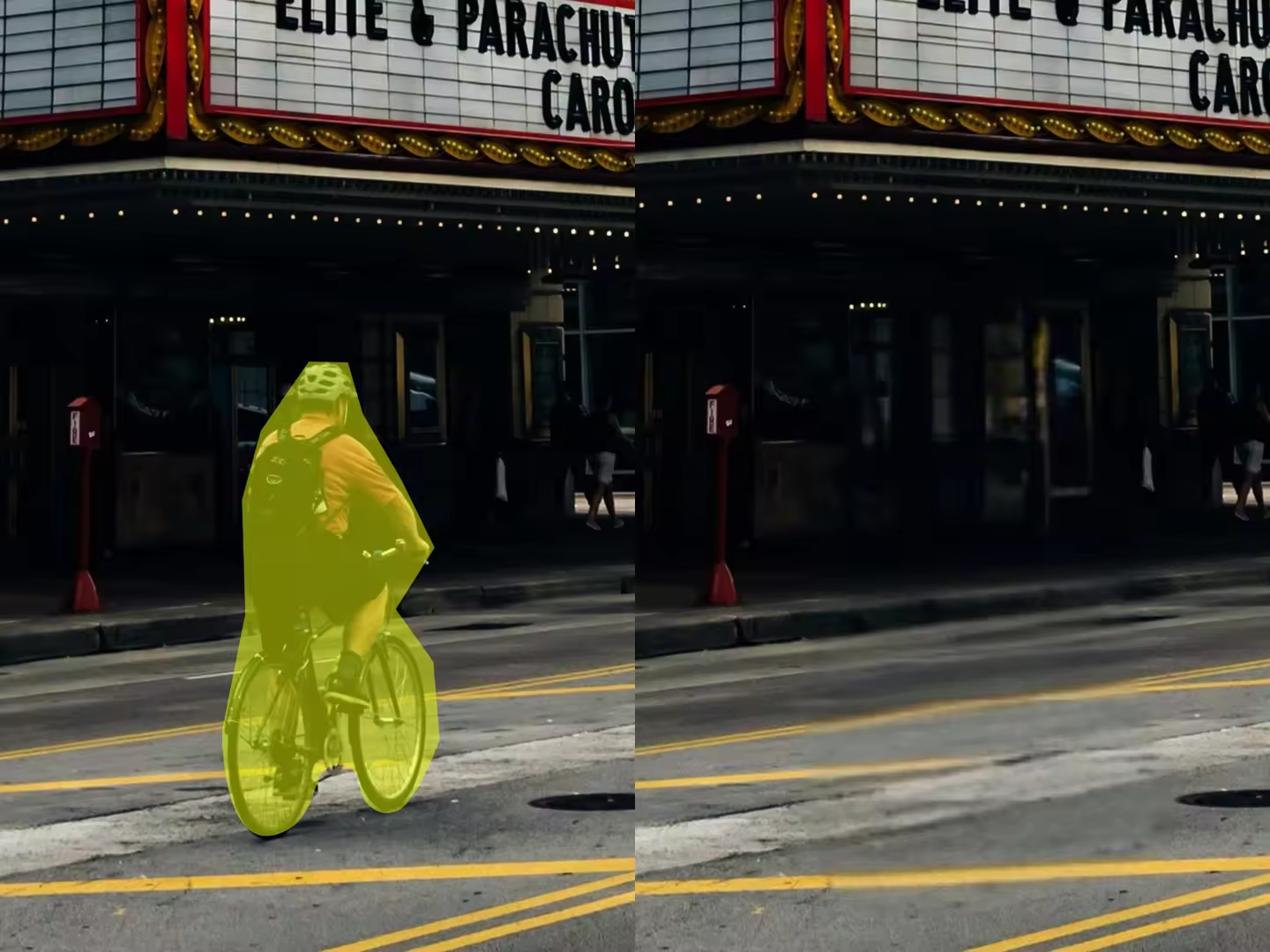
TusiArt AI Eraser is an image-editing tool on the TusiArt platform. Users can upload a picture, brush over a person, piece of clutter or other area they want to remove, and generate a result that fills the background. It can help with photo cleanup and removing distractions from creative images.
Main features
The tool uses inpainting to process the marked area and attempts to fill the space left by the removed object. If the first result is unsatisfactory, users can generate another and compare the alternatives. Results depend on the original picture, the marked area and the complexity of the background, so inspect details rather than assuming every edit will be seamless.
How to use it
Open the platform and follow its current sign-in instructions. Upload an image you have the right to use, choose the inpainting option and brush over the object or area to change. Submit the edit and examine the generated image, especially edges, textures and how the filled area joins the background. Adjust the selection and generate again if necessary. Once satisfied, save or share using the options offered on the page. The exact controls may change.
Uses and limitations
Try the tool to remove clutter or unwanted people from a photo, or to clean the background of a creative design. Keep the original image and check that the generated result suits its intended purpose. Before uploading personal or business material, review the platform's data handling terms. The available description mentions free computing credits, but allowances and prices may change; check the current platform information.
Frequently asked questions
What is TusiArt AI Eraser?
It is an image-editing tool on TusiArt for marking an area and attempting to remove an object from a picture.
What if I do not like the result?
Adjust the marked area, generate again and compare the results.
Will the edit always look natural?
The result depends on the image and background complexity. Zoom in to check edges and the filled area.
Frequently asked questions
What is TusiArt AI Eraser?
An image-editing tool on TusiArt for marking areas and attempting to remove objects.
What if I do not like the result?
Adjust the selection, generate again and compare the results.
Will every edit look natural?
Results depend on the image and background; check edges and the filled area.



