

Simple Scan is a scanning app for iPhone users that turns paper documents and pictures into clean digital files by shooting or importing them, recognises the text inside and exports it as an editable document. It also converts images to Word, adds watermarks, converts images to PDF, and merges or extracts PDF pages.
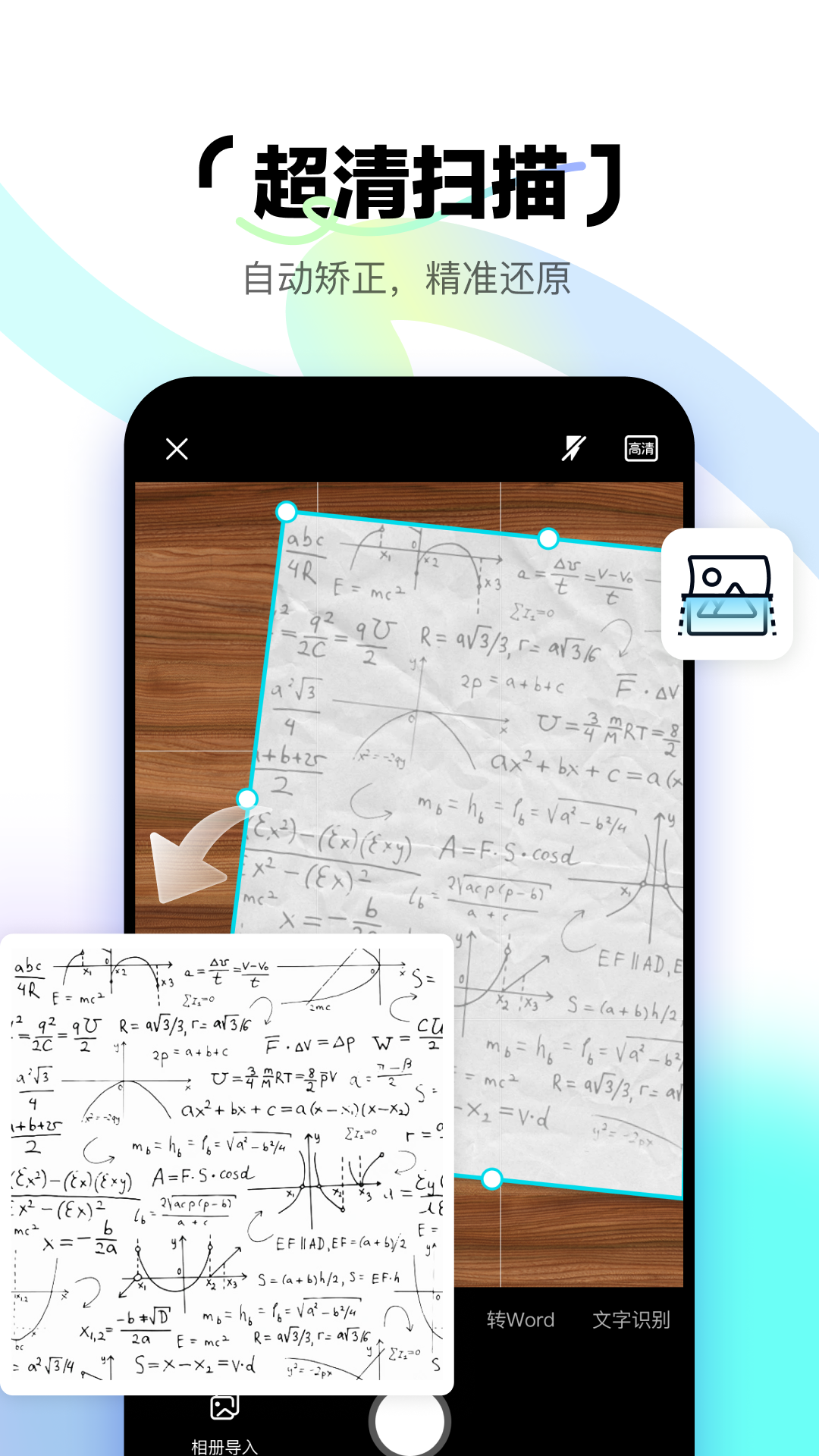
Simple Scan: An iPhone Scanning and Text Recognition Tool From Baidu Netdisk
What Simple Scan is
Simple Scan is an intelligent scanning app released by Baidu Netdisk and designed for iPhone users. It brings document scanning, text recognition, image processing, translation and format conversion together in one place: take a photo or import an existing document or image from your album, and you can quickly produce an image, a PDF or an Office file, instead of jumping between several apps just to process one sheet of paper.
If you regularly need to turn contracts, receipts, notes or exercise sheets into digital copies, it works like a portable scanner in your pocket: capture it, clean it up, convert it to the format you need, and send it off.
Main capabilities
Document scanning. Photograph a paper document to digitise it fast, with correction, brightening, watermarking and handwriting removal, producing an ultra-clear electronic copy.
Text recognition. Extract handwritten or printed text from an image and export it as an editable document in one tap, saving the time of retyping everything by hand.
Image to Word. Recognise the content of an image and convert it into a Word document, so you can keep editing and reformatting on top of the original.
Image watermarking. Add your own watermark text before sending out IDs, contracts or certificates, marking the intended use and protecting the file.
Image to PDF. Convert images into a high-definition PDF with one tap, handy for combining multi-page material into a single file for submission.
PDF tools. Merge PDFs and extract pages, making it easy to organise and edit PDF files, splitting or recombining pages as needed.
Image processing and translation. Extra image processing, translation and format conversion options cover the work that comes after scanning.
How to use it
- Open Simple Scan on iPhone and either take a photo or import an existing document or image from your album.
- Apply correction, brightening and handwriting removal to tidy up a skewed, dark or annotated original.
- When you need to mark the purpose, add custom watermark text with the watermarking feature.
- Choose the output format by use case: image to Word when you still need to edit, image to PDF when you need to submit or archive.
- To pull text out, run text recognition and export handwritten or printed content as an editable document.
- With several PDFs on hand, use the PDF tools to merge them or extract pages and assemble the final file.
Who it suits
- Everyday office work: photograph paper contracts, expense receipts and meeting notes, convert them to PDF and submit them directly.
- Study organisation: scan workbooks, handouts and board notes, recognise the text and export editable notes.
- IDs and certificates: add watermark text before sending files out, lowering the risk of misuse.
- Document archiving: batch-scan loose paper material into high-definition digital copies and store them by category.
- PDF housekeeping: merge several PDFs into one, or pull out the pages you need and use them on their own.
Limitations
- Public material does not list pricing, membership plans or free quotas; actual charges follow what the app states.
- Recognition accuracy depends on how clear the original is, the lighting, the typeface and the layout. Messy handwriting or blurry scans may produce errors, so check important content yourself.
- The app is built for iPhone users; support on other platforms follows the listing on each app store.
- When scanning or sending files that contain ID numbers, contract amounts or similar sensitive data, pay attention to privacy and compliance.
Frequently asked questions
What kinds of material is Simple Scan good for? It handles paper documents, receipts, notes, exercise sheets and images, and can output image, PDF or Office files.
Can the recognised text be edited directly? Yes. Text recognition extracts handwritten or printed text and exports it as an editable document with one tap, ready for further changes.
Can I add my own watermark? Yes. The watermarking feature takes custom watermark text and is often used to mark the intended use and protect the file.
Can several PDFs be merged into one? Yes. The PDF tools support merging and page extraction, so you can organise and edit PDF files as needed.
Frequently asked questions
What kinds of material is Simple Scan good for?
It handles paper documents, receipts, notes, exercise sheets and images, and can output image, PDF or Office files.
Can the recognised text be edited directly?
Yes. Text recognition extracts handwritten or printed text and exports it as an editable document with one tap, ready for further changes.
Can I add my own watermark?
Yes. The watermarking feature takes custom watermark text and is often used to mark the intended use and protect the file.
Can several PDFs be merged into one?
Yes. The PDF tools support merging and page extraction, so you can organise and edit PDF files as needed.



