

Seede AI generates designs from text and assets and describes layered editing and multiple export formats.
Seede AI: create editable designs from text
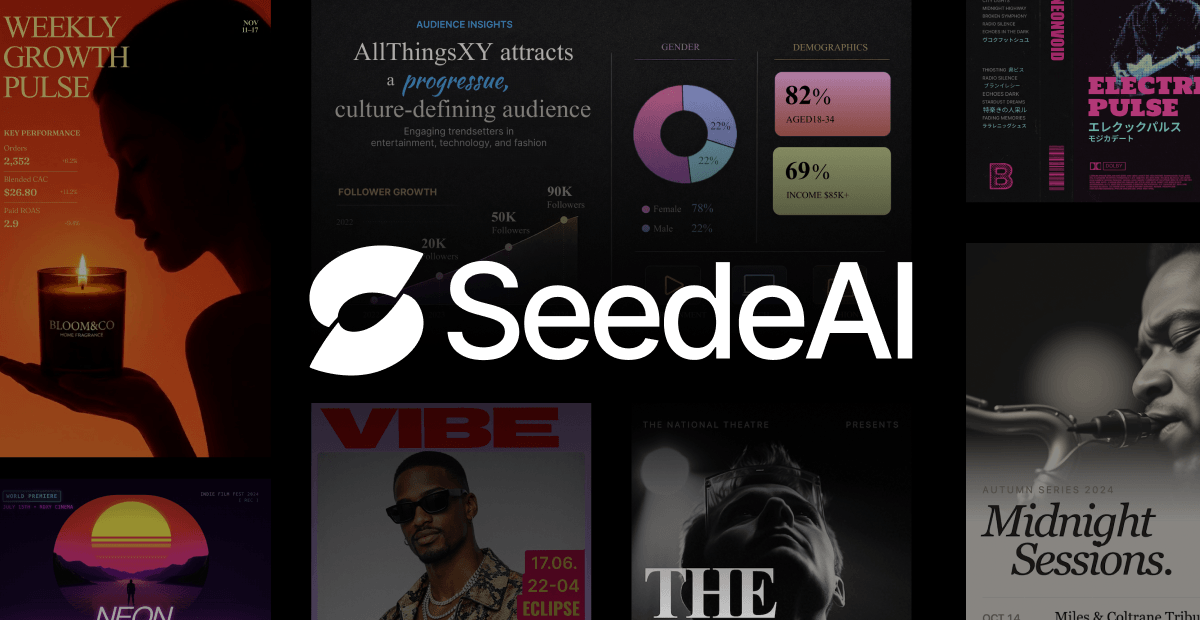
Seede AI is an AI design tool that uses supplied text and images to generate designs such as posters, long-form graphics and presentations. The platform describes layered editing so users can adjust text, pictures and other elements as they refine a draft for delivery.
Key features
- Design from content: Enter text, select a design format and upload assets to generate a layout.
- Layered editing: Edit text and styles, replace images and adjust elements on the canvas.
- Multiple export formats: The description mentions PNG, PDF, PPT and PSD; availability and entitlements may depend on the plan.
- Reference images and links: The platform describes generating from a reference style, turning article links into visual content and producing multiple design options.
How to use it
- Visit the official Seede AI website and follow the current registration process.
- Select a poster, long graphic or presentation format, enter your text and upload required assets.
- After generation, review text, images, layout and layers in the editor.
- Choose an available export format and check the result for display or printing requirements.
Things to consider
Generated work still needs human review for facts, text, layout and brand guidelines. Confirm permission before uploading reference images or assets, and avoid submitting sensitive information. Free allowances, paid pricing, watermarks, commercial rights and export options can change; check current platform plans.
Frequently asked questions
Can I edit the design after generation?
The platform describes layered editing for text, images and other elements; check the current version for details.
Which export formats are supported?
The description mentions PNG, PDF, PPT and PSD; check the current plan for availability.
What can I design?
The tool can be used to explore common visual tasks such as posters, long graphics and presentations.

Frequently asked questions
Can I edit the design after generation?
The platform describes layered editing for text, images and other elements.
Which export formats are supported?
The description mentions PNG, PDF, PPT and PSD; check the current plan.
What can I design?
Common tasks include posters, long graphics and presentations.



