

Pollo AI brings image and video generation into one creative platform, with text-to-video, image-to-video, image generation and style conversion. Start with a prompt or existing material, choose a tool and adjust its settings. Available models, credits and output conditions depend on the current plan.
What is Pollo AI?
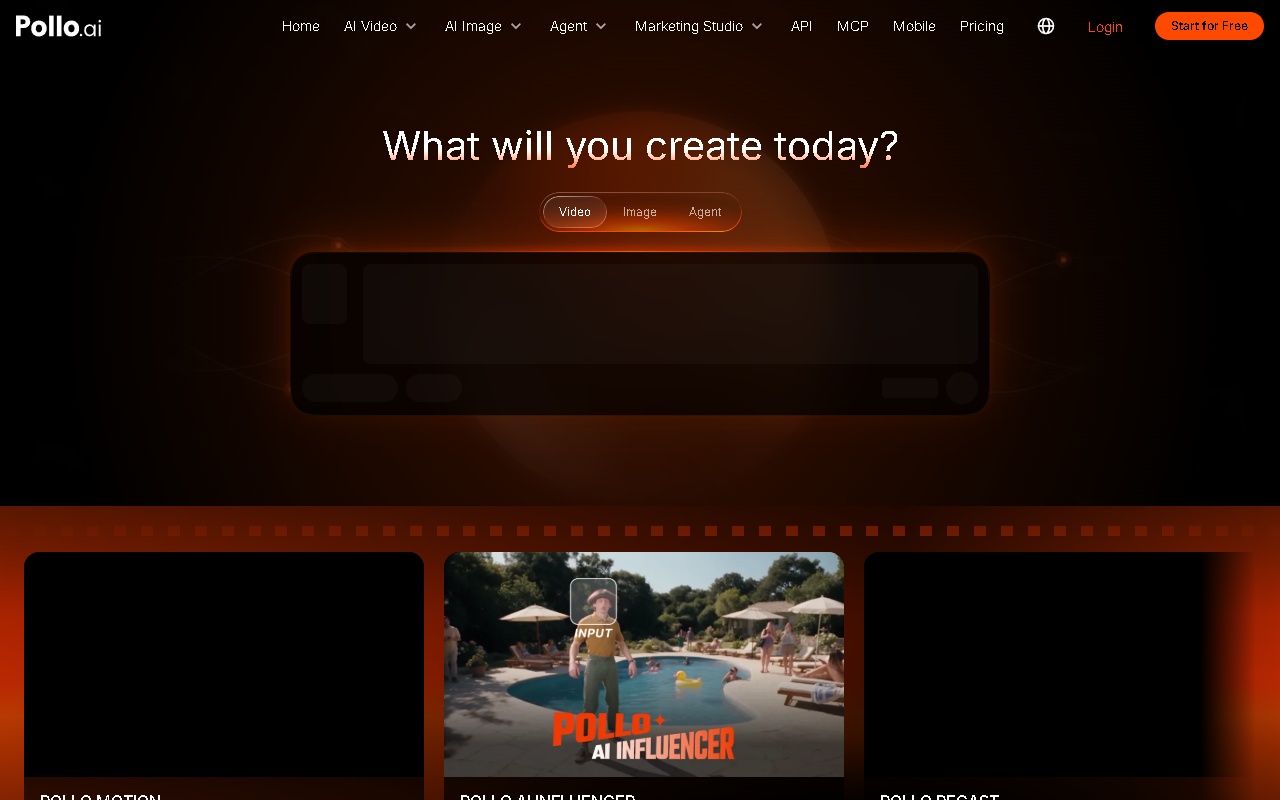
Pollo AI is an AI image and video creation platform that brings several generation models and editing tools into one workspace. You can describe an idea in text or start with an existing image, review the generated result and refine it for a visual project.
Main capabilities
- Text to video: describe the subject, setting, movement and visual style to generate a video.
- Image to video: use a still image as the starting point for moving content.
- Image generation and restyling: create images from text or explore another look for an existing image.
- Video and image tools: use video conversion, editing and effects, alongside tools such as background removal, object removal and image enhancement.
Choose the output first: a product photograph can be a starting point for image-to-video, while an idea without source material can begin as a text prompt. These workflows serve different needs.
How to use it
- Open the official website, sign in and choose an image or video tool.
- Write a specific prompt and upload reference material when the selected mode requires it.
- Adjust the available style, duration or resolution settings. Options vary by model and tool.
- Generate a result and inspect the subject, movement, visible text and other details.
- Refine the prompt or input, compare alternatives, then download or share as your account allows.
Suitable projects
Creators can explore short-video ideas, marketers can prepare product presentations and social content, and educational or personal projects can use generated visuals to explain an idea. Comparing several descriptions of the same subject helps identify a useful direction.
Plans and limitations
Free and paid plans are available. Check the current account page for models, credits, generation limits and download conditions. A result or allowance associated with one model or plan does not apply to every tool. Review generated details and continuous motion, allow time for revisions, and upload only material you have permission to use.
Frequently asked questions
What is Pollo AI used for?
It supports AI image and video creation, including text-to-video, image-to-video, image generation, style conversion and related editing tools.
Can an existing photo become a video?
Yes. The image-to-video workflow uses a still image as the basis for moving content, with settings provided by the selected tool.
Is there a free plan?
Free and paid plans are offered. Check the current account page for the applicable credits, models and output limits.
Frequently asked questions
What is Pollo AI used for?
It supports AI image and video creation, including text-to-video, image-to-video, image generation, style conversion and related editing tools.
Can an existing photo become a video?
Yes. The image-to-video workflow uses a still image as the basis for moving content, with settings provided by the selected tool.
Is there a free plan?
Free and paid plans are offered. Check the current account page for the applicable credits, models and output limits.



