

Pixso is a platform for interface design, prototyping and team collaboration. Its mobile app lets teams view design content on the go and communicate across devices.
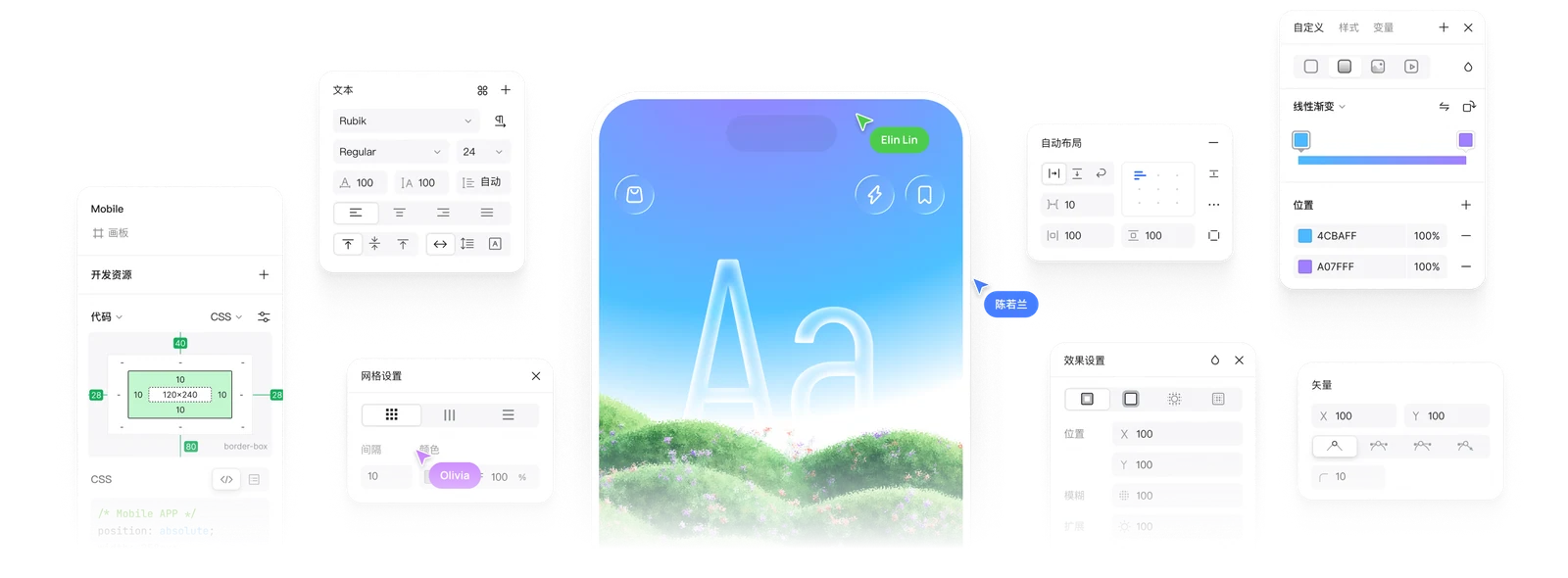
Pixso app: mobile design preview and collaboration
Pixso is a platform for interface design, prototyping and team collaboration. Its mobile app lets teams view design content on the go and communicate across devices.
Overview
On desktop, Pixso supports design, components, layouts and prototype presentation, with project sharing by link. Mobile editing differs from desktop and is suited to checking designs and interactions on a phone; supported file types and features depend on official documentation.
Features
Create or open a design file on desktop, prepare frames and interactions, and share according to team permissions. Download the mobile app from the official site and sign in or open content using a supported method. Check screens and interactions on the phone; use desktop for complex editing and handoff.
How to use
Mobile capabilities, file types and operating systems can vary by version. Check official guidance, confirm access permissions before sharing and protect sensitive project material. Current plans, seats and pricing are listed on the official site.
Costs and precautions
Who is it for?
Designers, product managers and development teams collaborating on interfaces and checking them on mobile devices.
Can all design work be done on a phone?
Mobile and desktop capabilities differ; complex editing and handoff are better done on desktop.
Can designs be shared?
Pixso supports sharing and presentation by link, subject to project permissions.
Frequently asked questions
Who is it for?
Designers, product managers and development teams collaborating on interfaces and checking them on mobile devices.
Can all design work be done on a phone?
Mobile and desktop capabilities differ; complex editing and handoff are better done on desktop.
Can designs be shared?
Pixso supports sharing and presentation by link, subject to project permissions.



