

Panofy is a cloud platform for building AI agents around documents and workflows, suitable for teams with repeatable tasks and human review.
Panofy: Build AI agents around your team's knowledge and workflows
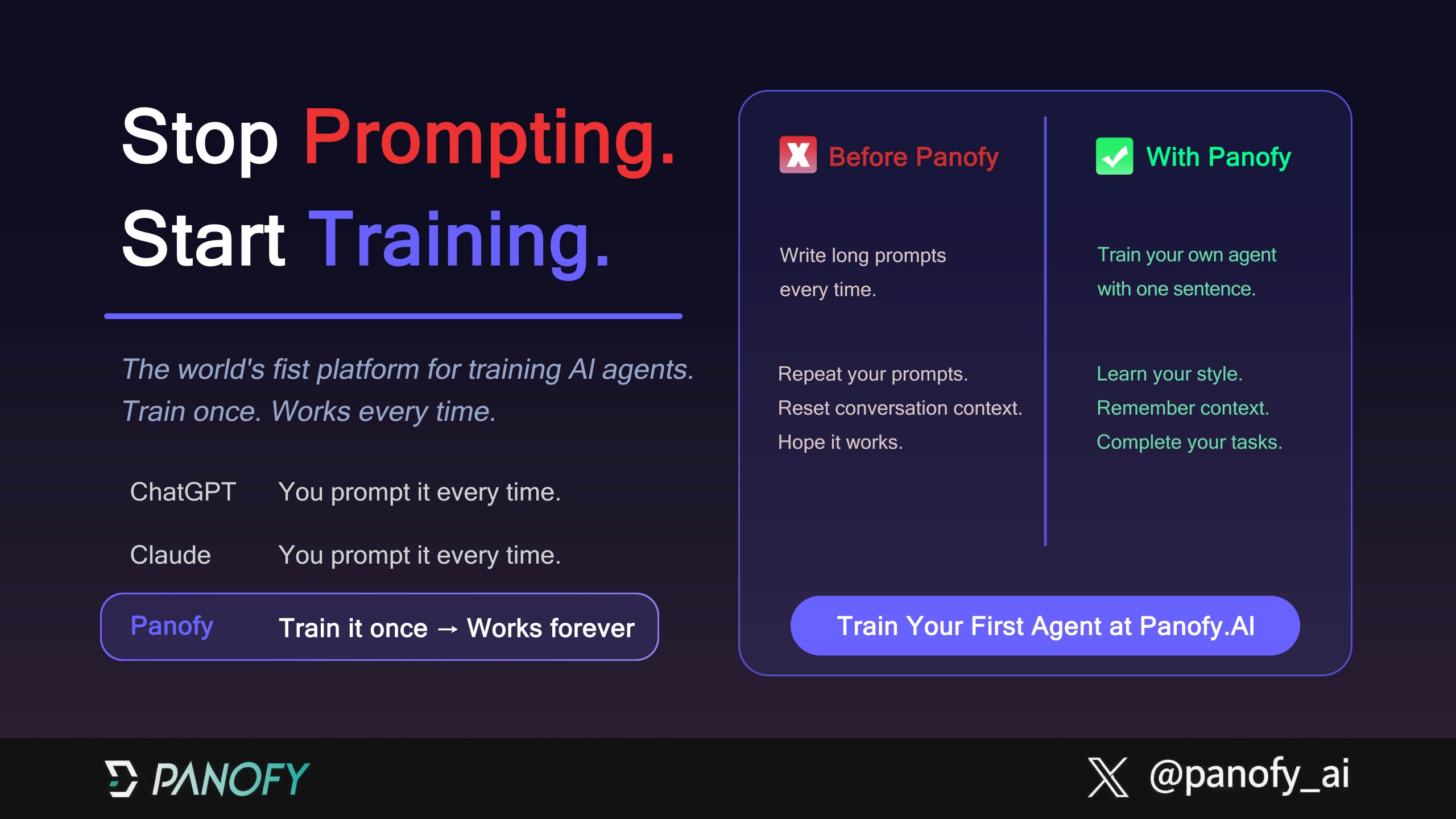
Panofy is a cloud platform for creating AI agents for individual and team work. Its approach combines a knowledge base, workflow instructions, and a task description so an agent can reuse business context across recurring work. Product materials describe persistent memory, agent teams, parallel runs, and scheduled tasks. These features are tools to configure and evaluate; they do not guarantee factual accuracy, lower costs, or uninterrupted execution.
What it offers
- Knowledge and workflows: Upload PDF, Word, TXT, or Markdown documents, then specify an agent's goal, steps, and operating rules. A team can start with current SOPs, product manuals, or training material and define a repeatable process around them.
- Purpose-built agents and memory: Describe an agent in natural language, test its responses, and refine its materials or workflow. Panofy's product information says task experience can be retained as long-term memory. Review that memory and refresh it when procedures or facts change.
- Parallel work and collaboration: Run several independent tasks in parallel according to the account plan; the supplied information lists a range of one to ten concurrent tasks. Separate agents can have different responsibilities, and a trained agent can be shared by link. Check current account limits, permissions, and credit charging before inviting others.
- Scheduled tasks: Set a task to run at a chosen time for recurring checks or processes. Confirm the schedule, input materials, and how a person will review failures or results.
Getting started
- Visit the Panofy website and sign in with Google or GitHub. The available product information describes a beta that requires an invitation code sent by email after registration.
- Choose a bounded, reviewable task, such as answering common questions from an internal handbook. Gather current PDF, Word, TXT, or Markdown files and check that you have permission to upload them.
- Describe the agent's purpose, expected output, and boundaries. Define the inputs, workflow steps, output format, and what to do when information is missing instead of relying on a broad instruction alone.
- Test with representative questions. Check facts, citations, and formatting; add missing material or adjust the workflow, then test again. A plausible answer from one trial is not proof of reliability.
- For team work, create agents with distinct roles or share an agent link. Confirm access rights and how task credits are charged before expanding use.
- Before parallel or scheduled runs, review the plan, concurrency limit, and cloud storage. The stated storage tiers are FREE 10 GB, PLUS 50 GB, and PRO 1 TB. Exceeding storage may interrupt running tasks, so monitor usage and remove files that are no longer needed.
Where it may help
Teams can use Panofy to make an assistant for internal procedures, draft content from brand guidance, organize research with a defined framework, support software development, maintain documentation, or schedule repetitive checks. For customer service and commerce workflows, begin with a small scope and human review. Keep a person in the loop for orders, account changes, or other sensitive actions. Outputs for presentations, code, web pages, or design still need acceptance checks against the team's requirements.
Limits to consider
The current information says sign-in uses Google or GitHub and beta access requires an invitation code. Concurrency depends on the plan, with one to ten tasks listed; storage is also tiered, and exceeding it may disrupt active work. The available materials do not establish a measured accuracy rate, a specific token saving, a service-availability commitment, or a compliance certification. Check source permissions and sensitive data before upload, and set up monitoring and failure handling for scheduled tasks.
FAQ
Who is Panofy for?
It may suit individuals or teams that want to combine recurring tasks, internal documents, and clear workflows. Validate high-impact work on a small scale and keep human review.
Which files can I add to a knowledge base?
The listed formats are PDF, Word, TXT, and Markdown. Confirm usage rights and retest the agent after updating its materials.
How many tasks can run at once?
The supplied information lists one to ten concurrent tasks depending on the plan. Check the current limit shown in your account.
How do I sign up?
The current description supports Google or GitHub sign-in and says beta users need an invitation code by email. Check the website for current access requirements.

Frequently asked questions
Who is Panofy for?
It may suit individuals or teams combining recurring tasks, internal documents, and clear workflows. Validate high-impact work and keep human review.
Which files can I upload?
The listed formats are PDF, Word, TXT, and Markdown. Confirm usage rights and retest agents after updates.
How many tasks can run in parallel?
The stated range is one to ten depending on the plan. Check the current account limit.
How do I sign up?
The current description supports Google or GitHub sign-in and says beta access requires an invitation code by email.



