

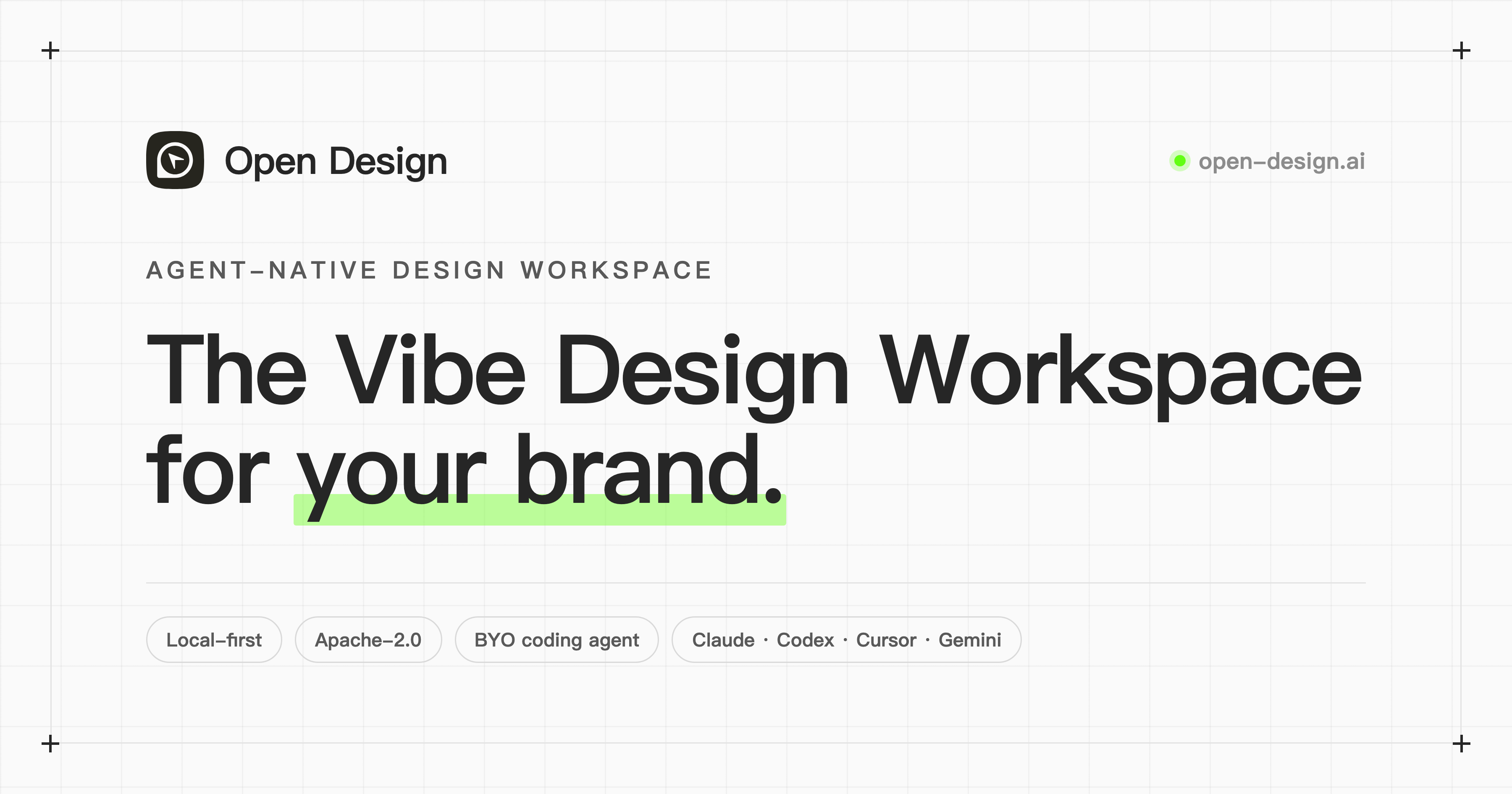
Open Design is an open-source, local-first AI design workspace licensed under Apache-2.0. It directly invokes 21+ locally installed programming agents (such as Claude Code, Cursor, etc.) and uses SKILL.md skills and DESIGN.md design systems to output engineering-ready assets like web prototypes, dashboards, and presentations in a closed-loop process.
What is Open Design?
Open Design is an open-source, local-first AI design workspace explicitly positioned as an alternative to Claude Design. It does not bundle a single AI model but directly invokes programming agents already on the user's computer, such as Claude Code, Cursor, Kimi, Codex, and 21+ other agents. The entire workflow is driven by SKILL.md skills and DESIGN.md design systems, allowing users to complete a full closed-loop process from requirement definition, visual direction locking, asset generation, to review on the desktop, and output web prototypes, dashboards, presentations, images, and videos.
Product Positioning
As an open-source alternative to Claude Design, Open Design adopts the Apache-2.0 license. Its core positioning lies in "local-first" and "agent-agnostic". All data and assets are saved in the local file system without relying on a single vendor's cloud service. At the same time, it abstracts design skills and design systems into declarative files, allowing users to freely switch between different model agents.
Core Features
- Agent Native Driven: Supports 21+ programming agents (including Claude Code, Cursor, Kimi, Codex, Gemini, Copilot, DeepSeek, etc.), integrated via the MCP protocol with one click.
- Skill System: Built-in 259+ reusable design skills based on SKILL.md, which can be loaded by dragging into a folder, and agents can read and execute them directly.
- Design System: Provides 142+ brand-level DESIGN.md design systems (including Linear, Stripe, Apple, Vercel styles), supporting automatic extraction of brand guidelines by uploading screenshots or Figma files.
- Multi-format Asset Output: Supports generating web prototypes, real-time dashboards, presentations (Decks), images, videos, and HyperFrames dynamic graphics.
- Multi-format Export: All assets can be exported as HTML, PDF, PPTX, MP4, etc., ready to enter the engineering workflow.
- BYOK Support: Allows bringing your own API key, compatible with any endpoint like OpenAI, Anthropic, Google, Moonshot, OpenRouter, and self-hosted vLLM, without middleman markups.
How to Use
- Download and Install: Visit the official website https://open-design.ai/ to download the desktop application (supports macOS / Windows). Developers can also clone the source code (github.com/nexu-io/open-design) and install using Node 24 + pnpm, or deploy with one click via
docker compose up. - Connect Programming Agent: After installation, run the
od mcp install <agent>command to connect your local agent to the Open Design MCP server with one click. - Start Daemon: After opening the app, the daemon automatically scans for agents in
$PATHand loads 259+ skills and 142+ design systems. - Create Project: On the Home page, select the asset type and bind a DESIGN.md design system (such as Apple style or custom brand).
- Lock Requirements: Answer a 30-second questionnaire to clarify purpose, audience, tone, etc., aligning the design direction.
- Select Visual Direction: Choose from 5 deterministic visual options, and the system automatically locks the OKLch color palette, font stack, and layout posture.
- Generate and Preview: The agent writes the asset to the local disk, and users can preview the real CSS rendering effect in real-time within a sandboxed iframe.
- Review and Iterate: Perform critical optimization through the built-in 5-dimensional self-assessment system (philosophy, hierarchy, execution, specificity, restraint).
- Export and Deliver: After final confirmation, export as HTML, PDF, PPTX, MP4, or ZIP. The assets remain directly in your local project directory.
Applicable Scenarios
- Rapid Product Prototyping: Quickly generate high-fidelity interactive prototypes through natural language. Real CSS rendering can be directly used for developer handoff.
- Brand Visual System Construction and Migration: Automatically extract screenshots or Figma files into DESIGN.md to ensure visual consistency across assets like prototypes, PPTs, and images.
- Presentations and Proposals: Use the Magazine Decks skill to generate editorial-grade slides supporting WebGL animations, exported for client reporting.
- Marketing Assets and Multimedia Generation: Generate images, videos, and HyperFrames dynamic graphics through the Synthetic Matter skill.
- Real-time Data Dashboard Setup: Generate interactive Live Artifacts, connecting to real data sources to build internal monitoring panels.
- Design System Standardization: Store DESIGN.md and SKILL.md in a shared repository to achieve version control and team collaboration for design specifications.
Advantages
- Fully open-source and free, no subscription fees, can be freely forked and self-hosted.
- Strong data autonomy. All assets are saved locally, bypassing vendor clouds, ensuring privacy control.
- Free to switch agents. Skills and systems are not tied to specific models; changing the agent only requires modifying one line of configuration.
- Outputs real code rendering, not canvas pixels, seamlessly connecting to the engineering workflow.
- Zero-cost brand migration. Upload a file to extract and automatically apply brand guidelines.
Limitations and Pricing Verification Notes
As a local-first tool, Open Design requires users to have a certain technical background to configure local agents, MCP protocols, and environment variables (such as Node, pnpm, or Docker). Additionally, while the software itself is open-source and free under Apache-2.0, invoking various AI models requires users to provide their own API keys (BYOK), and the specific model invocation costs will vary depending on the provider. For volatile information regarding pricing and availability, readers are advised to visit the official website to verify the latest status.
Alternative Solutions and Competitor Comparison
According to public information, the main alternative direction for Open Design is Claude Design. Unlike design tools that bundle a single model, Open Design emphasizes agent-agnosticism and BYOK, providing users with greater freedom and cost control.
Official Website and Resources
- Official Website: https://open-design.ai/
- Open Source Repository: github.com/nexu-io/open-design
Frequently asked questions
Is Open Design free to use?
Open Design itself is fully open-source and free under the Apache-2.0 license with no subscription fees. However, using it requires bringing your own API key (BYOK), so the specific cost depends on your chosen AI model provider.
Which programming agents does Open Design support?
It supports 21+ programming agents, including Claude Code, Cursor, Kimi, Codex, Gemini, Copilot, DeepSeek, etc., integrated via the MCP protocol.
What export formats does Open Design support?
It supports exporting generated web prototypes, presentations, and more into HTML, PDF, PPTX, MP4, and ZIP formats, which can directly enter the engineering workflow.
How to apply existing brand guidelines to Open Design?
You can upload brand screenshots or Figma export files. The agent will automatically extract them into a DESIGN.md design system, and all subsequent outputs will automatically apply these brand guidelines.



