
Neural4D is an AI platform that creates 3D models from text or images. In minutes it produces assets usable in game engines, Blender and 3D printing, which suits game development, film and animation, industrial design and education.
What is Neural4D
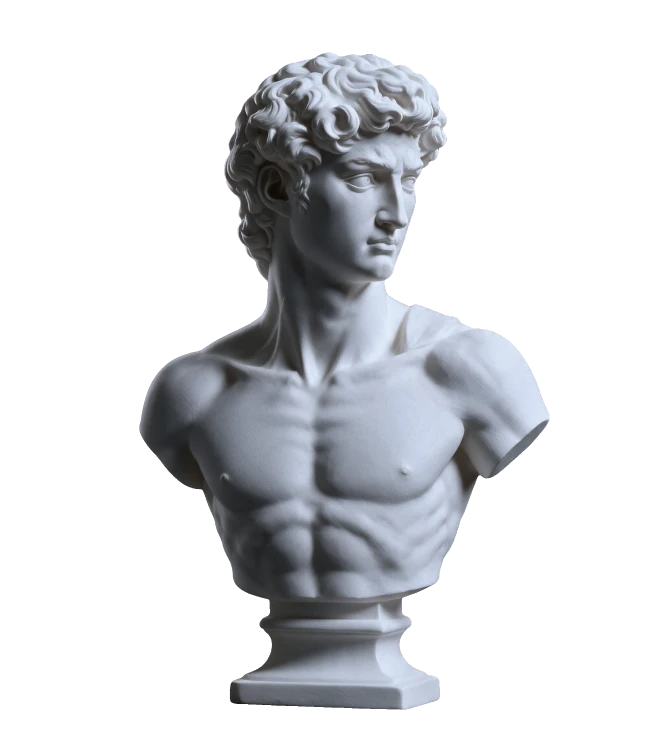
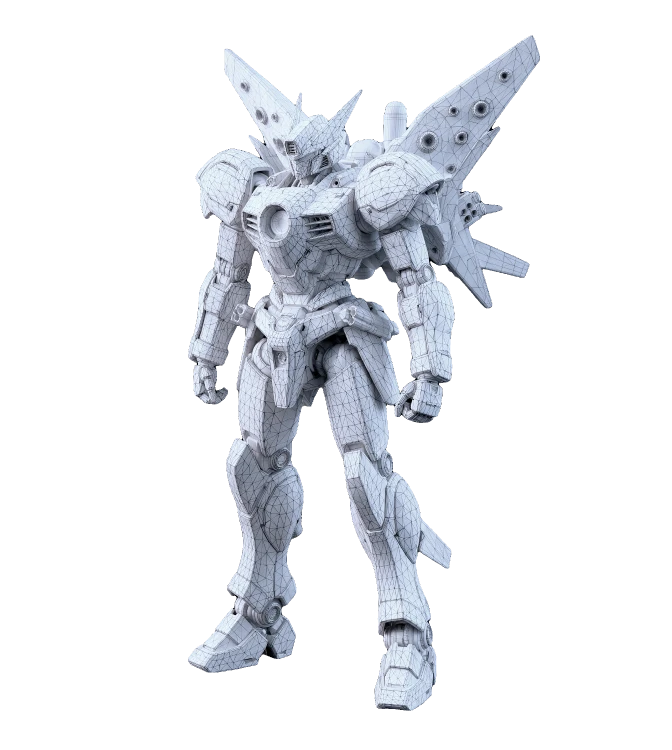
Neural4D is an AI 3D model generation platform from the DreamTech team, whose members come from several universities, and it runs on their own Neural4D-2.5 large model. Give it a text description or upload an image and it builds high quality 3D models and animation quickly. The platform supports detail up to tens of millions of polygons and generates native 3D textures, avoiding the spatial inconsistency that plagues traditional 2D texturing. Beyond generation quality, Neural4D also optimises geometry for physical manufacturing, handling manifold thickening and structural smoothing for 3D printing and CNC carving. Results export to OBJ, GLB and STL and drop straight into Unity, Unreal or Blender.
Main capabilities
- High precision generation: Supports detail up to tens of millions of polygons, with the material claiming inference for a high precision model in roughly ninety seconds.
- Multimodal input: Generate from a text description or an uploaded reference image, and refine colour, proportion and other details live through natural language.
- Native 3D texture generation: Produces textures in three dimensions, cutting the spatial inconsistency of flat 2D maps and improving realism.
- Strong generalisation: Beyond ordinary photos it handles memes, simple sketches, fluff and scattered particles and other impressionistic inputs.
- Geometry for manufacturing: Optimised geometry for 3D printing and CNC carving, dealing with manifold thickening and smooth structures.
- Multiple export formats: Exports OBJ, GLB and STL for 3D printing, game engines and tools such as Blender.
- Mobile and VR preview: Sign in from a mobile browser and use VR to place the generated model in a real environment to preview it.
How to use Neural4D
- Register: visit the official site https://www.neural4d.com/ and create an account; the material notes that new users receive credits to try generation.
- Pick a generation mode: choose text to 3D or image to 3D; type a description in the prompt box or upload a reference image in JPG or PNG.
- Generate: hit generate and wait; depending on model complexity the material puts the wait between thirty seconds and two minutes.
- Refine the model: use the toolbar to adjust detail, material or colour, or issue natural language instructions such as making a part sharper.
- Export and use: export OBJ, GLB or STL for slicers, game engines or Blender, or preview in VR from a mobile browser.
Best use cases
- Game development: produce characters, scenes and props quickly and shorten art asset production.
- Film and animation: build models and animation from text or images for effects work or previsualisation.
- 3D printing: export geometry optimised models as STL and send them straight to a slicer for physical manufacturing.
- Industrial design and architectural visualisation: produce product or scene models fast to support design review and client communication.
- Education and research: turn complex structures into visible models for teaching demos and research simulation.
- Virtual and augmented reality: build immersive spaces and dynamic elements that strengthen the experience.
Limits and notes
- Credits and pricing: the material mentions credits for new users and an API cost roughly between half a yuan and one yuan per call; exact billing and promotions come from official channels.
- Generation time: thirty seconds to two minutes is the range given in the material; real time varies with model complexity and queueing.
- Check before printing: even though geometry is optimised for printing, check wall thickness, manifold integrity and supports before slicing.
- Licensing and input rights: confirm the commercial licence of generated models and the rights to any reference images before use.
FAQ
What inputs does Neural4D accept?
It accepts text descriptions and images. The image side covers photos, illustrations and design drafts, and the material notes optimisation for memes, simple line drawings, fluff and scattered particles.
How fast is generation?
The material puts it between thirty seconds and two minutes depending on complexity, with high precision models around ninety seconds.
Can generated models be printed directly?
The platform optimises geometry for printing, handling manifold thickening and structural smoothing, and STL export goes straight to a slicer, though a final model check is still advisable.
Frequently asked questions
What inputs does Neural4D accept?
It accepts text descriptions and images. The image side covers photos, illustrations and design drafts, and the material notes optimisation for memes, simple line drawings, fluff and scattered particles.
How fast is generation?
The material puts it between thirty seconds and two minutes depending on complexity, with high precision models around ninety seconds.
Can generated models be printed directly?
The platform optimises geometry for printing, handling manifold thickening and structural smoothing, and STL export goes straight to a slicer, though a final model check is still advisable.



