

MasterGo App is a mobile collaboration tool for design teams that mirrors desktop designs for preview and interaction and supports link-based review, according to the supplied product information.
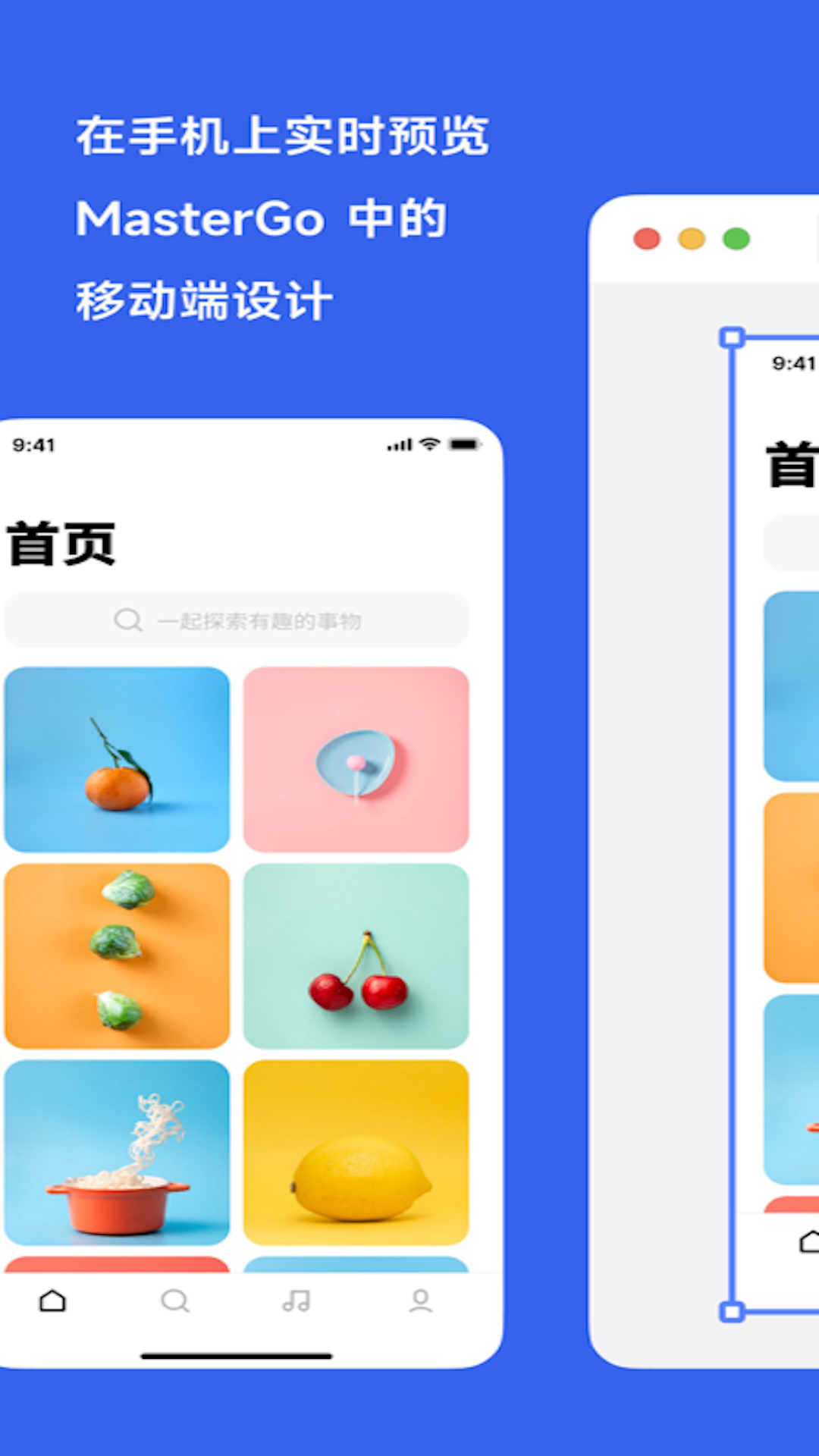
MasterGo App: preview and demonstrate design interactions on mobile
MasterGo App is described as a mobile collaboration companion for design teams. The supplied product information says it can mirror a desktop design to a phone or tablet, where a reviewer can inspect the canvas and interact with a preview. It also lists link-based collaboration, design-system management, and support for iPhone, iPad, and iPod touch with iOS 14.0 or later. These details should be checked against the current app listing and a real device before a team relies on them.
What it offers
- Mirrored preview: Connect a mobile device with the desktop session to view a design and try its interactions. This can make a mobile layout easier to inspect or demonstrate. The exact connection flow depends on the current app.
- Team collaboration: The product description says teammates can use links to divide work, collaborate, review designs, and coordinate delivery. Before sharing a link, check who can open it and what project material it exposes.
- Design-system support: The description presents design-system management as a way to keep deliverables consistent and reduce repeated work. Its benefit depends on how the team maintains components, assets, and conventions.
- Apple device compatibility: The supplied details list iPhone, iPad, and iPod touch with iOS 14.0 or later. Requirements may change as the app is updated, so confirm the current listing.
A practical workflow
- Check the app’s current listing and confirm the device and operating-system requirements.
- Sign in to the desktop and mobile experiences with the same account, then follow the app’s instructions to establish a preview connection.
- Select a page or frame in the design canvas and inspect its layout and interactive flow on the mobile device.
- Use the preview for internal review or a design walkthrough. Invite teammates through project links only after setting suitable access permissions.
- Collect feedback, return to the design file to make changes, and verify that updates appear in the preview before handing off the work.
When it may help
A mobile mirror can help designers inspect phone layouts, demonstrate a prototype, and discuss a user flow with teammates. Link-based collaboration and design-system features may suit groups that jointly maintain projects, reuse components, and coordinate reviews. The fit depends on the team’s design process, devices, accounts, and sharing rules.
Limits and privacy
The supplied material does not confirm an official product website, pricing, account plans, privacy terms, Android support, or network requirements for mirroring. Confirm the app publisher and current requirements through a trusted app store or an organization-approved source. A shared design may contain unreleased product information or client material, so review link visibility and access before sharing. A mirrored preview is useful for inspection and demonstration, but does not replace testing on real devices, operating-system versions, and network conditions.
Frequently asked questions
Can I interact with a design on a phone?
The product information describes mirrored mobile preview with interaction. Check the current app instructions for supported interactions and connection steps.
Which devices and systems are listed?
The supplied details list iPhone, iPad, and iPod touch with iOS 14.0 or later. Confirm current compatibility before installing.
Can a team collaborate through links?
The description mentions links for collaboration, review, and delivery. Check link permissions and remove confidential material before sharing.
Frequently asked questions
Can I interact with a design on a phone?
The product information describes mirrored mobile preview with interaction. Check the current app instructions for supported interactions and connection steps.
Which devices and systems are listed?
The supplied details list iPhone, iPad, and iPod touch with iOS 14.0 or later. Confirm current compatibility before installing.
Can a team collaborate through links?
The description mentions links for collaboration, review, and delivery. Check link permissions and remove confidential material before sharing.



