
Kuli Kuli can help translate menus, snack packaging, and cosmetic labels, with dish images or allergen related information; verify critical dietary details with the restaurant or product packaging.
Kuli Kuli: Translate Menus and Product Labels While Traveling
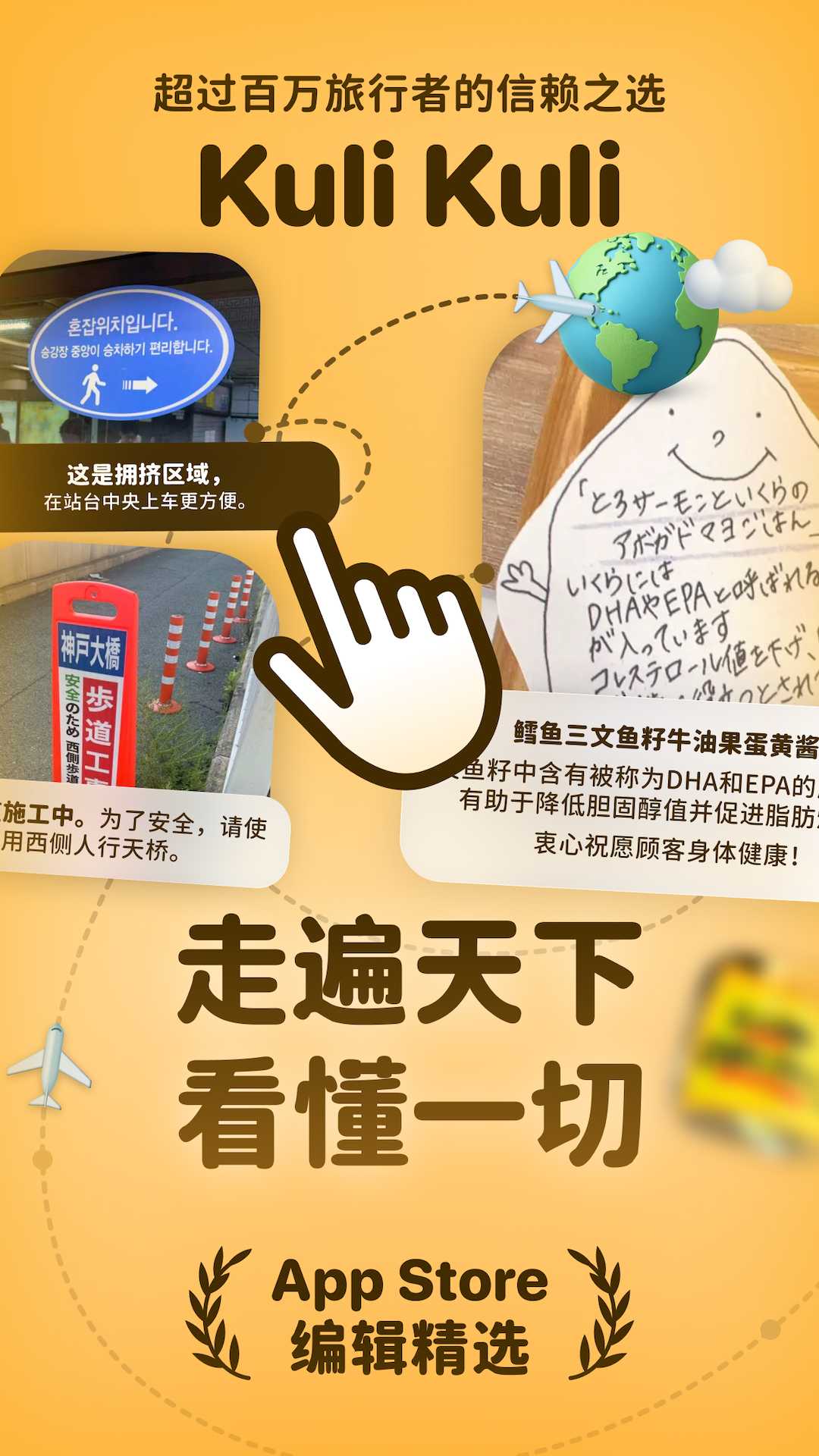
Kuli Kuli is an AI translation app described for travelers and food enthusiasts. Its listed uses include translating menus in multiple languages, including handwritten menus, showing dish images and allergen related information, and translating cosmetic, snack package, and ingredient labels. The description also mentions Japanese omikuji fortunes. These features may help someone understand unfamiliar text, but an app translation cannot replace confirmation from a restaurant or the information printed on a product, especially when allergies or dietary restrictions matter.
Main features
Menu translation. The app is described as translating menus across multiple languages, including handwritten text. Handwriting, abbreviations, regional terms, and image quality can affect recognition. If a dish name or ingredient is unclear, ask the restaurant to explain it.
Dish images and allergen information. The product description says the app provides dish images and key allergen information. Treat these as prompts for follow-up questions rather than a safety guarantee. They may not cover every ingredient, sauce, recipe change, or cross-contact in a kitchen. If you have a serious allergy or strict dietary requirement, confirm ingredients and preparation directly with restaurant staff.
Food and beauty labels. Kuli Kuli is also described as translating snack packaging, food ingredients, skincare labels, and Japanese beauty products. Ingredient names can have variants, abbreviations, or technical meanings. Compare important details with the original packaging and consult a qualified professional when needed.
Japanese fortune slips. The listed features include translation of Japanese omikuji. The translation can help with the written text, while cultural meaning and interpretation may depend on context.
How to use it
- Open Kuli Kuli where phone use is permitted and take a clear photo of the full menu or label.
- Check that the image includes dish names, ingredient lists, and relevant notices without glare or cropped context.
- Review the translation and any image or allergen notes, and mark words that remain uncertain.
- Before ordering, ask the restaurant to confirm ingredients and possible cross-contact; before buying, compare with the package label.
- Do not make a health related decision solely from machine translation when the text is unclear or incomplete.
Use cases and limitations
Travelers can use the app to get an initial understanding of a menu, food enthusiasts can inspect packaging and ingredients, and beauty product users can refer to translated labels. Available information does not fully specify supported languages, device requirements, pricing, data handling, or the conditions for each feature. Check the current app details before use.
Image recognition may misread handwriting, omit small print, or misunderstand an ingredient term. Recipes can change, and menus may not list every component. Allergen information is not a guarantee of safety. If you have an allergy, medical condition, or strict dietary restriction, confirm details with the restaurant or manufacturer. Follow venue rules before photographing and avoid uploading images that contain personal information.
Frequently asked questions
What can Kuli Kuli translate?
The product description lists multilingual and handwritten menus, food and snack packaging, ingredient information, beauty labels, and Japanese omikuji.
Does allergen information guarantee that a dish is safe?
No. It may be incomplete and cannot confirm kitchen cross-contact. Ask the restaurant directly about ingredients and preparation.
How can I improve the usefulness of a translation?
Take a clear, uncropped photo with the surrounding context, then compare important details with the original text, package, or a staff member.
Frequently asked questions
What can Kuli Kuli translate?
The product description lists multilingual menus, including handwritten menus, cosmetic labels, snack packages, ingredient information, and Japanese omikuji.
Can I rely on it to determine whether a dish is safe for an allergy?
Do not rely on the app alone. Translation and allergen notes may miss details; confirm ingredients, cross-contact, and preparation with the restaurant.
When is the app useful?
It can help interpret menus and labels while traveling, but check results against the original text, packaging, or a staff member.



