

Kiro is an AI IDE that helps developers turn requirements into traceable tasks and use automation and AI chat during implementation.
Kiro: an AI IDE for specification-led development
Overview
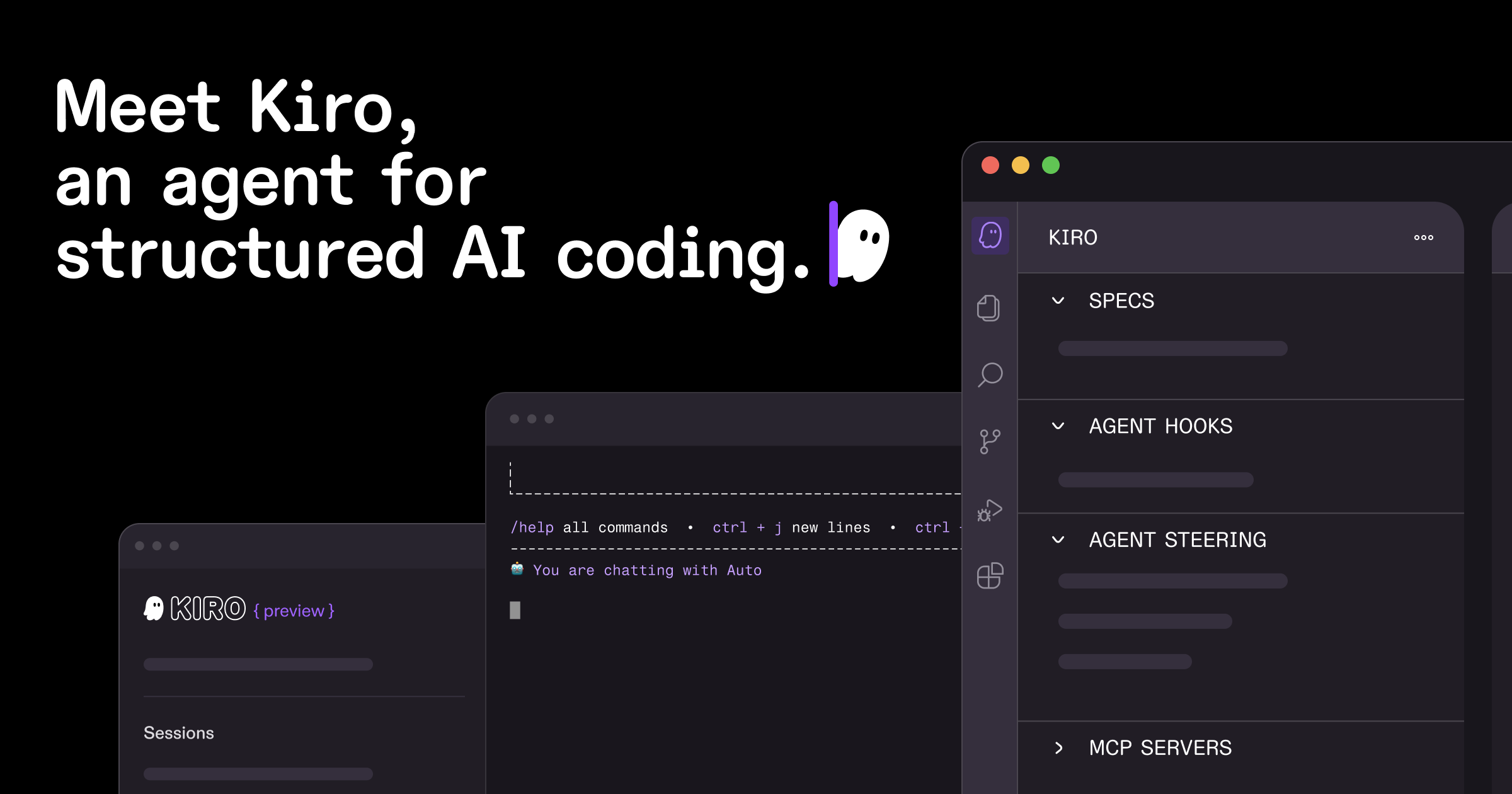
Kiro is an AI IDE for developers who want to move from an idea to implementation through a clearer, reviewable workflow. Its two central concepts are Specs and Hooks. Specs turn a request into user stories, design documents, and technical tasks; Hooks run repeatable work when configured events occur. Kiro also offers Agentic Chat, MCP tool connections, code change previews, and a way to revert changes. See the Kiro website for current product details; availability, pricing, and model options can change.
Main features
- Specs: break a broad request into user needs, design notes, and implementation tasks, making goals and boundaries easier to track.
- Hooks: automate repeatable tasks such as updating tests, refreshing documentation, or checking conventions when a selected event occurs.
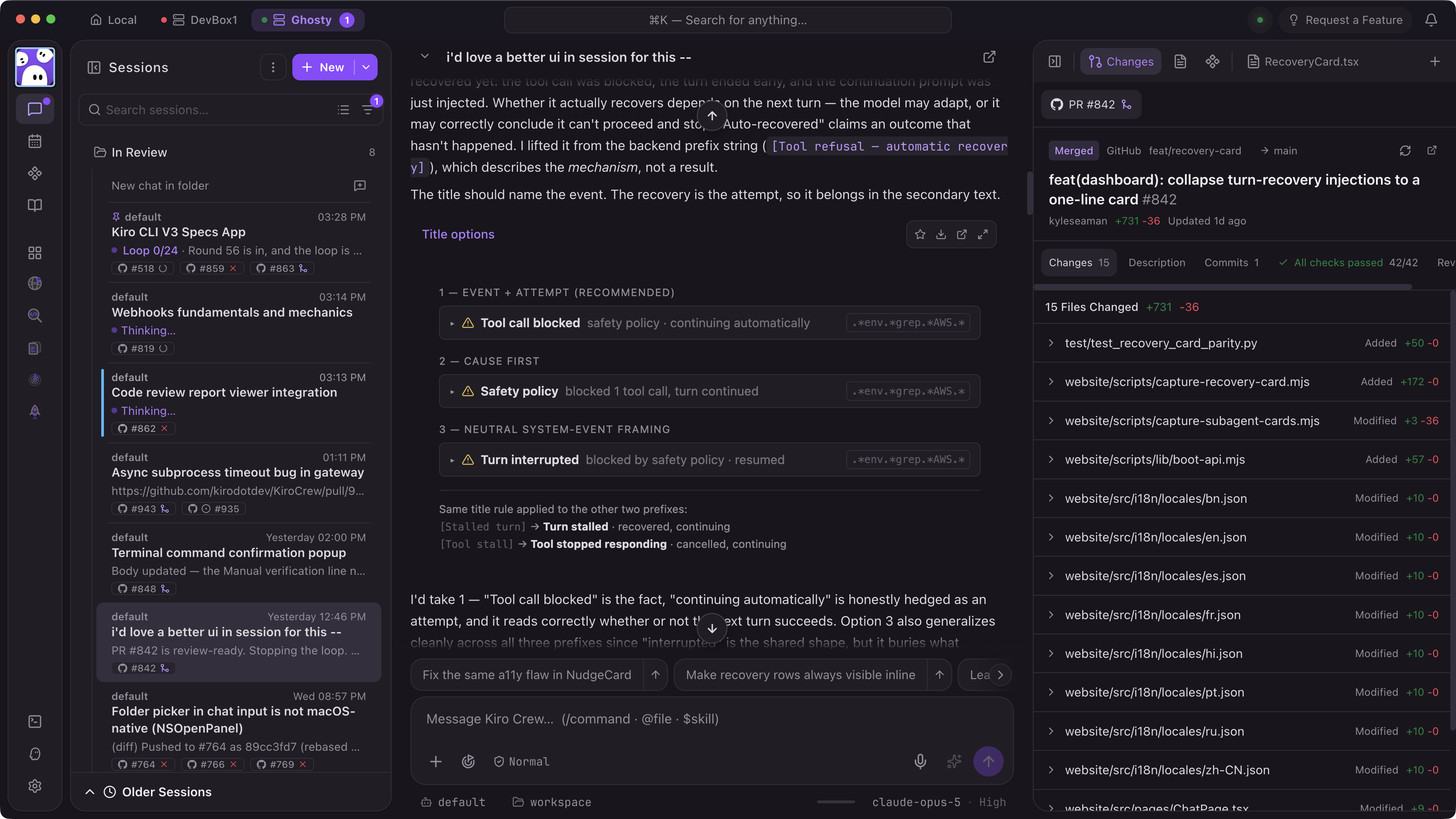
- Agentic Chat: work through coding tasks in a conversation that uses project context.
- MCP integrations: connect professional tools through the Model Context Protocol and extend workflows with guidance rules.
- Familiar environment: based on Code OSS, Kiro supports VS Code settings and extensions, along with multiple programming languages and platforms.
- Reviewable edits: use Follow to preview proposed code changes and Revert to undo changes that are not suitable.
How to use Kiro
- Visit the Kiro website and follow its current installation and sign-in instructions for your operating system.
- Create a project or open an existing repository, then review the workspace before asking for changes.
- Describe the goal and constraints in Specs. Review the generated stories, design, and tasks before implementation.
- Configure Hooks for clear, repeatable work, such as updating tests or documentation on a selected event. Keep the trigger scope narrow and inspect the result.
- Use Agentic Chat to assist with implementation. Review Follow previews, use Revert when needed, and inspect the final diff before committing.
Suitable scenarios
Kiro can support rapid prototyping, requirements and design work for complex systems, game feature development, and team projects that need a shared workflow. Specs help divide a larger goal into traceable tasks. Hooks are useful for stable, repetitive actions with clear boundaries. For security-sensitive projects, automated checks may be part of the workflow, but they do not replace specialist review or comprehensive validation.
Limitations
AI-generated specifications, code, tests, and summaries need developer review. Hooks can modify tests or documentation, so configure their trigger conditions carefully. Compatibility with VS Code settings and extensions does not guarantee that every extension works identically. Pricing, preview status, supported models, system requirements, and platform availability can change; check the Kiro website for current details. Follow each project's own review and release process for deployment, security, data handling, or team policy changes.
FAQ
What can Specs produce?
Specs can organize a request into user stories, design documents, and technical tasks so the development goal is easier to follow.
What can Hooks automate?
Hooks can run configured repeatable tasks, such as updating tests, refreshing documentation, or checking conventions. Their behavior depends on the rules and events you configure.
Does Kiro apply every code change automatically?
Kiro provides a Follow preview and a Revert action. Review proposed changes and decide what to keep; validate the work using the project's normal process before committing.
Can Kiro connect to external tools?
Kiro supports connecting professional tools through MCP. Available integrations depend on your configuration and the services you connect.
Frequently asked questions
What can Specs produce?
Specs can organize a request into user stories, design documents, and technical tasks so the development goal is easier to follow.
What can Hooks automate?
Hooks can run configured repeatable tasks, such as updating tests, refreshing documentation, or checking conventions. Their behavior depends on the rules and events you configure.
Does Kiro apply every code change automatically?
Kiro provides a Follow preview and a Revert action. Review proposed changes and decide what to keep; validate the work using the project normal process before committing.



