

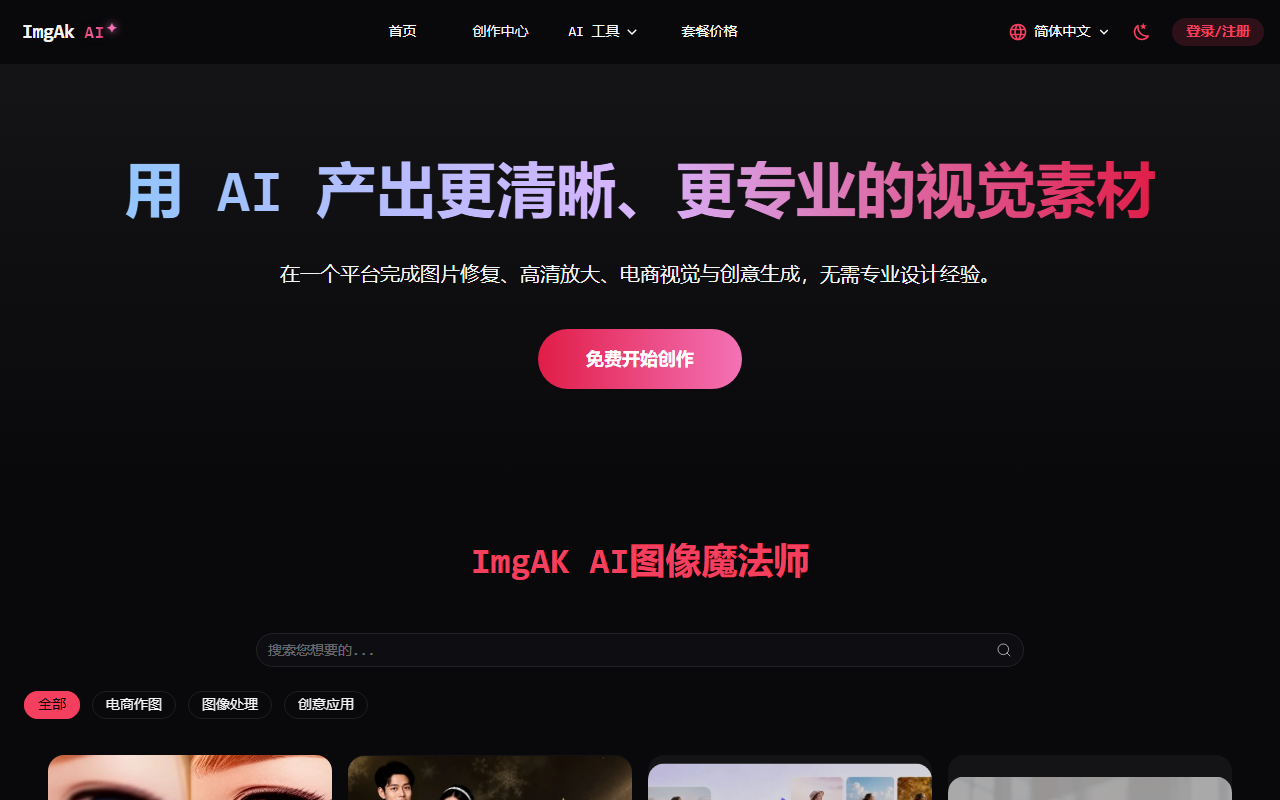
imgAK is an online AI image processing tool used mainly to restore old photos, enhance image quality and enlarge pictures. It suits families, e-commerce sellers, designers and content creators who want to improve image quality quickly without professional software.
imgAK Online AI Image Tool: Old Photo Restoration, Smart Upscaling and Enhancement
imgAK is an online AI image processing tool built for everyday users. It focuses on restoring and enhancing images with artificial intelligence. No software installation is required: just upload a picture and it handles common issues such as blur, fading, damage, creases and watermarks in a single click, while adding accurate colour to black-and-white photos. Its smart super-resolution can enlarge low-resolution images up to 16000px without loss, delivering high-definition results that suit portraits, group photos, pets and product images alike. For ordinary users, designers and e-commerce sellers who want to improve image quality quickly, imgAK offers a low-barrier and efficient path.
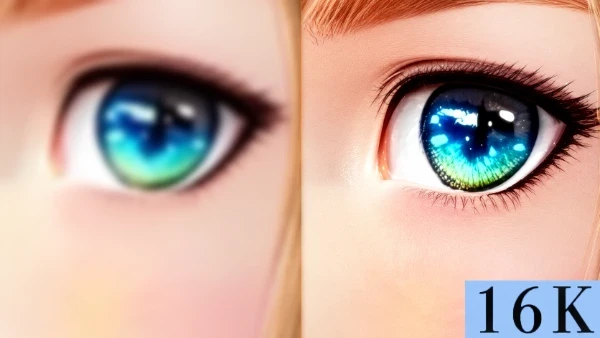
Main capabilities
- Photo restoration: Based on advanced AI algorithms, it repairs blur, fading, damage, creases and watermarks in old photos with one click, and also supports colouring black-and-white photos by automatically recognising faces and scenes to restore fine details.
- AI upscaling to high definition: Using smart super-resolution technology, it upgrades low-resolution, compression-distorted or very old photos to ultra-high-definition quality, enlarging up to 16000px without loss, fixing blur and noise, and outputting 300 DPI print-grade images.
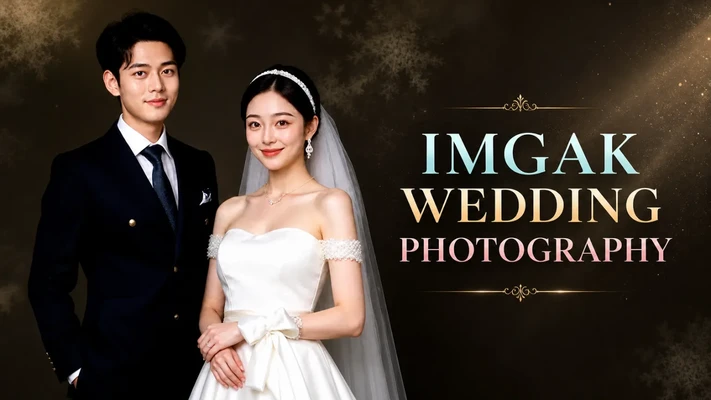
- AI wedding photo generation: It offers a large library of wedding samples and style templates, and uses smart face-swapping technology to quickly generate customised wedding photos, suitable for home use while saving time and cost.
- AI cutout for white-background images: It accurately detects the subject and separates the background, supports batch processing, and fits e-commerce, design and poster scenarios while maintaining high precision on complex edges such as hair.
- Photo to cartoon: Using deep learning, it converts real photos into cartoon styles with multiple artistic options, suitable for avatar creation and illustration work without professional drawing skills.
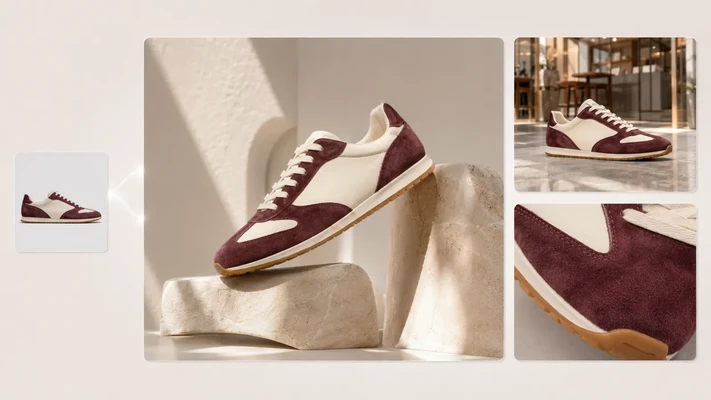
- AI product photo retouching: Combining advanced AI algorithms, it intelligently identifies and refines the multi-dimensional details of product images, automatically enhancing product contours and improving image purity and depth.
- AI portrait retouching: Professional-grade AI portrait editing automatically removes blemishes, smooths skin, slims the face and brightens and beautifies, while also improving uneven and dull skin tones.
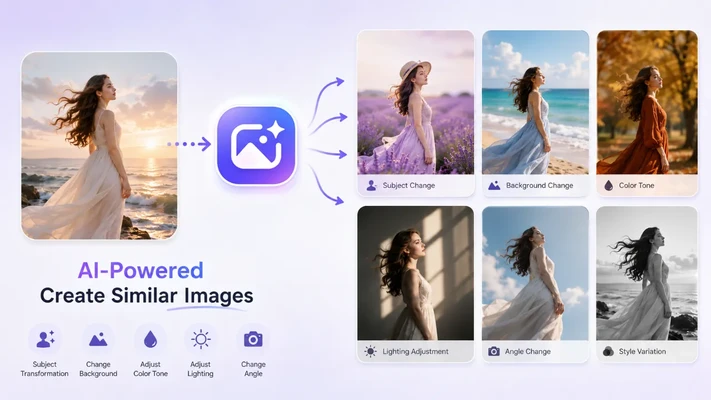
How to use
- Visit the official website: Open your browser and go to the imgAK website at https://www.imgak.com/ .
- Choose a feature: On the homepage, select the module that matches your needs.
- Upload an image: Click the "Upload image" button and choose the file to process; multiple image formats are supported.
- Adjust parameters: Some features support parameter adjustment such as restoration strength, enlargement factor and style selection; you can customise settings and preview the result before confirming.
- Start processing: Once configured, click "Submit" and imgAK will automatically process the image with AI; the processing time depends on image size and feature complexity.
- Download the result: After processing, review the result and download the high-definition image to your device.
- Share or use it: You can use the processed image for personal collections, social media sharing, commercial design or other creative projects.
Use cases
- Families: Restore yellowed old photos, childhood pictures and wedding photos so that precious memories come back to life.
- E-commerce sellers: Improve the clarity of blurry product images, optimise product presentation and increase sales appeal.
- Designers: Quickly refresh low-resolution assets and avoid reshooting, saving time and cost.
- Content creators: Intelligently enlarge small web images for video production and poster design with high-definition output.
- Culture and heritage enthusiasts: Restore historical photos and documents in high definition for research or display, preserving cultural memory.
- Photography enthusiasts: Repair flaws after digitising old film or negatives and improve overall photo quality.
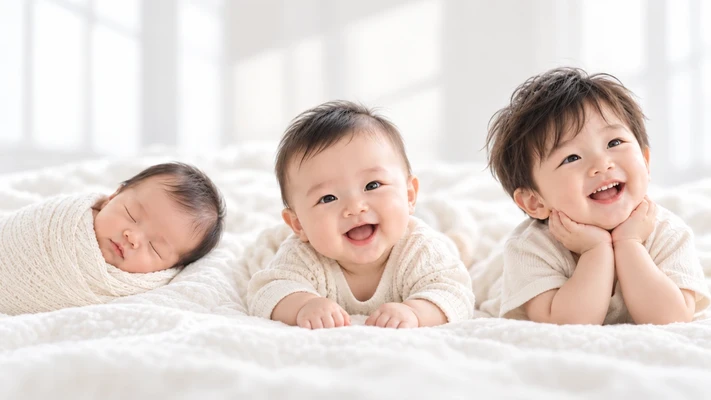
Core advantages
- One-click efficiency: It focuses on the core scenarios of image restoration, enhancement and generation, helping ordinary people save time and designers work faster with one-click smart tools.
- Targeted detail optimisation: It optimises details such as faces, clothing, text and edges so that every part of a restored or enlarged image looks natural and clear.
- High-definition output: Using smart super-resolution, it can enlarge images up to 16000px without loss and output 300 DPI print-grade results.
- Scenario flexibility: It suits everything from restoring family photos to sharpening e-commerce product images and refreshing low-resolution assets for designers.
- Efficient processing: It supports processing multiple images together, which is convenient for batch work on old photos or e-commerce product images.
- No professional skills needed: You do not need professional software such as Photoshop or complex image-processing knowledge to achieve high-quality restoration and optimisation.
- Fully web-based: It works across devices such as phones and computers without installing any software or plug-ins.
- Privacy protection: Uploaded images are encrypted, and they are automatically deleted after processing to reduce the risk of privacy leaks.
Limitations
The results from imgAK are affected by the quality of the original image and the complexity of its content, and AI-generated or restored results may differ from your expectations. It is recommended to keep the original file and confirm the preview before downloading. Its upscaling, restoration and colouring features are designed for specific scenarios and are not equivalent to professional studio photography or manual retouching. Some features depend on network and server performance, and processing time varies with image size and feature complexity. For the exact available features, parameter ranges and pricing, please refer to the actual pages of the official website.
FAQ
Q1: What kinds of image problems can imgAK handle? imgAK handles common issues such as blur, fading, damage, creases and watermarks. It also supports colouring black-and-white photos, enlarging low-resolution images, cutout, cartoon conversion, and retouching of portraits and product images, suitable for many types such as portraits, group photos, pets and product images.
Q2: Do I need to install software or have professional skills to use imgAK? No. imgAK is a fully web-based tool that works on phones and computers. You can use it directly in a browser without installing any software or plug-ins, and you do not need to master professional software such as Photoshop.
Q3: What results can upscaling achieve, and is my image safe? imgAK uses smart super-resolution to enlarge images up to 16000px without loss and output 300 DPI print-grade results, while fixing blur and noise. Uploaded images are encrypted and automatically deleted after processing to reduce the risk of privacy leaks.
Frequently asked questions
What kinds of image problems can imgAK handle?
imgAK handles common issues such as blur, fading, damage, creases and watermarks. It also supports colouring black-and-white photos, enlarging low-resolution images, cutout, cartoon conversion, and retouching of portraits and product images, suitable for many types such as portraits, group photos, pets and product images.
Do I need to install software or have professional skills to use imgAK?
No. imgAK is a fully web-based tool that works on phones and computers. You can use it directly in a browser without installing any software or plug-ins, and you do not need to master professional software such as Photoshop.
What results can upscaling achieve, and is my image safe?
imgAK uses smart super-resolution to enlarge images up to 16000px without loss and output 300 DPI print-grade results, while fixing blur and noise. Uploaded images are encrypted and automatically deleted after processing to reduce the risk of privacy leaks.



