

Feishu Base is a table-based data management and collaboration tool. Teams can use fields, views, dashboards and automation to organize business information, with AI assistance where currently available. Website: https://base.feishu.cn/

Feishu Base: collaborative data and workflows
Feishu Base is a table-based data management and collaboration tool. Teams can use fields, views, dashboards and automation to organize business information, with AI assistance where currently available. Website: https://base.feishu.cn/.
Features
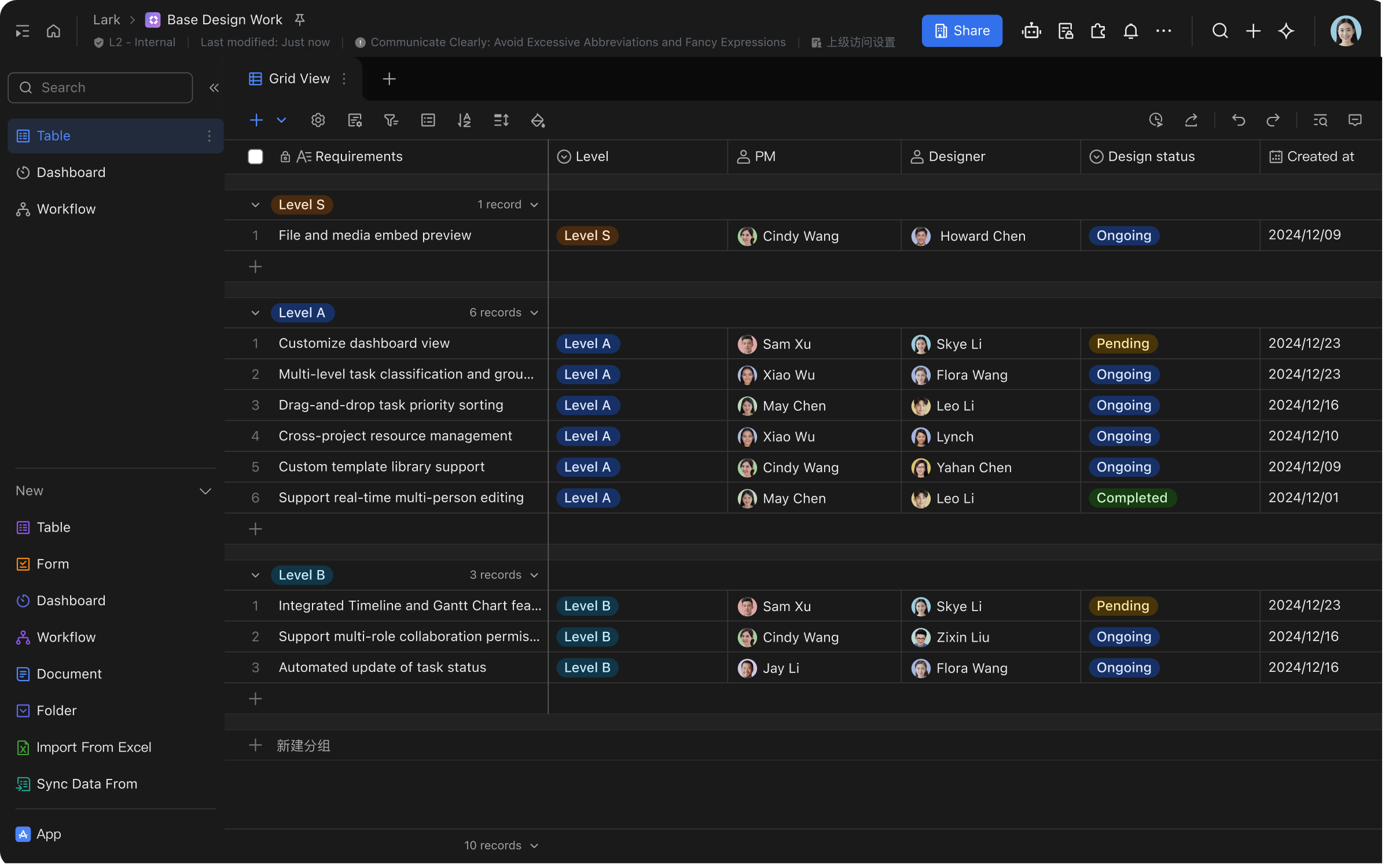
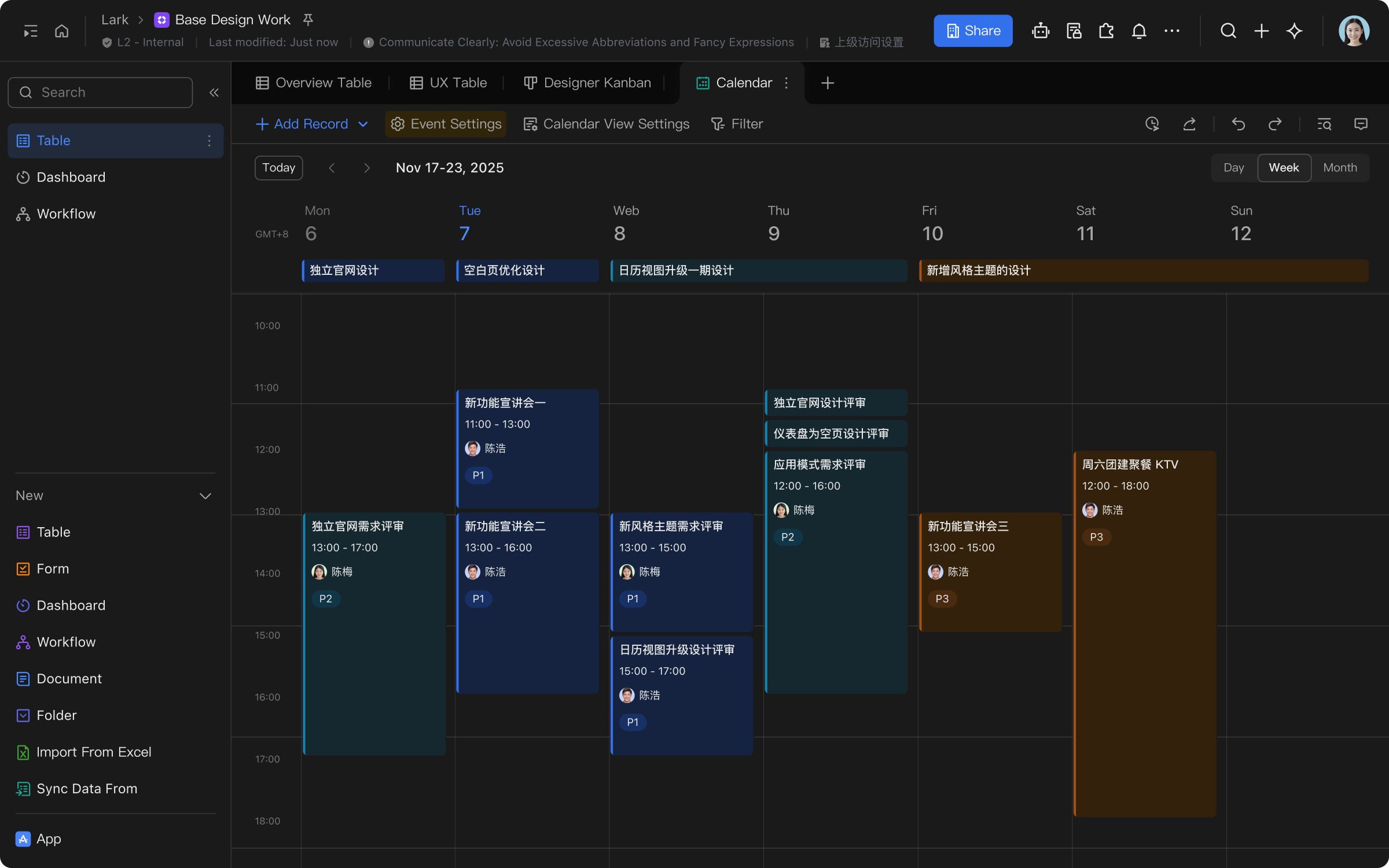
The product describes fields, filtering, sorting and grouping, table, board and calendar views, collaborative editing, permissions, dashboards and automated workflows. AI fields and formula assistance are also described; available models, quotas and features depend on the current version.
How to use
Visit the product site, check account and plan requirements, and create a blank base or select a template. Define tables and fields, enter authorized data, then create views and dashboards and set collaborator access. For automation, configure triggers and actions, test with sample data before enabling and review results.
Considerations
Before sharing, check link scope, member permissions and visibility of sensitive data. AI output and charts can contain errors or omissions, so verify important conclusions against source data. Check the effects of notifications or data changes before enabling automation; plans and quotas can change.
Frequently asked questions
Can multiple people collaborate?
Collaborative editing and sharing are supported; access depends on configuration and the current plan.
Can data be viewed in different ways?
Product information describes table, board and calendar views; check the current interface.
Should automation be checked?
Yes. Verify triggers, actions and permissions before enabling, then review results.
Frequently asked questions
Can multiple people collaborate?
Collaborative editing and sharing are supported; access depends on configuration and the current plan.
Can data be viewed in different ways?
Product information describes table, board and calendar views; check the current interface.
Should automation be checked?
Yes. Verify triggers, actions and permissions before enabling, then review results.



