

ChatArt is a creation tool that brings AI chat, writing, imaging, video, music, novels and agents onto one platform, so users can move from idea to finished content without switching platforms. It suits short video, e-commerce visuals, brand marketing and everyday office or study tasks.
ChatArt: An All-in-One AI Creation Platform for Chat, Writing, Images and Video
ChatArt is an all-in-one AI creation tool that covers AI chat, AI writing, AI image generation and editing, AI video generation, AI novel writing and AI agents. Users can move from idea to finished work without switching between multiple platforms. ChatArt works on the web and across many devices, making it a good fit for creators, e-commerce sellers and marketing teams.
Main Features
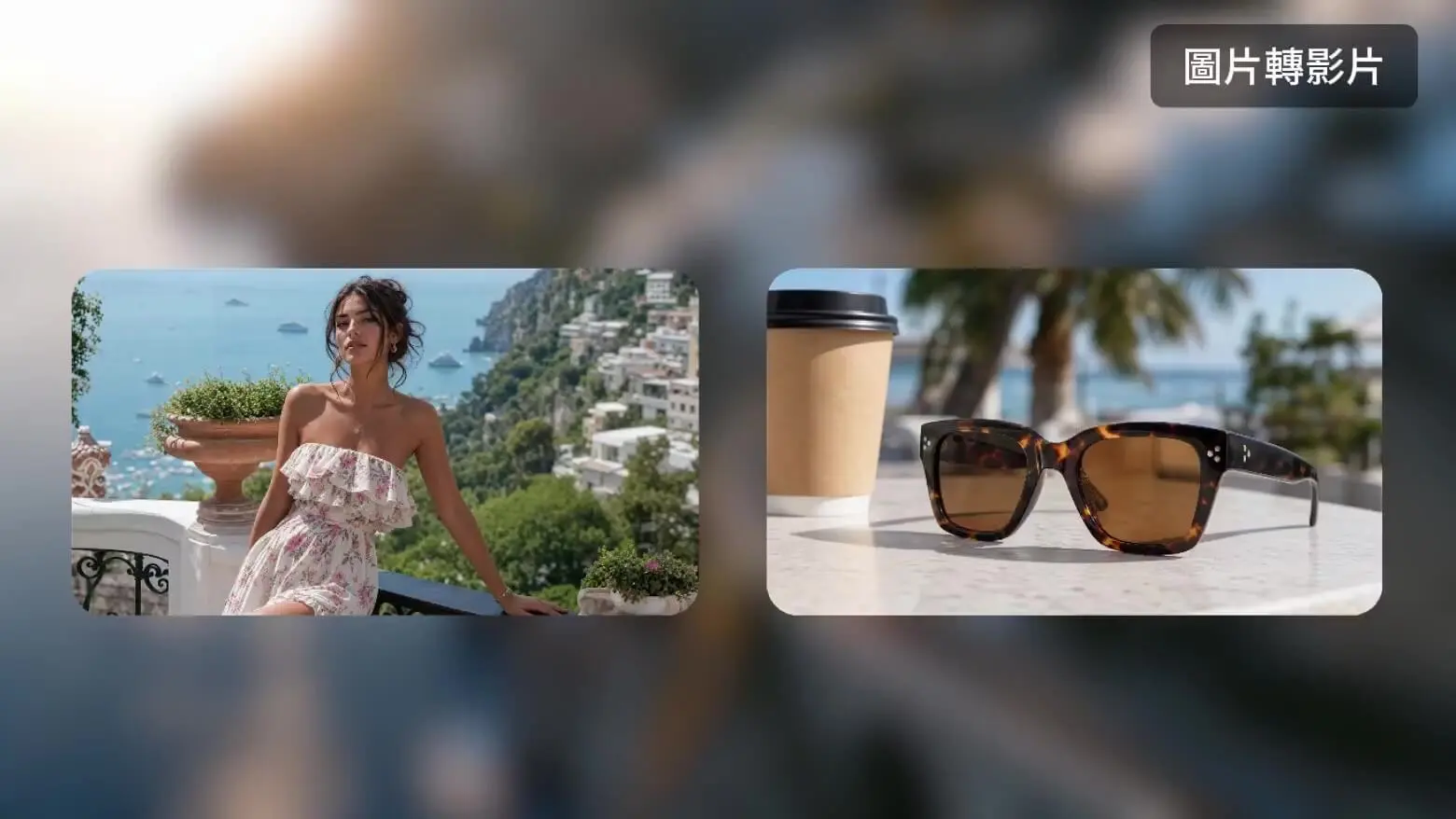
AI video generation: Create video from text, a single image or multiple images, with effects, extension and motion control.
AI image generation and editing: Text-to-image and image-to-image generation, plus background removal, local retouching and background replacement.
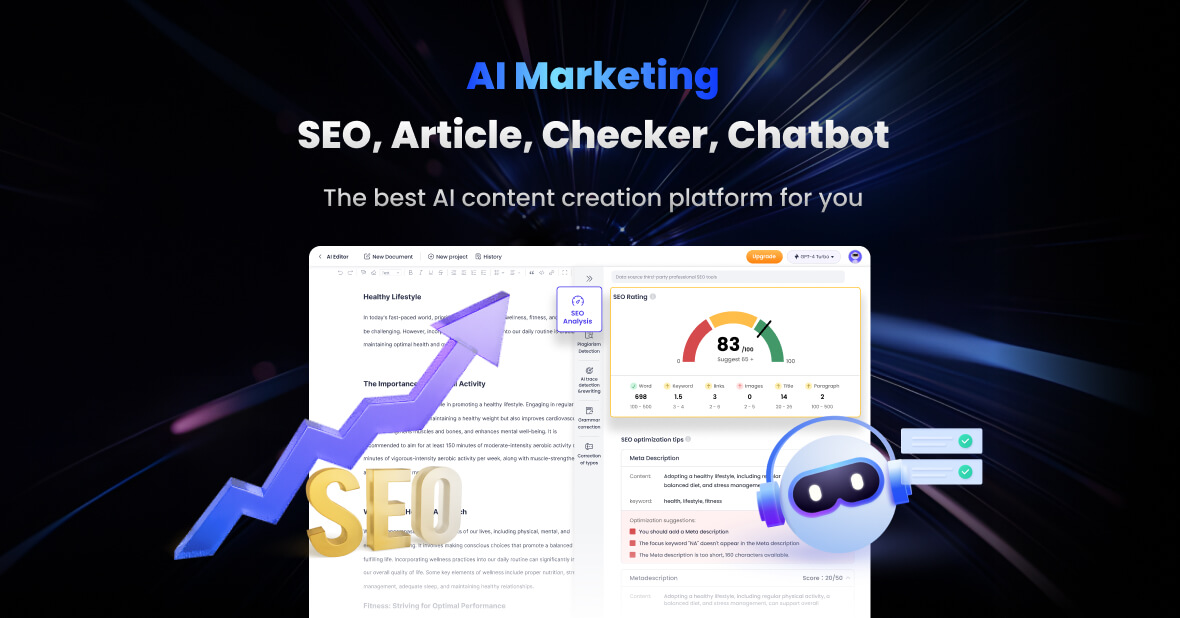
AI writing and office creation: Tools for articles, emails, copywriting, scripts, paper assistance, SEO content and AI detection.
AI chat and smart Q&A: Connects to mainstream large language models for everyday questions, knowledge lookup, brainstorming and study support.
AI music and MV creation: Generate music, lyrics and audio from prompts, then turn them into AI music videos.
AI novel and story studio: Covers the full workflow from idea expansion, plot outlines and character design to chapter generation and polishing.
Infinite AI canvas and multi-asset workflow: Link prompts, reference images, character settings and generated assets on a visual canvas to manage complex projects.
AI agent Claw: Plans automatically around a task goal and calls the right tools, improving efficiency on complex creative work.
How to Use
Register and sign in: Visit the official ChatArt website at https://www.chatartpro.com/ to create an account or sign in.
Pick a tool: Choose AI Chat, AI Writer, text-to-image, image-to-video, AI Music or another module depending on what you want to make.
Enter and generate: Type a description, upload a reference image or select a model, then generate in one click and edit, extend or export the result.
Work across devices: Use the web app, Windows, macOS, iOS, Android or a browser extension to keep creating on desktop and mobile.
Core Strengths
All-in-one aggregation: Chat, writing, images, video, music, novels, marketing and agents live on one platform, forming a complete AI workflow from idea to finished piece.
Broad model coverage: Multiple text, image, video and music models are brought together so users can choose the best option for each task.
Built for local content needs: Strong support for short video, product images, ad creatives, social posts, operations copy and brand marketing.
Fits beginners and professionals: Simple prompts work for quick results, while multi-image, multi-model and multi-step flows support advanced projects.
Seamless across platforms: Available on the web, Windows, macOS, iOS, Android and browser extensions, so work continues on desktop and mobile.
Multilingual output: Supports Simplified Chinese, Traditional Chinese, English, Japanese, Korean and more, serving cross-border, e-commerce and overseas marketing needs.
Use Cases
Short video and social content: Turn copy or images into short videos and motion assets for social platforms using AI video and music MV features.
E-commerce product images and marketing visuals: Produce product main images, detail pages and ad creatives with text-to-image generation, background removal and recoloring.
Brand marketing and full campaign planning: Generate brand stories, ad scripts, social posts and SEO content with AI writing, then combine AI video and images for promos and posters.
Novel and long-form storytelling: Complete the whole process inside the AI novel studio, from idea expansion and outlines to character design, chapter generation and polishing.
Workplace and study support: Use AI chat for knowledge lookup, planning discussions and brainstorming, and AI writing for emails, papers, summaries and reports.
Limitations and Notes
Each module uses different generation models and quota rules; available models, generation counts and resolutions follow what the product actually shows.
AI-generated content may contain factual or stylistic inaccuracies, so human review is recommended before commercial use, publishing or formal documents.
Video and music results depend on prompt quality and reference materials; complex projects can be split into steps on the AI canvas.
FAQ
What kinds of creation does ChatArt support?
ChatArt covers AI chat, AI writing, AI image generation and editing, AI video generation, AI music and MV, AI novel writing and AI agents, letting you finish the whole workflow on one platform.
Can I use it on my phone?
Yes. ChatArt supports the web, Windows, macOS, iOS, Android and browser extensions, so you can keep creating on both computers and mobile devices.
Which languages can the output be in?
ChatArt supports Simplified Chinese, Traditional Chinese, English, Japanese, Korean and other languages, which suits cross-border, e-commerce and overseas marketing work.
Frequently asked questions
What kinds of creation does ChatArt support?
ChatArt covers AI chat, AI writing, AI image generation and editing, AI video generation, AI music and MV, AI novel writing and AI agents, letting you finish the whole workflow on one platform.
Can I use it on my phone?
Yes. ChatArt supports the web, Windows, macOS, iOS, Android and browser extensions, so you can keep creating on both computers and mobile devices.
Which languages can the output be in?
ChatArt supports Simplified Chinese, Traditional Chinese, English, Japanese, Korean and other languages, which suits cross-border, e-commerce and overseas marketing work.



