

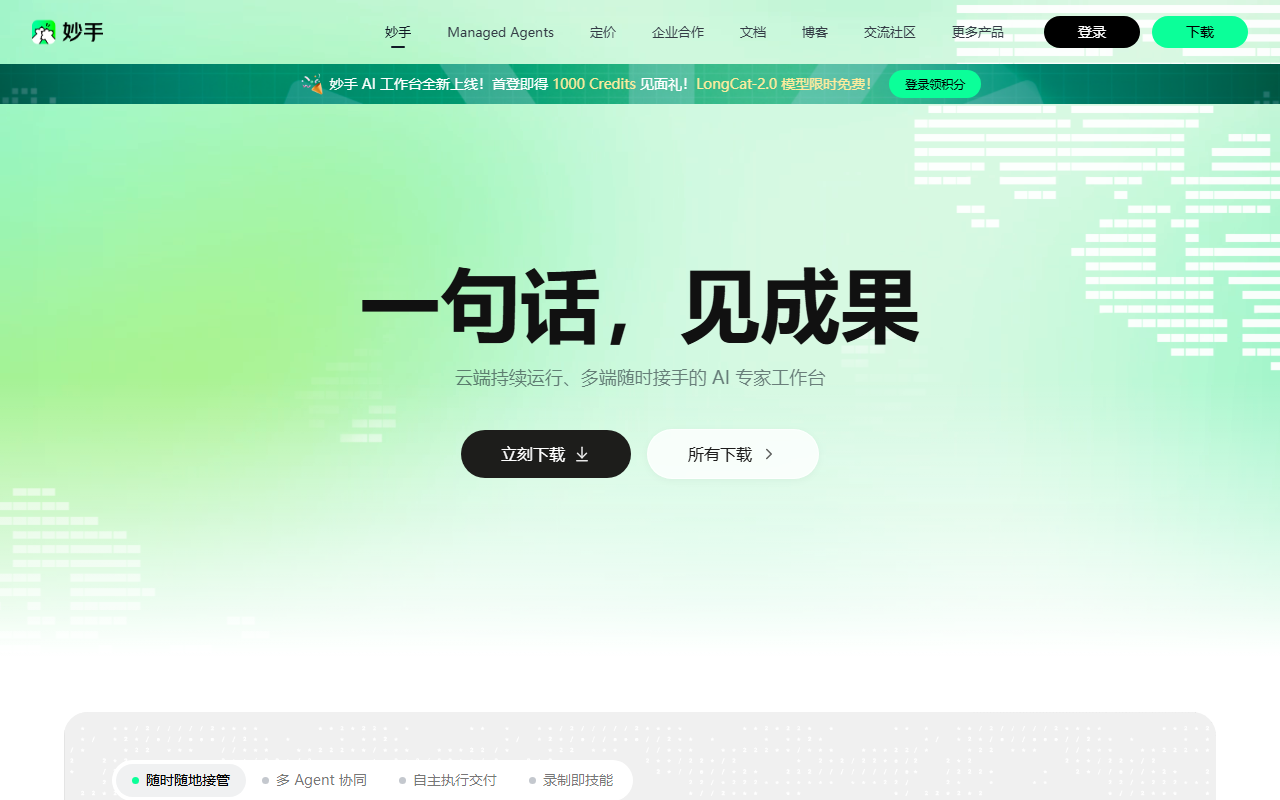
CatPaw APP最新版 is an AI smart workspace launched by Meituan. Users issue tasks in natural language, and the system coordinates through multi-turn dialogue and automated task planning to assist with office workloads like document writing, data analysis, and information organizing. It supports cross-device linkage between mobile and desktop platforms, dual-mode voice and text input, streaming responses, and completion notifications. It also features built-in skills including translation, writing, data analysis, and document processing (Docx/XLSX/PPTX), alongside domain experts in market analysis, UI design, and code review. Because the public fact sheet does not provide a verifiable official website URL or pricing details, all costs, versions, and regional availability must be verified directly through Meituan's official release channels.
What Is CatPaw APP最新版
CatPaw APP最新版 refers to CatPaw, an AI smart workspace launched by Meituan. Its primary interaction method is natural language: instead of navigating complex toolbars and menus, users describe what they need done—such as organizing materials, drafting documents, analyzing data, or processing office files—and the AI manages multi-turn dialogue collaboration along with automated task planning. Public factual records emphasize that the execution progress of each step is visible in real time, enabling users to monitor and steer the process actively.
From a product perspective, CatPaw is positioned more as an on-the-go AI productivity hub than a simple conversational chatbot. It bridges mobile devices with desktop environments, allowing users to assign tasks, switch workspaces, and monitor project progress at any time. In addition, it employs data encryption during transmission to protect information security, catering to mobile collaboration for both individuals and teams.
Product Positioning and Core Entities
Key aspects defining CatPaw APP最新版 include "AI Smart Workspace," "Natural Language Interaction," "Cross-Device Task Management," and "Office Task Execution." It spans multiple domains including translation, writing, and software development, offering a rich suite of built-in professional skills and domain experts. For professionals moving across fragmented schedules, the ability to initiate tasks on a mobile device and continue handling them on a desktop represents its primary design focus.
Note that the factual record does not provide specific build versions, pricing plans, official website URLs, or app store links. Consequently, this article does not invent or assume these details. Claims regarding "latest updates," "completely free access," or "time-limited offers" encountered online should always be verified against official Meituan channels.
Core Feature Breakdown
Intelligent Conversational Collaboration
CatPaw supports multi-turn dialogue and automated task planning. Once a user states an objective using natural language, the AI independently carries out office tasks, rendering the progress and output of each step in real time. This workflow suits tasks that evolve iteratively, such as outlining a structure, filling in data points, and finally formatting a formal document.
Cross-Device Task Management
Connecting mobile and desktop platforms, CatPaw lets users send tasks, switch workspaces, and track project status anytime. This continuous multi-project visibility across devices supports workflows for users who frequently commute or step away from their workstations.
Voice and Text Input
CatPaw provides dual-mode input through voice and text. The AI delivers immediate feedback via streaming responses and actively pushes a notification once a task is finished. Voice is convenient for logging quick thoughts on the go, while text allows for precise control over formatting, definitions, and output structures.
Over a Hundred Ready-to-Use Skills
According to verified data, CatPaw includes numerous built-in professional skills such as translation, writing, data analysis, and document processing for formats like Docx, XLSX, and PPTX. Users can equip these skills with a single tap, modularizing recurring office actions without requiring manual setup from scratch.
Domain Expert Invocation
CatPaw covers professional fields including market analysis, UI design, code review, content creation, and project management, keeping specialized virtual experts accessible on demand. For cross-functional teams, these experts provide structured problem-decomposition frameworks, though human review remains necessary for final decisions.
Recommended Usage Steps
- Define Task Objectives: Clearly state the intended deliverable, such as "convert meeting notes into an action item list" or "summarize sales figures into a trend brief."
- Choose Input Modality: Use voice for quick prompts while walking or commuting; switch to text when setting specific parameters, column headers, or file output requirements.
- Equip Relevant Skills: Select the necessary module based on the task, such as translation, copywriting, data analysis, or Docx/XLSX/PPTX document processing.
- Call Domain Experts: For tasks involving market analysis, UI design, code review, content creation, or project management, let the relevant expert construct the initial framework.
- Monitor Real-Time Progress: Take advantage of the step-by-step visible execution to introduce adjustments if the AI's direction drifts.
- Continue Across Devices: After initiating a task on mobile, switch workspaces on your desktop computer to review progress and perform detailed editing.
- Review Deliverables: Once the completion notification arrives, inspect all factual data, calculations, formatting, and references before distributing the work.
Applicable Scenarios
- Document Drafting: Weekly reports, proposal outlines, meeting minutes, and first drafts for content creation.
- Data Analysis: Generating summaries, standardizing metrics, and describing trend lines from spreadsheets or business data.
- Information Organization: Compiling disparate notes into actionable checklists, structured outlines, or project milestones.
- Translation and Writing: Accelerating bilingual understanding and maintaining consistent tone across written deliverables.
- Development Collaboration: Code review assistance, drafting technical documentation, and breaking down engineering tasks.
- Project Management: Tracking deliverables and overseeing multiple parallel tracks via cross-device management.
Key Advantages
CatPaw's strengths lie in its low interaction barrier, observable task execution, seamless multi-device continuity, and extensive skill set. Natural language prompts lower the entry threshold for workplace automation. Multi-turn planning enables complex tasks to proceed methodically. Mobile-desktop coordination facilitates flexible work routines, while streaming responses and dual-mode input optimize communication speed. Built-in capabilities for Docx, XLSX, PPTX, translation, and data analysis address standard daily office tasks, and encrypted data transmission provides baseline communication security.
Limitations and Risks
First, public factual sources do not provide an official website URL, pricing, release numbers, launch dates, or supported geographic regions, making it impossible to independently verify the exact scope of this release. Second, although progress is rendered step by step, AI systems can still produce factual inaccuracies, computational errors, or formatting anomalies; their output must not be accepted without validation. Third, tasks involving Docx/XLSX/PPTX manipulation, dataset analysis, or code review require testing in realistic work environments to check compatibility, data boundaries, and access rights. Fourth, organizations must assess whether sensitive proprietary materials may be uploaded, following organizational data security policies regardless of transport-layer encryption.
Pricing and Availability Verification
Because the fact sheet contains no pricing details, free trial limits, subscription tiers, enterprise offerings, or official domain links, third-party assertions claiming "unlimited free access" or "all experts unlocked" should be treated with skepticism. Before downloading, registering, or making payments, check Meituan's official channels or app distribution pages to confirm version numbers, developer identity, requested system permissions, subscription terms, refund policies, privacy disclosures, data encryption measures, and customer support channels. Official statements supersede any third-party claims.
Alternative Approaches
If you cannot currently access CatPaw through verified channels, evaluate alternatives based on your primary functional requirements: for general Q&A and writing, assess established AI writing assistants; for dependable spreadsheet and presentation formatting, rely on traditional office software suites paired with structured templates; for multi-app automated sequences, explore workflow automation tools; and for code review, leverage dedicated developer collaboration platforms. When evaluating alternatives, look for natural language task execution, reliable cross-device synchronization, direct Docx/XLSX/PPTX processing, and clear data privacy and pricing documentation.
Conclusion
CatPaw APP最新版 is designed to delegate multi-step office workloads to AI through natural language prompts while keeping tasks synchronized across mobile and desktop interfaces. It is well-suited for professionals and teams looking to streamline documentation, data synthesis, and routine task planning, provided that critical business judgments remain under human supervision. Because official links, prices, and version identifiers remain unlisted in the source data, all dynamic operational details should be confirmed directly via official Meituan platforms.
Frequently asked questions
Is CatPaw APP最新版 free to use?
The public fact sheet does not include pricing, free tier allocations, or subscription information. Free access cannot be assumed, and pricing terms should be confirmed through official Meituan release channels prior to purchase.
What office tasks can CatPaw handle?
According to the fact sheet, CatPaw assists with document drafting, data analysis, and information organization through natural language interaction. It includes built-in skills for translation, writing, data analysis, and processing Docx, XLSX, and PPTX files.
Does CatPaw support simultaneous use on mobile and desktop?
Yes. The factual record states that CatPaw features mobile and desktop cross-device linkage, enabling users to assign tasks, switch workspaces, and monitor progress across devices.
Can CatPaw's output be published or used without review?
No. Even though step-by-step progress is visible in real time, AI systems may still produce errors in facts, numerical calculations, formatting, or domain logic. Outputs require manual review before external distribution.
Why does this guide omit an official website link for CatPaw?
The underlying fact sheet leaves sourceUrl, canonicalUrl, and officialUrl blank, and contains no verifiable primary URL. In accordance with editorial standards, unverified website addresses are not fabricated. Please consult official Meituan announcements or authorized app stores.



